Gemini Canvas Can Make Slides. Save the Brief Before the Deck Exists
Gemini Canvas and file generation make it easier to turn prompts into documents or slides. The best deck still starts with a clear brief, source list, audience, and decision.
May 8, 2026
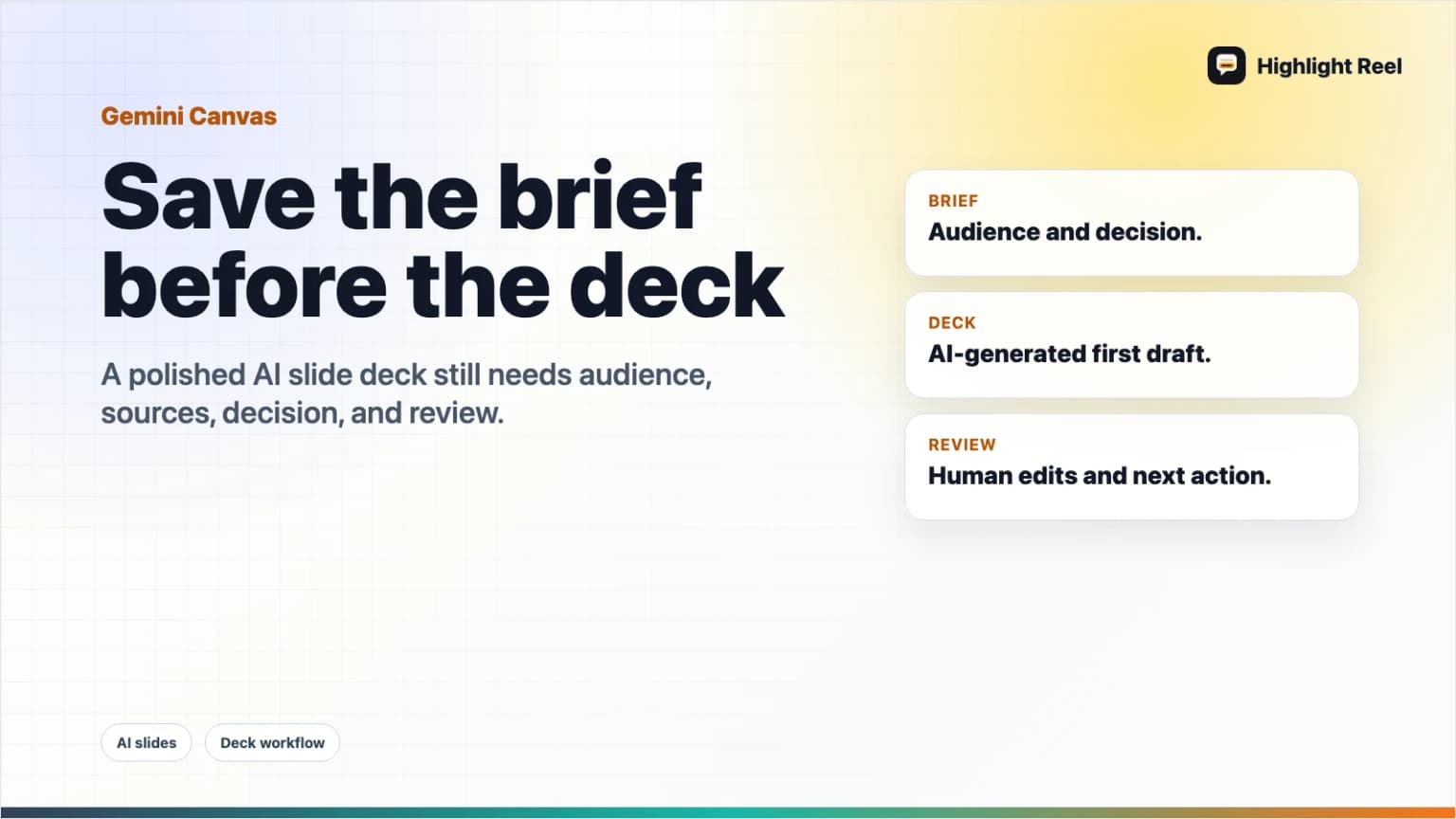
Gemini Canvas and Gemini file generation make it easier to go from prompt to document, app, code, PDF, spreadsheet, or slide deck. Google says Gemini can now generate files directly from a prompt, including Google Docs, Sheets, Slides, PDFs, Word documents, Excel files, Markdown, and more.
Highlight Reel
Save the brief behind the AI-generated deck
Keep the useful prompts, sources, decisions, and review notes as a clean Highlight Reel handoff.
That is useful. It also makes one old problem easier to hide:
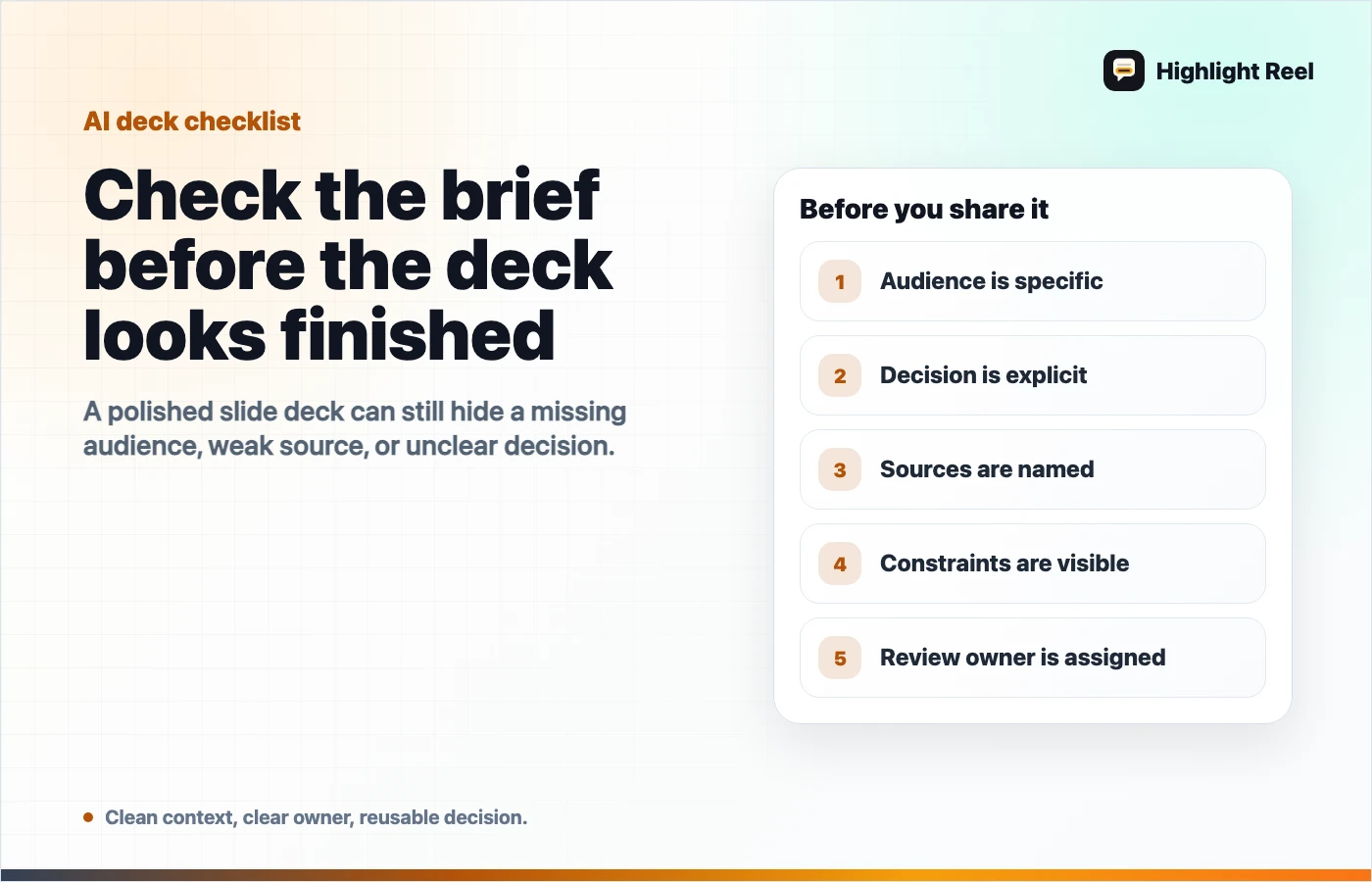
A deck can look finished before the thinking is finished.Before asking an AI tool to generate slides, save the brief.
Quick Answer
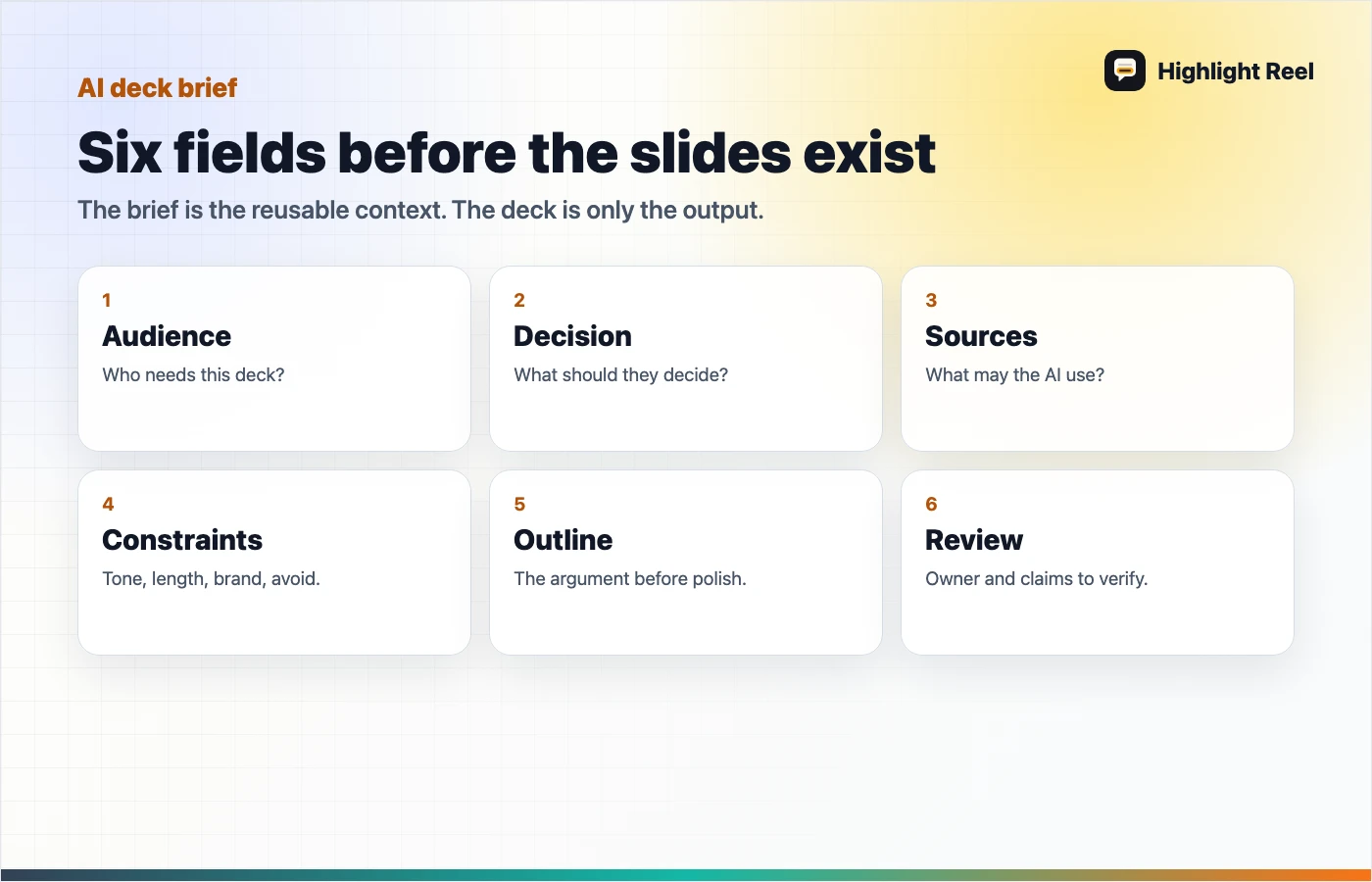
Before using Gemini Canvas, ChatGPT, Claude, or another AI tool to generate a deck, save:
- the audience
- the decision the deck should support
- the sources or notes the deck can use
- the constraints
- the outline
- the review owner
The AI-generated deck is the output. The brief is the reusable context.
Why The Brief Matters More With AI Slides
When a human makes slides, missing context slows them down. When AI makes slides, missing context can disappear under polished structure.
The deck may have:
- a nice title slide
- a clean agenda
- reasonable-looking bullets
- attractive visuals
- confident language
But it may still miss:
- the actual audience
- the source of a claim
- the decision being requested
- the constraints the presenter cares about
- the parts that need human review
That is why the prompt should not be the only source of truth.
The AI Deck Brief
Use this before generating a deck.
# AI Deck Brief

## Audience
Who will read or hear this?

## Decision
What should the deck help them decide?

## Sources
- Research:
- Notes:
- Metrics:
- Customer or team context:

## Constraints
- Length:
- Tone:
- Brand:
- Things to avoid:

## Outline
1.
2.
3.
4.

## Review
- Owner:
- Claims to verify:
- Slides that need human editing:
This brief can be pasted into Gemini Canvas, used as a source for a generated file, or shared with a teammate before the deck is created.
What To Save After The Deck Is Generated
Once AI creates the first draft, save the review trail:
| Item | Why it matters |
|---|---|
| Prompt or brief | Explains what the AI was asked to do. |
| Sources | Shows what the deck is based on. |
| First draft issues | Helps future runs improve. |
| Accepted structure | Captures the reusable outline. |
| Human edits | Separates AI output from approved work. |
| Final decision | Explains what the deck was for. |
This is especially important for client decks, investor decks, internal strategy decks, and training materials.
What Not To Put In The Prompt
Do not paste everything into the deck prompt.
Remove:
- private customer details
- raw meeting transcripts
- internal pricing or roadmap details
- legal language not approved for sharing
- old data that contradicts current facts
- personal comments from the planning chat
If the AI needs context from a messy conversation, make a clean summary first.
Where Highlight Reel Fits
Highlight Reel fits before and after the deck.
Before generation, use it to save a clean brief from a longer AI conversation:
- selected useful turns
- sources
- decision
- outline
- constraints
After generation, save the review note:
- what the AI produced
- what a human changed
- what should be reused next time
That gives your team the thinking behind the deck, not only the exported file.
FAQ
Is Gemini Canvas only for slide decks?
No. Google positions Canvas as a space for writing, coding, and creating. Its help docs cover creating or editing docs, slides, apps, and code.
Do I still need an outline if AI creates the deck?
Yes. The outline is how you control the argument. Without it, the AI may create a deck that looks structured but supports the wrong decision.
Should I save the full AI chat behind the deck?
Usually not. Save the brief, accepted outline, source list, review notes, and final decision. Keep the raw chat only if it contains useful evidence.
What is the smallest useful deck brief?
Audience, decision, sources, constraints, outline, and review owner.