How to Export a ChatGPT Conversation Without Losing the Useful Parts
A practical guide to exporting, saving, or sharing a ChatGPT conversation without burying the useful answer inside a raw archive or oversized thread.
May 2, 2026
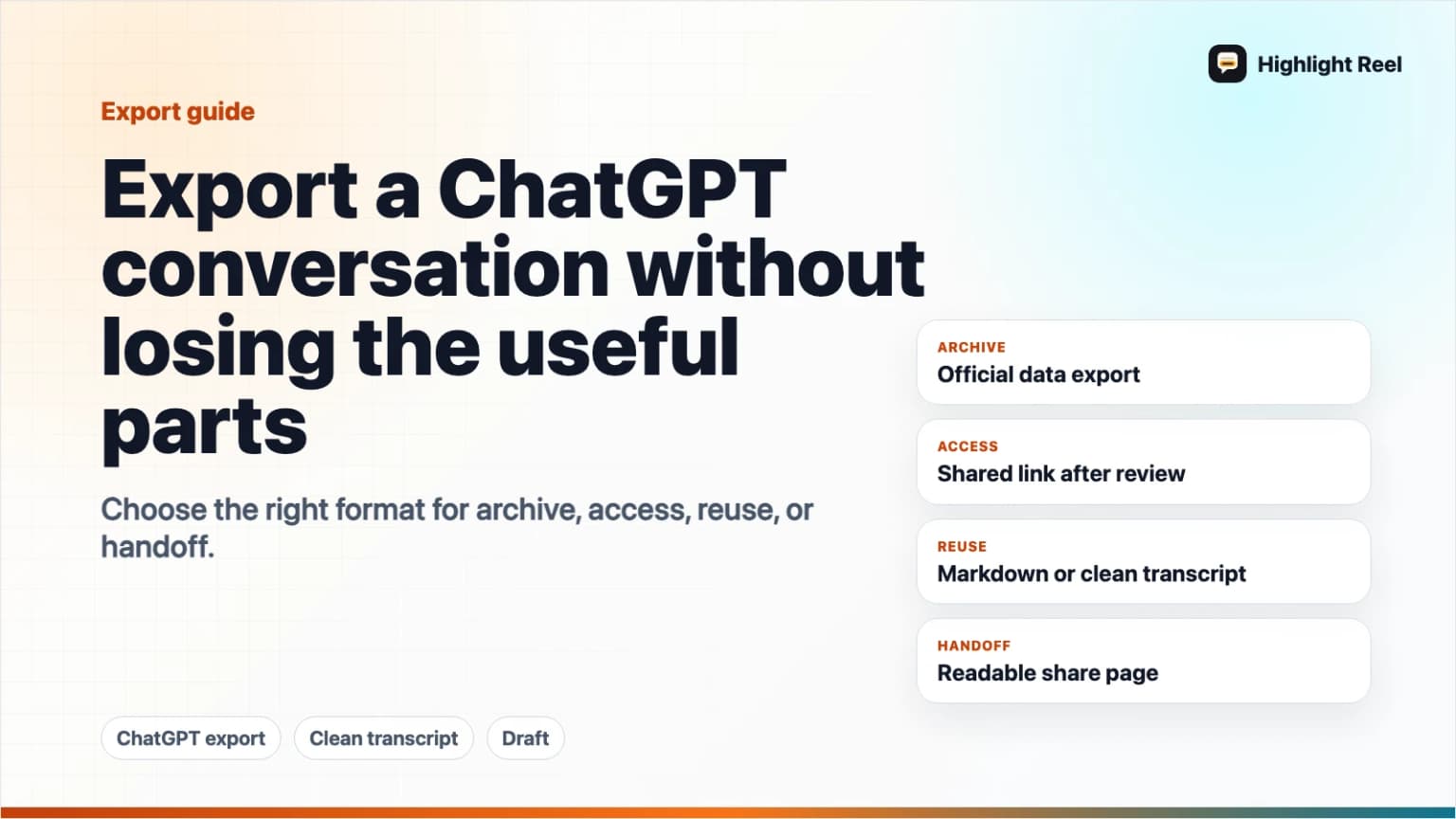
The best way to export a ChatGPT conversation depends on what you need next. Use ChatGPT's official data export when you want an account-level copy of your data. Use a shared link when someone needs to view the original conversation snapshot. Use a selected clean transcript or Markdown export when you want the useful parts to stay readable, copyable, and safe to reuse.
Highlight Reel
Create a cleaner ChatGPT export
Turn the useful turns from a ChatGPT conversation into a readable share page, Markdown export, or reusable artifact.
If the goal is "save this chat so I can actually use it later," a raw export is often not the final artifact. It is the source material. The useful export is usually the cleaned version you can send to a teammate, paste into a doc, attach to a ticket, or turn into future AI context.
Quick Answer
To export a ChatGPT conversation without losing the useful parts:
- Decide whether you need an archive, a view-only link, or a reusable transcript.
- Use OpenAI's data export for an account-level copy of the data OpenAI makes available through export.
- Use a ChatGPT shared link only when the full conversation snapshot is appropriate to share.
- Copy or extract the important turns into a clean Markdown transcript when the reader needs the answer, reasoning, code, sources, or decision trail.
- Redact private details before you save or send the cleaned version.
For most practical work, the best result is not "everything ChatGPT can export." It is the smallest complete version that preserves the question, constraints, useful answer, and any code, tables, links, or decisions someone will need later.
Your Three Export Options
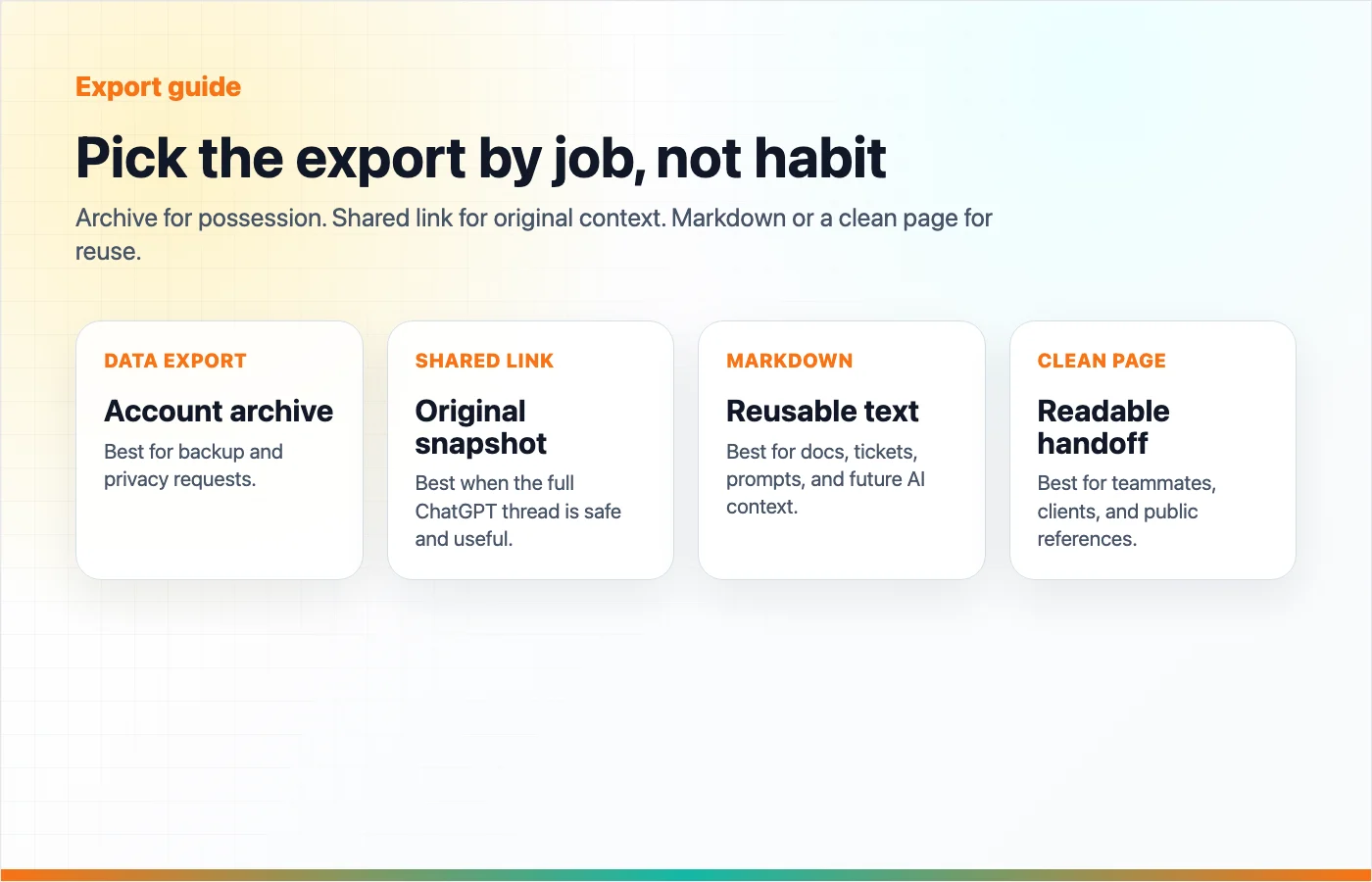
There are three common ways people mean "export a ChatGPT conversation." They solve different problems.
| Option | Best for | What you get | Main limitation |
|---|---|---|---|
| Official ChatGPT data export | Personal archive, privacy request, account backup | A downloadable zip with chat history and other account data, requested through OpenAI | Not designed as a polished shareable page |
| ChatGPT shared link | Letting someone view a ChatGPT conversation snapshot | A URL to the conversation state up to the point it was shared | Anyone with access to the link can view it, and it may include more history than the reader needs |
| Clean transcript or Markdown export | Sharing, saving, publishing, docs, tickets, reusable context | A curated version with selected turns, headings, code blocks, tables, and links | Requires a short edit and redaction pass |
The mistake is treating these as interchangeable. A data export is for possession. A shared link is for access. A clean transcript is for understanding.
When to Use OpenAI's Official Data Export
Use the official ChatGPT data export when you need a copy of your ChatGPT account data, not when you need a beautiful article, report, or team handoff.
OpenAI's Help Center says you can request a data export through the Privacy Portal or from ChatGPT under Settings > Data Controls > Export Data. The export is delivered by email, the download link expires after 24 hours, and the downloaded zip includes chat history plus other relevant account data. OpenAI also notes that exports can take up to 7 days to arrive.
This is the right choice when you want to:
- Keep a personal backup.
- Review what data is associated with your account.
- Move old conversations into your own storage system.
- Audit shared conversation link data.
- Preserve history before deleting or reorganizing chats.
It is not the easiest choice when your real task is:
- "Send this answer to a teammate."
- "Turn this research chat into a blog outline."
- "Paste the useful reasoning into a GitHub issue."
- "Save only the final prompt, answer, and source links."
For those jobs, start from the official export if you need the full archive, then create a cleaner working copy.
When to Use a ChatGPT Shared Link
Use a ChatGPT shared link when the reader should see the conversation inside ChatGPT's own sharing experience.
OpenAI's shared links FAQ describes shared links as unique URLs for ChatGPT conversations. On web, you can preview the conversation snapshot before copying the link. The important detail is that a shared link is a snapshot of the entire conversation up to the point it is shared. If the conversation has ten prompts and responses, the shared link can include that history, not only the latest answer.
That makes shared links useful for:
- Showing the original chat context.
- Sharing a conversation with someone who wants the raw exchange.
- Creating a reference point for a later discussion.
- Letting someone inspect how the answer developed.
It also creates a practical risk: the link may include more than the reader needs.
Before using a shared link, check whether the earlier turns contain:
- Customer names, emails, phone numbers, or account details.
- Internal URLs, file paths, repo names, or roadmap details.
- API keys, tokens, credentials, or logs.
- Private source text copied from another tool.
- Unfinished reasoning you do not want treated as a final recommendation.
If the answer is useful but the full thread is noisy or sensitive, make a clean transcript instead.
When a Clean Transcript or Markdown Export Is Better
A clean transcript is the most useful format when the conversation has become a work artifact.
It keeps the parts that matter:
- The original question.
- The necessary constraints.
- The correction that changed the answer.
- The final recommendation.
- Code blocks as copyable text.
- Tables as real tables.
- Links as clickable references.
- A short note explaining why the conversation matters.
It removes the parts that make the reader work harder:
- False starts.
- Duplicate answers.
- Long prompt experiments.
- Private details.
- Side branches that do not affect the final answer.
- Chat UI clutter.
Markdown is especially useful because it travels well. You can paste it into a doc, issue, README, wiki, CMS draft, email, Slack message, or another AI tool without flattening the structure into screenshots.
A Simple Export Decision Guide
Use this decision guide before you export:
| If you need to... | Use this | Why |
|---|---|---|
| Keep an account-level copy for your own records | Official ChatGPT data export | It is the official export path OpenAI provides |
| Show someone the original conversation snapshot | ChatGPT shared link | It preserves the platform-native view of the thread |
| Send only the useful answer and context | Clean transcript | It avoids making the reader dig through the whole chat |
| Preserve code, commands, tables, and links | Markdown export | The content remains selectable and reusable |
| Share externally or publicly | Clean transcript after redaction | You control what appears on the page |
| Create a durable knowledge asset | Clean share page | It gives the conversation a title, summary, structure, and URL |
When in doubt, choose the format that gives the reader the least irrelevant material while keeping enough context to trust the answer.
Step-by-Step: Export the Useful Version
1. Name the Job
Start with the reason you are saving the conversation.
Examples:
- "Decision record for changing our onboarding flow."
- "Research notes on SOC 2 checklist options."
- "Debugging trail for the production login issue."
- "Prompt and final output for a reusable support email."
This title becomes the first filter. Anything that does not help the job can probably be removed.
2. Keep the Turns That Explain the Result
Useful ChatGPT conversations usually need more than the last answer, but less than the full thread.
Keep:
- The first prompt or task.
- Constraints the model needed to know.
- Any correction that changed the direction.
- The final useful output.
- Source links, code, or data the reader may need.
Remove:
- Repeated attempts that ended in the same place.
- "Try again" turns that do not explain anything.
- Personal notes that are not needed for the reader.
- Unrelated brainstorming branches.
3. Preserve Structure, Not Interface
Screenshots preserve the interface. A good export preserves meaning.
Make sure the cleaned version keeps:
- Headings.
- Ordered steps.
- Bullets.
- Code fences.
- Tables.
- Links.
- Short context notes.
If the conversation includes a command, code block, SQL query, or prompt template, it should remain copyable.
4. Redact Before You Share
Redaction is part of exporting, not an afterthought.
Use this checklist:
- Remove API keys, tokens, secrets, and auth headers.
- Remove customer names and contact details unless they are required and safe to share.
- Remove internal URLs, private repo paths, private file paths, and unreleased roadmap details.
- Replace exact financial, legal, health, HR, or security details with safer placeholders.
- Check code blocks and logs, not just paragraphs.
- Check titles and filenames for private information.
- Re-read the final page as someone outside the original context.
The goal is not to make the conversation vague. The goal is to keep the useful work without sending unnecessary private context with it.
5. Add a One-Sentence Reader Note
Before you save or send the cleaned export, add a short note:
This is the cleaned ChatGPT conversation behind the onboarding copy decision.
The key parts are the original constraints, the rejected direction, and the final checklist.
That note turns a transcript into a handoff.
What You Lose When You Export the Wrong Way
The wrong export format usually loses one of three things.
First, it can lose context. If you copy only the final answer, the reader may not know what question it answered or which constraints shaped it.
Second, it can lose usability. Screenshots and raw archives make it harder to copy code, click links, search text, or reuse a table.
Third, it can lose control. A full shared link or raw thread can expose more of the conversation than the recipient needs.
The useful parts of a ChatGPT conversation are usually not "all messages." They are the task, context, reasoning, result, and next action.
How Highlight Reel Fits
Highlight Reel is built for the middle path: not a raw account archive, not a screenshot, and not an oversized shared link.
Paste or select the useful turns from a ChatGPT conversation, clean the structure, redact what should not travel, and create a readable share page. From there, the conversation can become a link, Markdown export, PNG, saved transcript, or reusable context for future AI work.
That makes it a better fit when your goal is:
- "I want to share the useful part."
- "I want this to be readable later."
- "I want a clean page before I send it."
- "I want the conversation to become part of my work library."
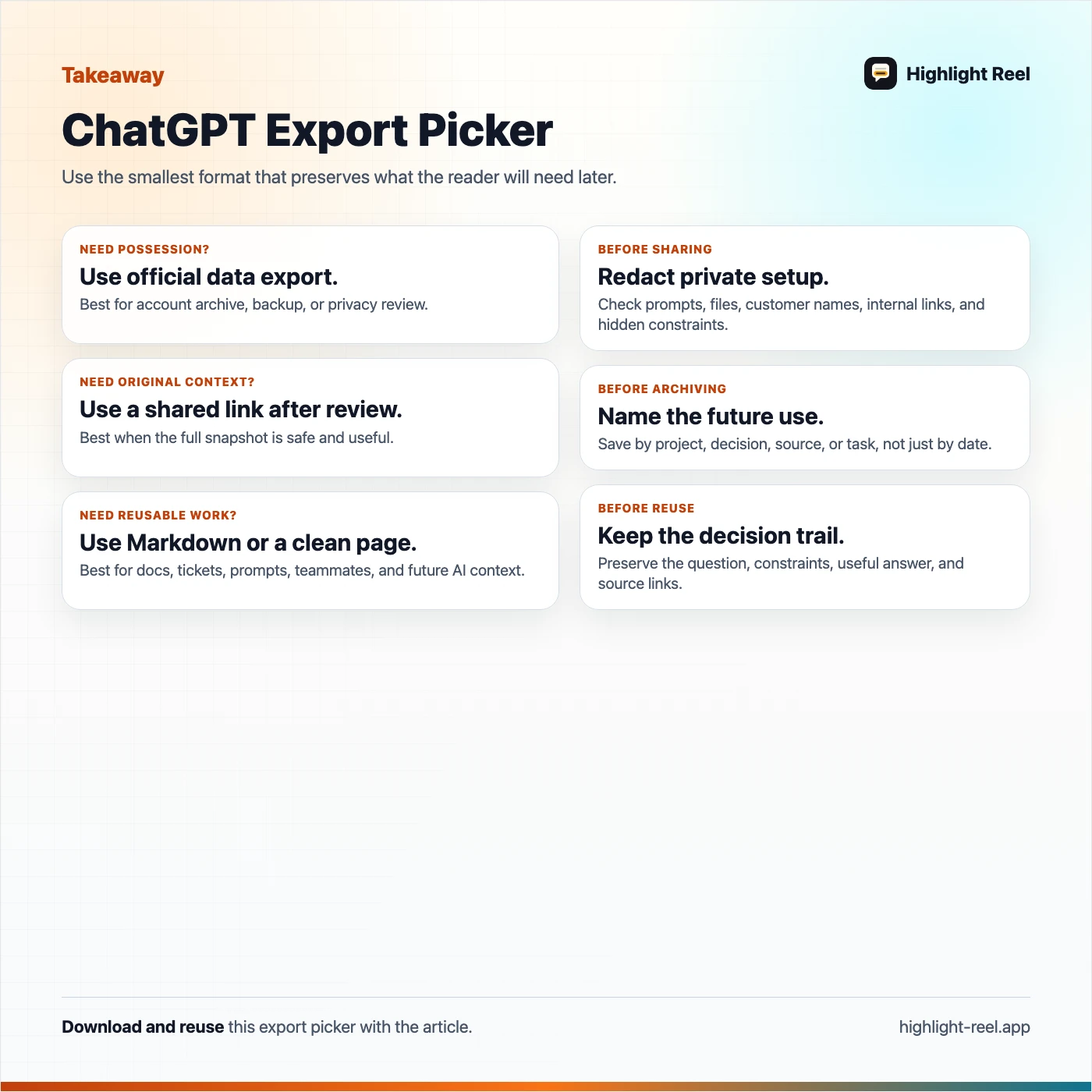
Download the ChatGPT export picker
FAQ
Does ChatGPT have an official export feature?
Yes. OpenAI's Help Center explains how to request a ChatGPT data export through the Privacy Portal or through ChatGPT Settings > Data Controls > Export Data. The export is delivered as a downloadable zip after account verification.
Is a ChatGPT shared link the same as exporting a conversation?
No. A shared link lets someone view a conversation snapshot. A data export gives you a copy of your account data. A clean transcript or Markdown export is an edited artifact you can share, save, or reuse outside ChatGPT.
Will a shared link include the whole conversation?
OpenAI's shared links FAQ says a shared link is a snapshot of the entire conversation up to the point it is shared. That means earlier prompts and responses can be included, not just the latest answer.
Are shared links included in ChatGPT data export?
OpenAI says shared conversation link data is included in ChatGPT data export. Its separate Help Center note describes a shared_conversations file with link-related data such as ID, conversation ID, title, and anonymity setting.
What is the best format for saving a useful ChatGPT answer?
For reuse, Markdown is usually the most practical format because headings, lists, links, tables, and code blocks stay readable and copyable. For long-term account records, use the official data export. For sharing the original ChatGPT snapshot, use a shared link after reviewing it.