ChatGPT Team Handoff: How to Turn a Conversation Into a Handoff Note
Turn a useful ChatGPT conversation into a short team handoff note with context, decisions, risks, owners, and next actions.
May 2, 2026
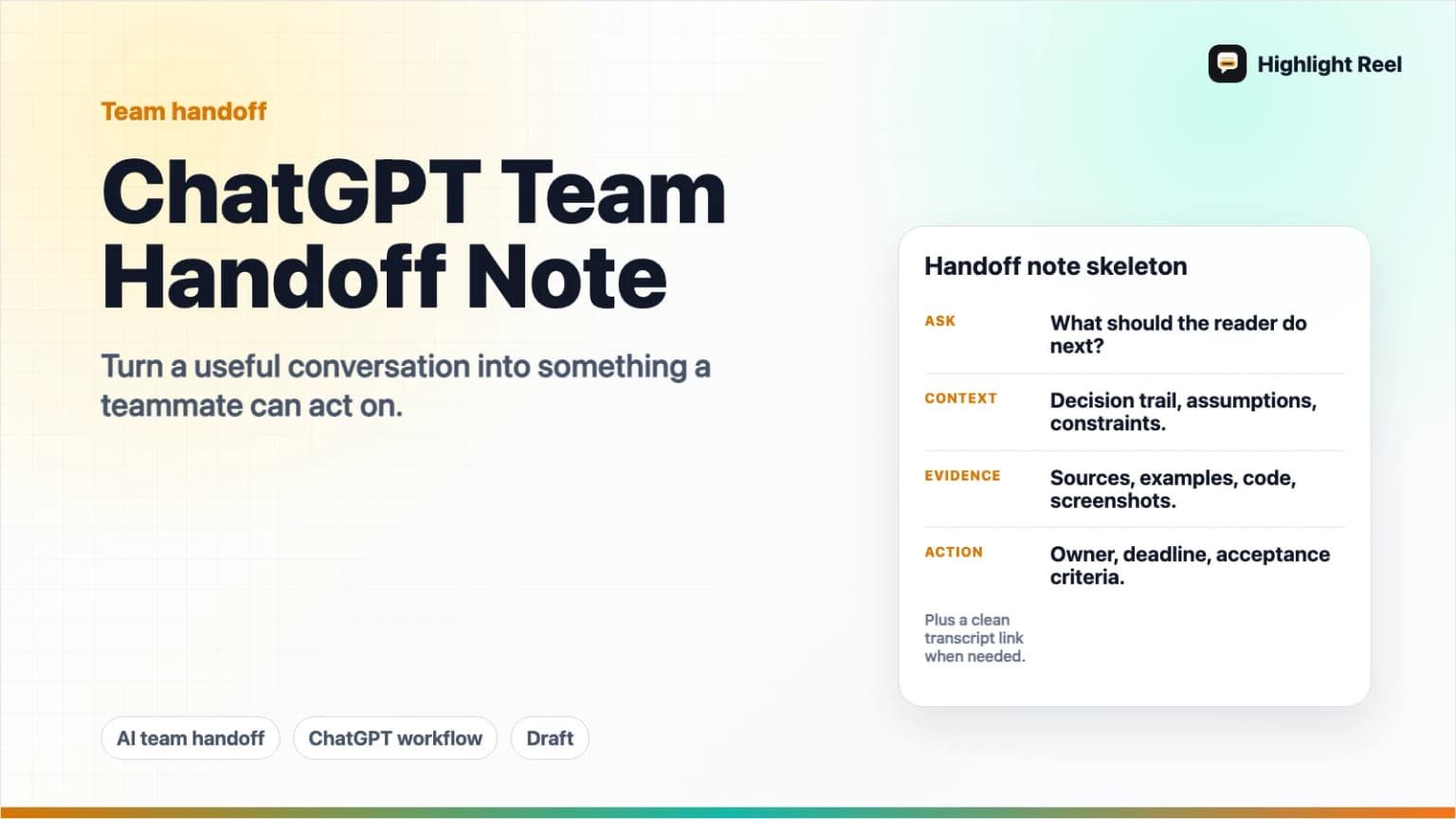
The best way to turn a ChatGPT conversation into a team handoff is to extract the decision, the context that led to it, the evidence worth checking, the risks, and the next action. Do not send the whole thread unless the whole thread is the artifact. Send a short handoff note, plus a clean link or Markdown export for anyone who needs the supporting conversation.
Highlight Reel
Turn the useful ChatGPT turns into a clean handoff
Create a readable Highlight Reel page or Markdown export from the parts your teammate actually needs.
Quick Answer
A good ChatGPT team handoff should answer five questions:
- What did we ask ChatGPT to help with?
- What decision, recommendation, or draft came out of the conversation?
- What context does the teammate need so they do not restart from zero?
- What assumptions, risks, or sources still need review?
- Who owns the next action, and where should that action happen?
Use the raw ChatGPT conversation as source material, not as the final handoff. Native ChatGPT shared links can be useful when someone needs the original conversation snapshot, but OpenAI's shared links FAQ says anyone with access to the link can view the linked conversation, and the shared link includes the conversation up to the point it was shared. For team work, a shorter cleaned note is usually easier to read and safer to send.
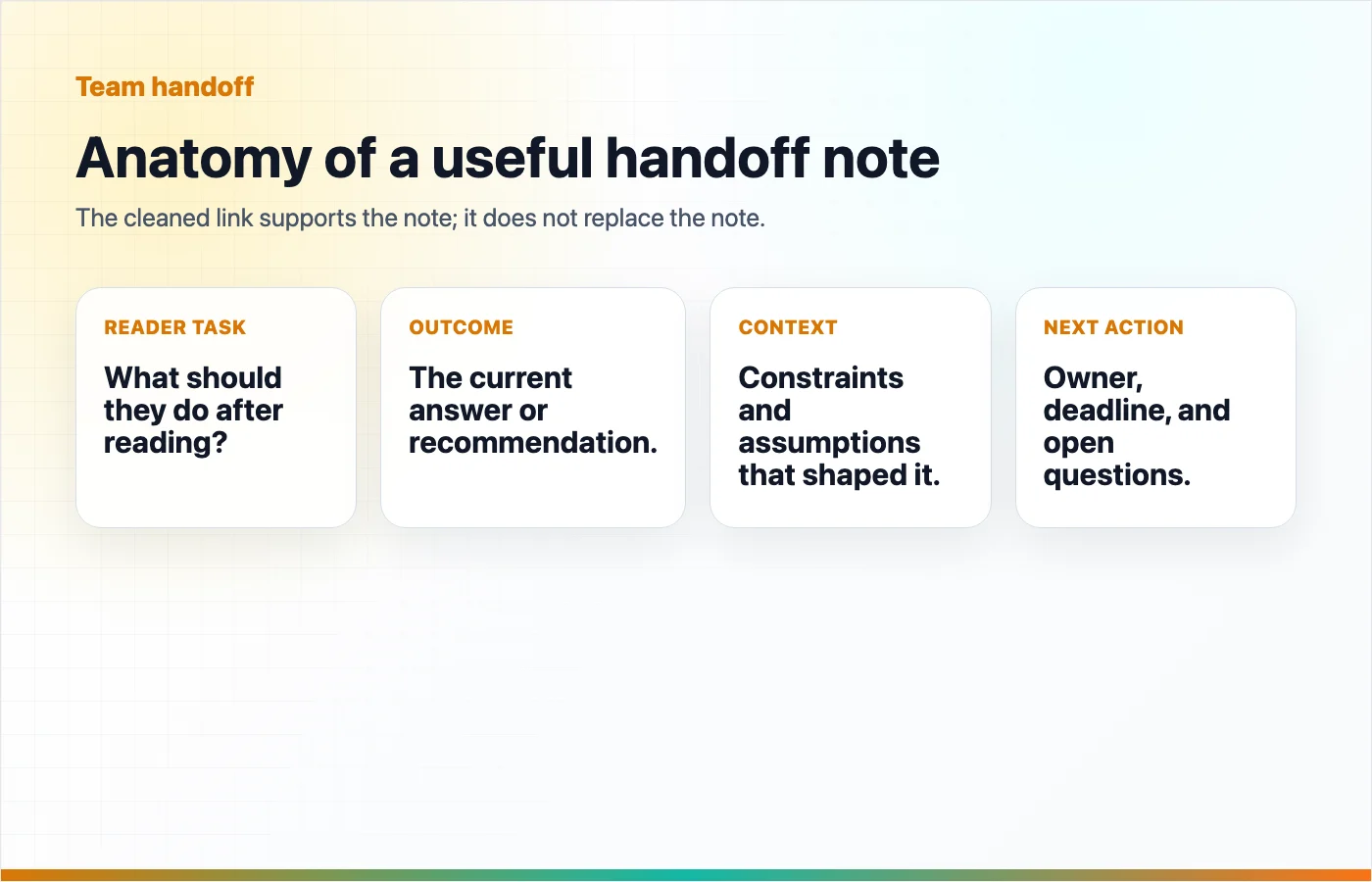
Why A Handoff Note Beats A Raw ChatGPT Thread
A ChatGPT thread often contains useful work, but it also contains false starts, repeated instructions, private context, long model reasoning, and branches that no longer matter. A teammate does not need to relive the whole conversation. They need the result and enough context to trust it.
A handoff note turns the thread into an artifact:
- A teammate can skim it in one minute.
- The decision is separated from the supporting context.
- Sensitive or irrelevant content can be removed before sharing.
- The next action is clear.
- The original useful turns can still be preserved in a clean page or Markdown export.
This matters most when the conversation produced something work-like: a product decision, a research summary, a bug diagnosis, a customer email draft, a launch checklist, a technical plan, or a strategy memo.
What To Include
Keep the pieces that help another person continue the work.
| Include | Why it belongs in the handoff |
|---|---|
| Original task | Shows what problem the conversation was solving. |
| Final answer or recommendation | Gives the teammate the current best output. |
| Key constraints | Explains why the answer looks the way it does. |
| Decisions made | Prevents the same debate from reopening. |
| Assumptions | Makes uncertainty visible instead of hidden. |
| Sources or references | Lets the reader verify claims before acting. |
| Open questions | Shows what still needs human judgment. |
| Owner and next step | Converts the AI output into team action. |
If the ChatGPT conversation involved external facts, keep the sources as links whenever possible. If it involved internal information, include only the minimum context needed for the recipient.
What To Exclude
Remove anything that makes the reader work harder or increases risk.
- Prompts that only corrected formatting.
- Repeated model answers that were rejected.
- Sensitive customer, employee, legal, medical, financial, or security details.
- API keys, credentials, internal URLs, private file paths, and private repository names.
- Speculative claims that no one has checked.
- Long transcript sections that do not affect the final decision.
- Native shared links when the cleaned note is enough.
The goal is not to hide the process. The goal is to preserve the useful process without forcing the reader through every turn.
Reusable ChatGPT Handoff Note Template
Copy this template into your team tool, then replace the bracketed sections.
# [Project or decision name]

## One-sentence handoff
[What changed, what was decided, or what the teammate needs to do.]

## Original task
[The prompt or task you gave ChatGPT, rewritten in plain language.]

## Outcome
- Recommendation: [The main answer or decision]
- Status: [Draft / ready for review / ready to act / blocked]
- Owner: [Person or role]
- Due date: [Date or "none"]

## Context the next person needs
- [Constraint, background, or prior decision]
- [Important correction from the conversation]
- [Tradeoff that shaped the result]

## Sources or supporting evidence
- [Source title or internal doc]: [link or location]
- [ChatGPT conversation excerpt]: [clean Highlight Reel page or Markdown export]

## Assumptions and risks
- Assumption: [What may be wrong or incomplete]
- Risk: [What could break, mislead, or need approval]
- Needs human review: [Yes/No, and by whom]

## Next actions
1. [Action] - [Owner] - [Destination/tool]
2. [Action] - [Owner] - [Destination/tool]
3. [Action] - [Owner] - [Destination/tool]
The strongest handoffs are short. If the note is longer than the original conversation's final answer, you may be copying too much instead of extracting the work.
Where To Send The Handoff
The destination should match what the recipient needs to do next.
| Destination | Use it when | Send this format |
|---|---|---|
| Slack or team chat | The team needs awareness, a quick review, or a decision pointer. | Short summary plus a clean link. |
| Shared doc | The handoff needs comments, edits, or long-term reference. | Full template with links and review notes. |
| Ticket or issue | The AI conversation created work that must be tracked. | Summary, acceptance criteria, owner, and supporting link. |
| The audience is external, cross-functional, or needs a formal record. | Polished note with only necessary context. |
Slack's help center documents support for formatted lists, code blocks, block quotes, and links, so a compact handoff can work well there. Google Drive sharing gives you access controls for files that need view, comment, or edit permissions. Ticket systems such as Jira are better when the handoff must become tracked work with a summary, fields, subtasks, or issue-level controls.
Keep the rule simple: chat is for attention, docs are for collaboration, tickets are for execution, and email is for formal or external handoff.
Step-By-Step Workflow
1. Name The Reader
Before editing the ChatGPT thread, decide who the handoff is for.
A founder may need the recommendation. An engineer may need the technical constraint. A support lead may need the customer-safe wording. A designer may need the user problem and acceptance criteria.
If the reader is unclear, the note will become a transcript dump.
2. Pull Out The Useful Turns
Select only the parts of the conversation that changed the work:
- The original task.
- A constraint you added later.
- A useful comparison or tradeoff.
- A source-backed answer.
- The final recommendation.
- The next-action list.
Everything else can usually be removed or summarized.
3. Rewrite The Outcome In Human Terms
Do not paste the model's answer as if it is the decision. Write what the team should understand.
Weak:
ChatGPT said we should use option B.Better:
Recommendation: use option B for the first release because it avoids a new database dependency and keeps the workflow reversible. Revisit option C after usage data shows whether teams need shared editing.The second version gives a teammate enough context to disagree intelligently.
4. Mark Assumptions Clearly
AI output often sounds more certain than the underlying evidence deserves. Put assumptions in their own section so they are easy to review.
Use labels like:
- Confirmed from source.
- Inferred from conversation.
- Needs product owner review.
- Needs legal or security review.
- Open question.
This turns uncertainty into a manageable part of the handoff instead of a hidden flaw.
5. Attach The Clean Conversation Artifact
If someone may need the supporting turns, attach a clean version of the conversation. That could be a Highlight Reel page for reading or a Markdown export for docs, tickets, and repositories.
The cleaned artifact should preserve:
- The useful prompts.
- The useful responses.
- Code blocks, tables, and links as real text.
- Enough context to understand why the outcome changed.
It should not preserve private details or irrelevant branches just because they happened in the original thread.
Pre-Send Checklist
Run this before you send the handoff:
- The title says what the handoff is about.
- The first sentence says what changed or what action is needed.
- The final decision is separated from the supporting context.
- Assumptions and risks are labeled.
- Sources or references are linked when claims depend on them.
- Sensitive details have been removed.
- The destination matches the next action.
- The clean conversation link or Markdown export is attached only if it helps.
Create The Clean Handoff In Highlight Reel
Highlight Reel is useful when the ChatGPT conversation contains more value than a message, but less structure than a document.
Use it to:
- Select the useful turns from the conversation.
- Turn them into a readable share page.
- Keep the context cleaner than a raw native shared link.
- Export Markdown when the handoff belongs in a doc, ticket, or repository.
The handoff note can live wherever your team already works. Highlight Reel gives you the clean supporting artifact so teammates do not have to read a messy ChatGPT thread.
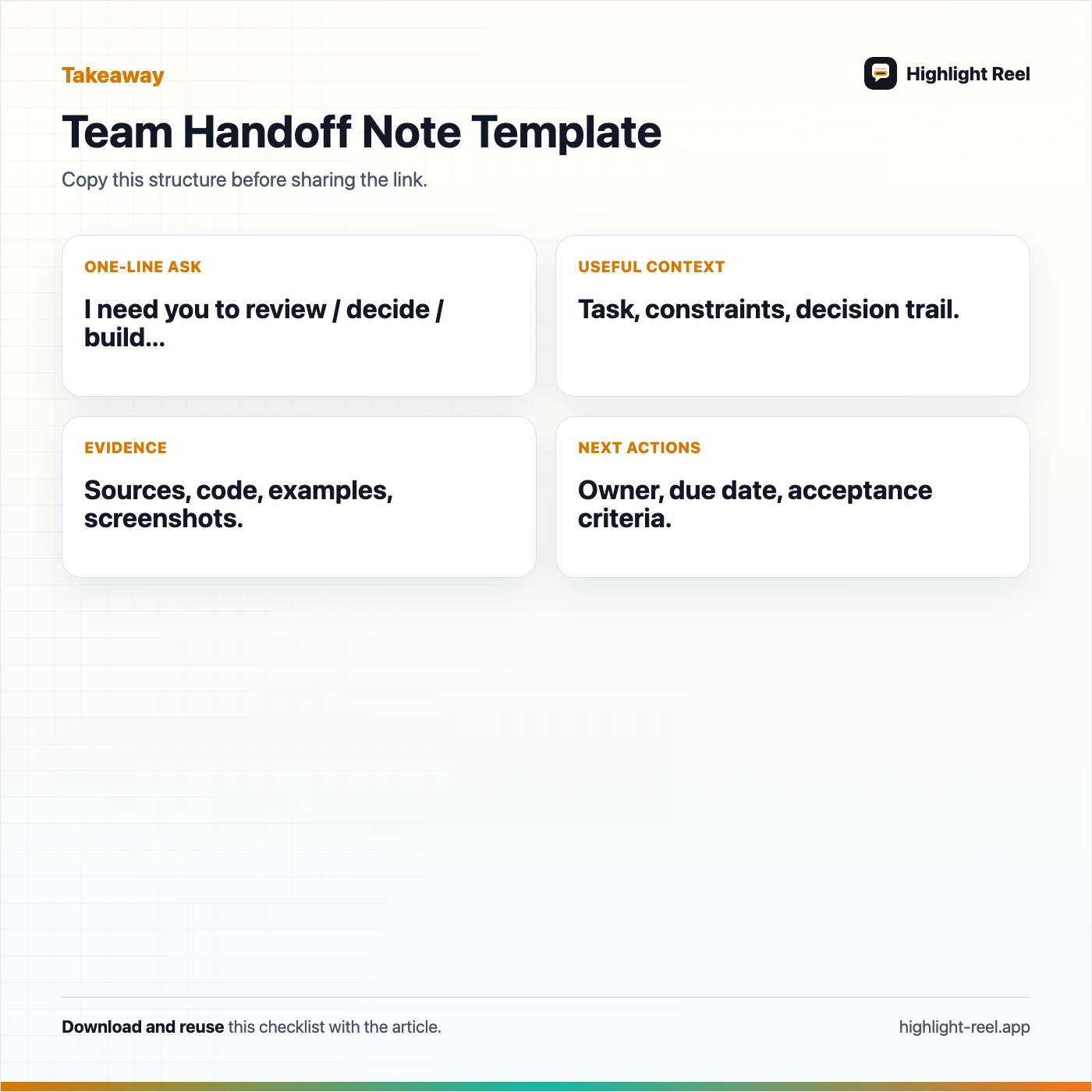
Download the chatgpt team handoff template
FAQ
Can I just send a ChatGPT shared link to my team?
Yes, if everyone needs the original conversation snapshot and the content is safe to share. For most handoffs, a cleaned note is better because it removes irrelevant turns, labels assumptions, and gives the recipient a clear next action.
Should the handoff include the full ChatGPT conversation?
Usually no. Include the smallest set of turns that preserves the decision, context, evidence, and open questions. Link to a clean conversation artifact only when someone may need to inspect the supporting thread.
What if the ChatGPT answer includes sources?
Keep the source links with the handoff, and separate them from model-generated claims. If a decision depends on a source, make it easy for the reviewer to open that source directly.
Where should I send an AI handoff note?
Use Slack or team chat for awareness, a shared doc for collaboration, a ticket for tracked execution, and email for formal or external handoff. The format matters less than making the next action obvious.
What should I redact before sharing?
Remove secrets, private customer information, personal data, internal URLs, private file paths, security details, and anything copied from private documents that the recipient should not see.