ChatGPT Shared Link Privacy: What Others Can See Before You Send It
A clear, non-alarmist guide to what ChatGPT shared links can reveal, when to use them, and how to review or redact a conversation before sharing.
May 2, 2026
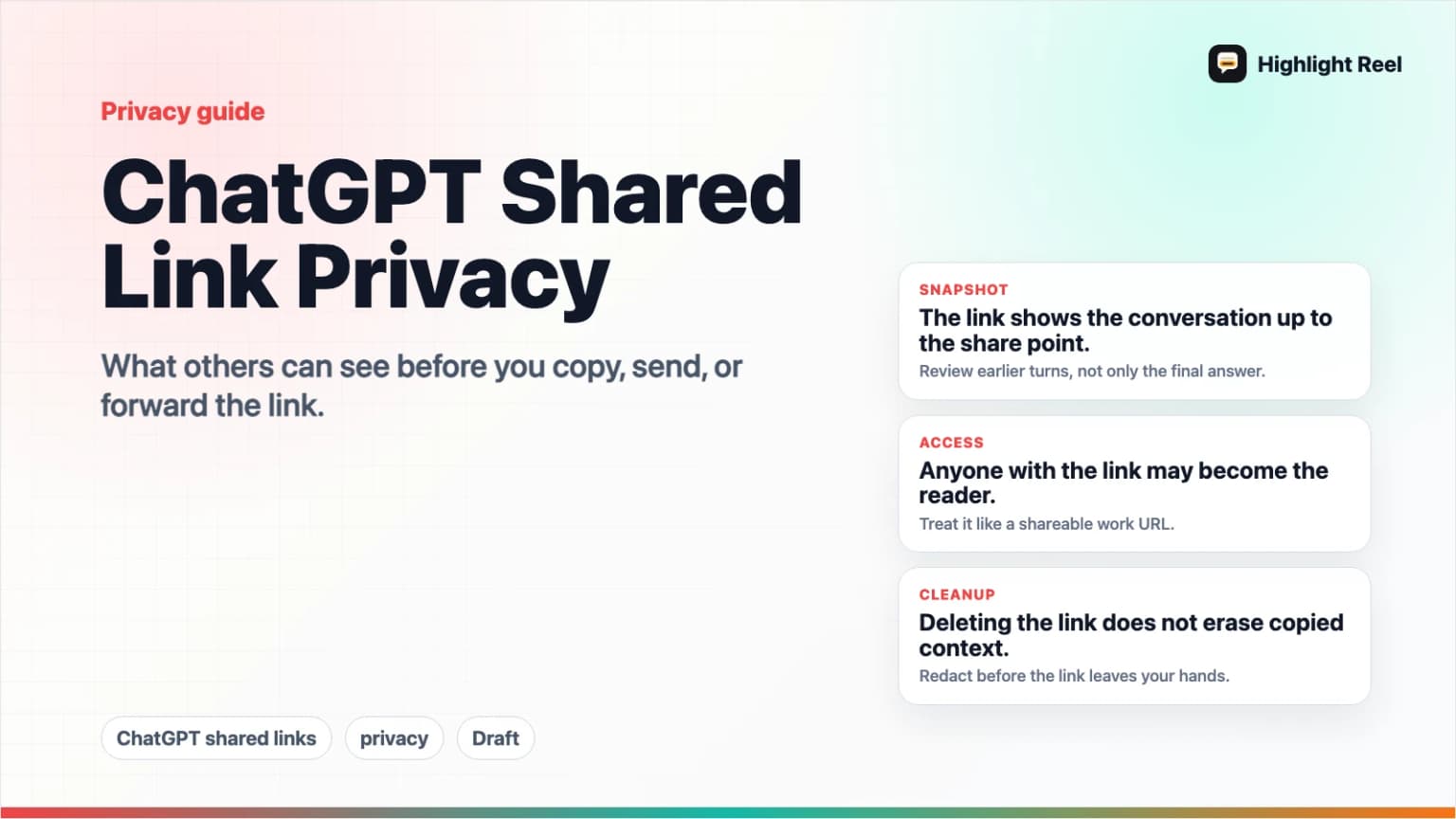
A ChatGPT shared link is convenient, but it is not a redaction tool. Before you send one, assume the recipient can see the conversation snapshot included in the link, review every earlier turn, and forward the URL to someone else if the link is accessible to them.
Highlight Reel
Review and share a cleaner version
Redact the sensitive parts first, then create a clean private or password-ready Highlight Reel share page.
That does not mean shared links are bad. It means they should be treated like any other shareable work link: useful, fast, and worth a quick privacy check before it leaves your hands.
Quick Answer
For regular ChatGPT shared links, OpenAI's Shared Links FAQ says anyone with access to the link can view the linked conversation. The shared link does not include your name or other personal information by default, but it can include the conversation history up to the point you created the link.
Before sending a ChatGPT shared link:
- Preview the shared conversation.
- Check earlier prompts, not only the final answer.
- Remove or replace private details.
- Decide whether the recipient needs the full thread.
- Use a clean transcript or private/password-ready share page if the full ChatGPT snapshot is too much.
The privacy question is not only "Who can open this?" It is also "What exactly will they see if they do?"
Who Can See a ChatGPT Shared Link?
For general ChatGPT shared links, OpenAI's FAQ says anyone who has access to the shared link can view the linked conversation. OpenAI also notes that general shared links do not currently have granular permissions or expiration dates.
That means a regular shared link is best understood as a viewable URL, not a private document with detailed access controls.
There are plan-specific differences. OpenAI's ChatGPT Business documentation says Business shared links are meant for members of the same workspace, and someone outside the workspace cannot see the shared chat. Enterprise behavior can also differ. If you are in a workplace plan, check your workspace's current policy and admin settings before relying on consumer-link assumptions.
For most individual users, the practical rule is simple:
If you would not paste the conversation into an email to everyone who might receive the URL, do not send the raw shared link.
What Can Others See?
OpenAI's FAQ says a shared link is a snapshot of the conversation up to the point it is shared. That is the part many people miss.
The recipient may see:
- Your prompts in the included conversation history.
- ChatGPT's responses in that included history.
- Earlier context that led to the final answer.
- Mistakes, corrections, and side branches if they happened before the link was created.
- Sensitive text you pasted into the conversation.
- Code blocks, logs, tables, links, and file paths that appear in the shared chat.
OpenAI's FAQ also says shared links will not include your name or other personal information by default. But that does not remove personal or sensitive information you typed into the conversation itself.
| Item | Usually visible in the shared conversation? | What to check |
|---|---|---|
| Your typed prompts | Yes, if included before the share point | Private context, names, internal details |
| ChatGPT responses | Yes, if included before the share point | Summaries of sensitive input, copied text, code |
| Your account name | OpenAI says shared links do not include your name by default | Name visibility settings and any name typed in the chat |
| Earlier turns | Yes, if they are part of the snapshot | Old context that is no longer relevant |
| Future turns | For regular shared links, the FAQ frames the link as a snapshot up to sharing | Workspace or Enterprise behavior may differ |
| Deleted link access | Deleted links stop being accessible through that URL | Imported copies may not disappear from someone else's history |
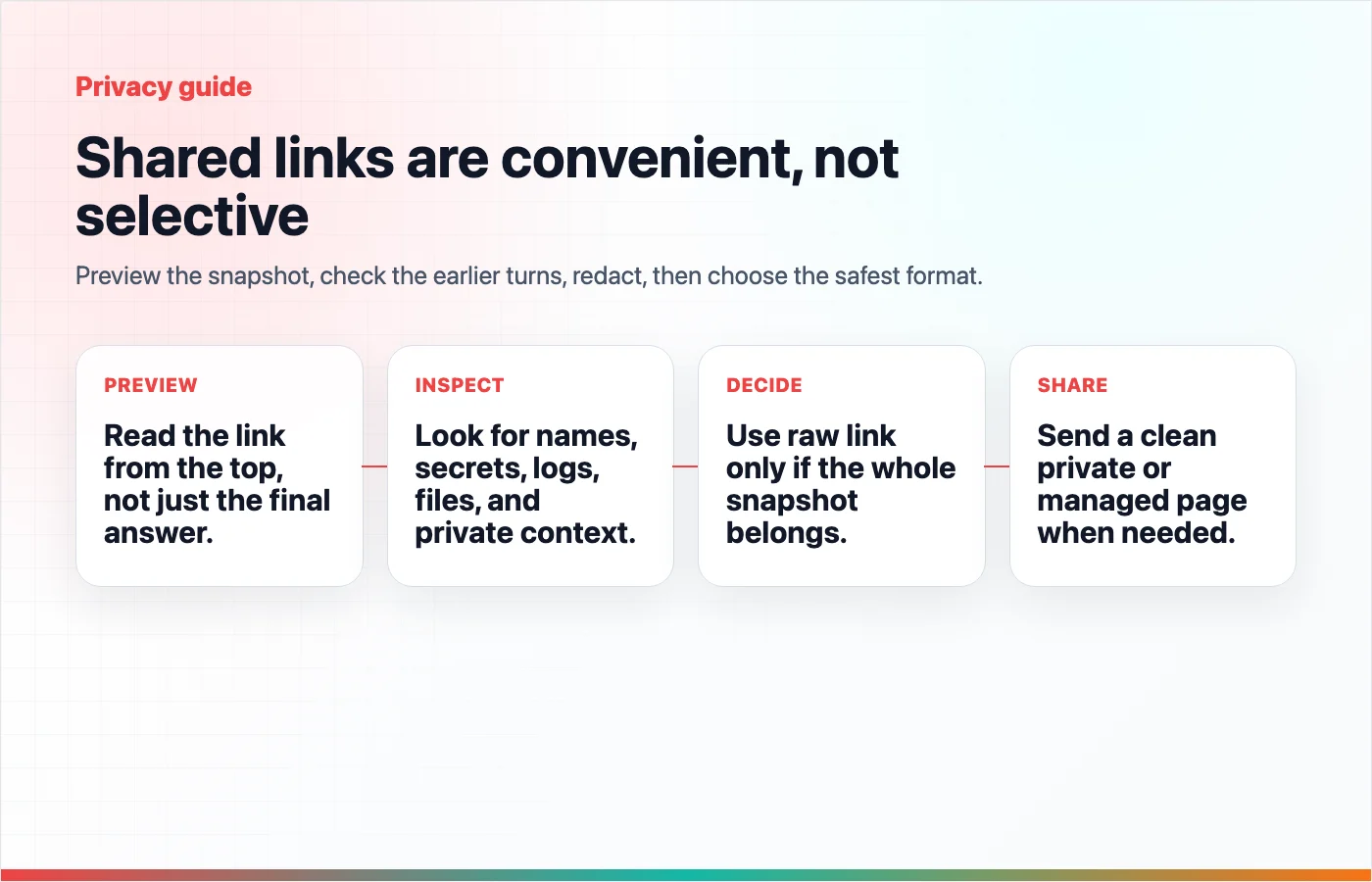
The safest review habit is to read the shared preview from the top, not from the final answer.
Shared Links Are Useful, Just Not Selective
Native shared links are good when the full ChatGPT context matters.
Use a ChatGPT shared link when:
- The full conversation is short.
- The earlier prompts are safe to show.
- The reader needs to inspect the original exchange.
- You are sharing with someone who understands the context.
- You are comfortable with the link being forwarded under the access rules that apply to your plan.
Use something else when:
- Only two or three turns matter.
- The conversation contains private material.
- The final answer needs cleanup before someone acts on it.
- You want password protection, branding, or a managed share page outside ChatGPT.
- You need the reader to copy code, reuse a checklist, or skim a polished summary.
This is not about being afraid of links. It is about matching the format to the risk and the reader's job.
Redaction Checklist Before You Send
Run this checklist before sharing any AI conversation externally.
- Does the first prompt include private background?
- Did you paste customer names, emails, phone numbers, addresses, or account IDs?
- Are there API keys, tokens, auth headers, cookies, or secret URLs in code or logs?
- Are internal repo names, file paths, issue URLs, roadmap details, or unreleased features visible?
- Did ChatGPT summarize private source material in a way that should not travel?
- Are there medical, legal, financial, HR, security, or personal details that need removal?
- Is the title safe if it appears in a preview?
- Would the link still be okay if the recipient forwarded it to one more person?
If any answer is "not sure," do a clean transcript instead of sending the raw shared link.
A Simple Review Workflow
1. Preview the Link
Open the share flow and look at the conversation preview. Do not only check the final answer. Scroll through the included history.
2. Ask What the Reader Actually Needs
Most readers do not need the full thread. They need one of these:
- The final answer.
- The reasoning behind a decision.
- The source links.
- A code block.
- A checklist.
- A prompt template.
If the reader does not need the raw thread, make a cleaner page.
3. Remove or Replace Sensitive Details
Redaction can be simple. Replace specific private details with placeholders:
| Original | Safer replacement |
|---|---|
customer@example.com | [customer email] |
sk-... | [API key removed] |
/Users/name/private-client/repo | [private repo path] |
| "Acme renewal is failing" | "[customer renewal issue]" |
Keep enough context to understand the answer. Remove details that create unnecessary exposure.
4. Choose the Right Share Format
Use this format guide:
| Situation | Better choice |
|---|---|
| Short safe conversation where raw context matters | ChatGPT shared link |
| Long useful thread with some sensitive context | Clean transcript |
| External collaborator needs a polished handoff | Highlight Reel share page |
| Link should be private or password-ready | Highlight Reel managed share page |
| You need an account-level record | ChatGPT data export |
5. Recheck After Editing
After redaction, read the cleaned version like a recipient. The page should answer:
- What was the original task?
- What context is needed?
- What should I trust or reuse?
- What should I do next?
If the page answers those questions without exposing unnecessary details, it is ready to share.
What Deleting a Shared Link Does and Does Not Do
OpenAI's shared links FAQ says you can delete or invalidate shared links, including from Settings > Data Controls > Shared links. It also says that if someone imported the conversation into their own chat history, deleting your link will not remove that imported copy from their history.
That distinction matters.
Deleting a link can stop access through that shared URL. It should not be treated as a guarantee that every copy or downstream view disappears.
For low-stakes conversations, link deletion may be enough. For sensitive conversations, the better move is to avoid sharing the sensitive version in the first place.
Non-Alarmist Privacy Rules
You do not need a security ceremony for every harmless ChatGPT answer. You do need a consistent habit.
Use these rules:
- If the conversation is short and safe, a ChatGPT shared link is fine.
- If the conversation is long, review earlier turns before sharing.
- If the conversation contains private details, redact first.
- If the reader only needs the useful output, do not send the full thread.
- If access control matters, use a managed share page instead of a general shared link.
The point is not to avoid sharing AI work. The point is to share the version that matches the context.
How Highlight Reel Fits
Highlight Reel gives you a cleaner step between "raw ChatGPT link" and "formal document."
You can review the conversation, keep the useful turns, redact sensitive details, and create a clean share page. For work that needs more control, the page can be private or password-ready instead of being a raw ChatGPT shared link.
That is especially useful when:
- The final answer is good but the thread is messy.
- The reader needs a clean page, not the whole chat.
- You want to remove sensitive details before sharing.
- You want an artifact you can save, manage, export, or reuse later.
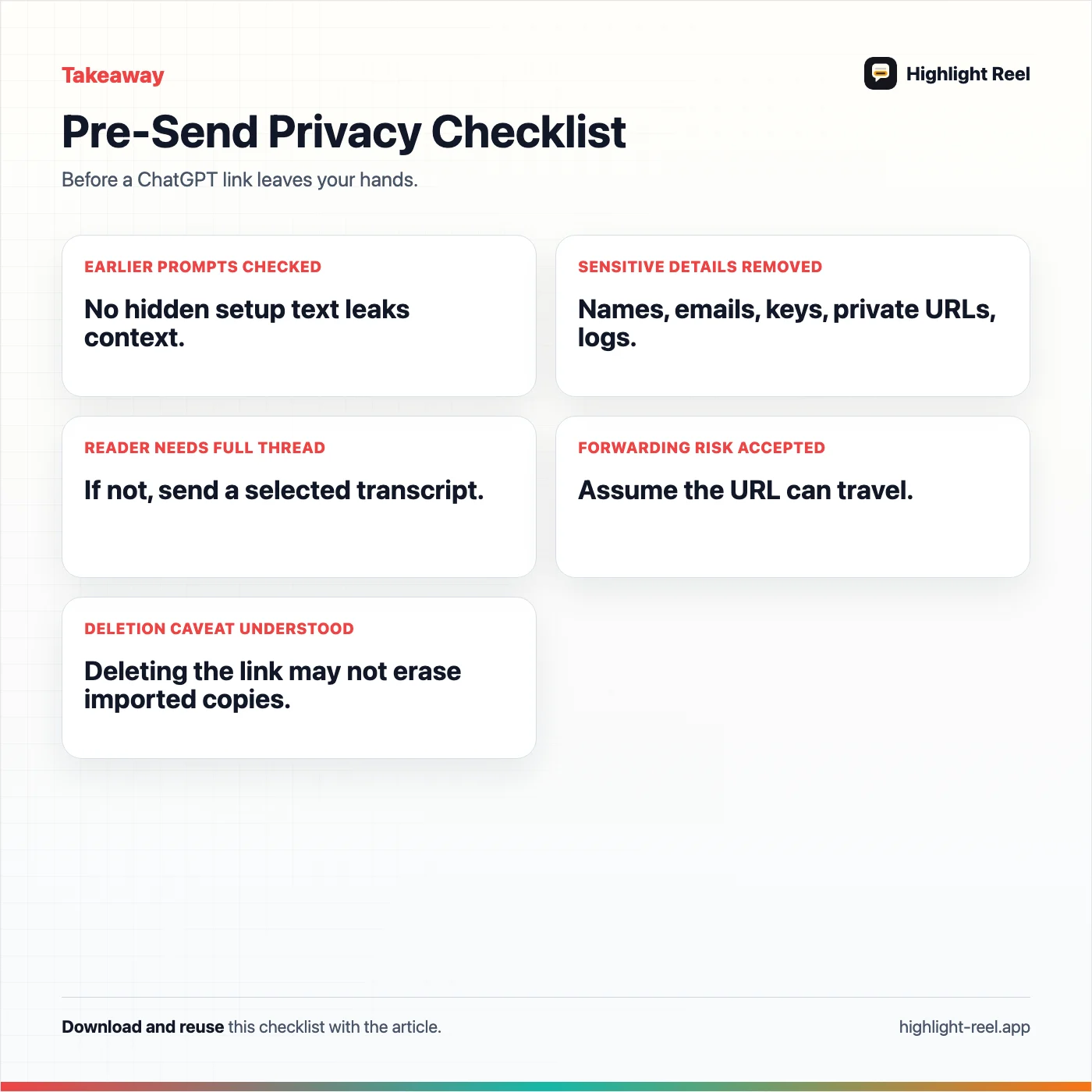
Download the chatgpt shared link privacy checklist
FAQ
Are ChatGPT shared links private?
For general ChatGPT shared links, treat them as accessible to anyone who has the link. OpenAI says anyone with access to a shared link can view the linked conversation. Workspace plans can have different boundaries, so Business or Enterprise users should check their plan documentation and admin settings.
Can someone see my name in a ChatGPT shared link?
OpenAI's shared links FAQ says shared links will not include your name or other personal information by default. Still, check name visibility settings and remove any personal details you typed into the chat itself.
Does a shared link include the whole conversation?
It can include the conversation history up to the point the link was created. That is why you should review earlier turns before sending the link.
Can I delete a ChatGPT shared link later?
Yes, OpenAI documents ways to delete or manage shared links from the original conversation or from Settings > Data Controls > Shared links. But if someone imported the conversation into their own chat history, deleting your shared link may not remove that copy.
Is a clean transcript safer than a shared link?
It can be safer when you use it to remove private details and share only the necessary context. The format itself is not magic; the privacy benefit comes from reviewing, redacting, and controlling what the reader sees.