Gemini in Chrome: What to Save When AI Summarizes Your Browser Tabs
Gemini in Chrome can use page and tab context to help you compare, summarize, and act while browsing. The useful work still needs a clean research handoff.
May 8, 2026
Gemini in Chrome makes AI research feel closer to the browser. Google says it can help with page content, compare options, and use tab context when you ask. Its help documentation says Gemini in Chrome can use the current tab and, in supported cases, recent open tabs.
Highlight Reel
Turn browser research into a clean handoff
Save useful AI research turns with sources, decisions, and next actions instead of losing them in a tab summary.
That is useful. It also creates a handoff problem.
If AI helps you compare ten tabs, summarize a page, or draft a decision while browsing, what do you save when the browser session ends?
Quick Answer
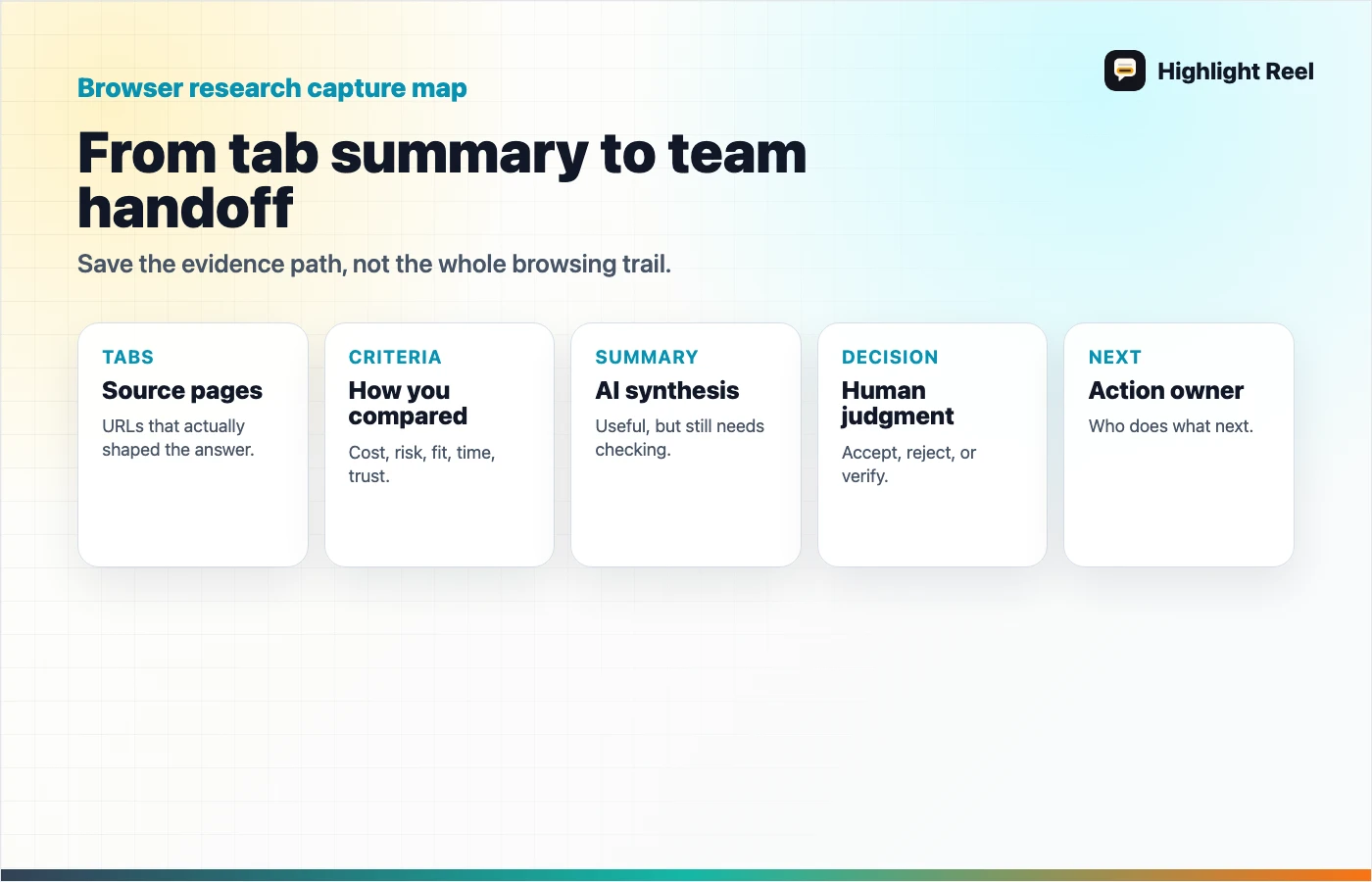
When Gemini, ChatGPT, or another AI tool helps with browser research, save:
- the source pages
- the comparison criteria
- the AI summary
- the human decision
- the next action
Do not save only the final answer. A browser research handoff should show what was compared and why the decision was made.
Why Browser AI Changes Research
Research often starts with open tabs:
- product pages
- pricing pages
- documentation
- forum threads
- reviews
- support articles
- competitor pages
- legal or policy pages
An AI assistant in the browser can reduce the friction of comparing and summarizing those sources. Instead of copy-pasting page content into a separate chat, the assistant can work closer to the tab context.
But the output still needs structure.
A teammate should not have to ask:
- Which tabs did you compare?
- Which source supported that claim?
- What criteria did you use?
- Did you accept the AI's conclusion?
- What should we do next?
That information belongs in the handoff.
The Browser Research Handoff
Use this template when browser AI helps with research.
# Browser Research Handoff

## Question
What were we trying to decide?

## Sources Compared
| Source | Why it mattered | What it supported |
| --- | --- | --- |
| <URL> | <reason> | <claim or finding> |

## Criteria
- Cost:
- Risk:
- Fit:
- Time:
- Trust:

## AI Summary
What did the AI conclude?

## Human Decision
What do we accept, reject, or need to verify?

## Next Action
Who does what next?
The template is intentionally simple because browser research is often fast. The goal is to keep speed without losing evidence.
What Not To Save
Do not preserve everything.
Skip:
- duplicate tabs
- pages that did not affect the decision
- AI summaries you did not trust
- private account pages that should not be shared
- temporary screenshots without source links
- long browsing trails that only show how you wandered
Save the useful path, not the entire trip.
Where Highlight Reel Fits
Highlight Reel fits when the research happened inside an AI conversation or when the final useful comparison needs to be shared.
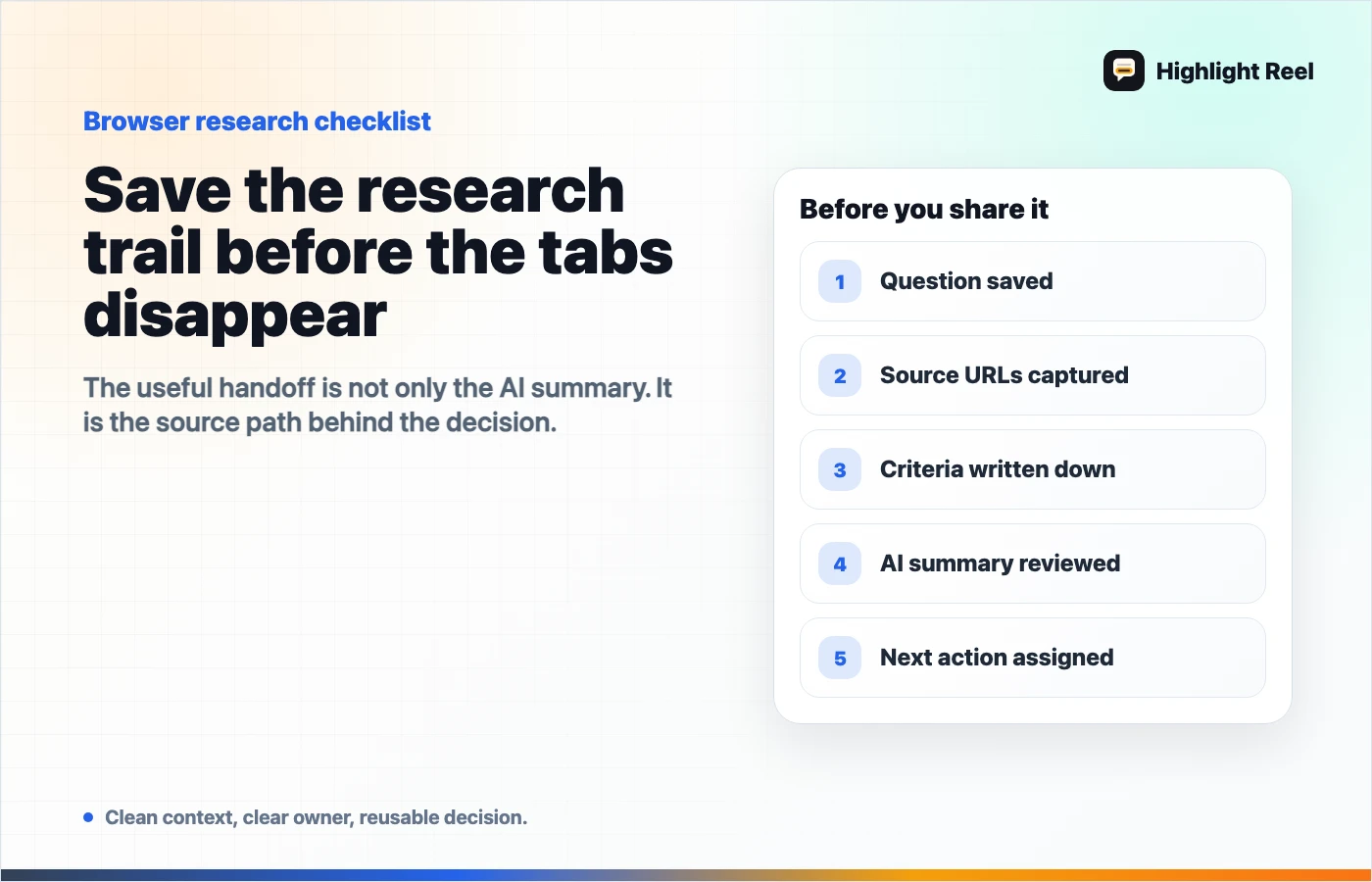
You can save:
- the question
- the useful AI summary
- source links
- selected comparison turns
- the final decision
- the next action
Then you can share a clean page with a teammate instead of sending a tab dump, screenshot pile, or raw chat thread.
That matters because browser research is easy to redo badly. A clean handoff makes the work reusable.
FAQ
Is Gemini in Chrome the same as Gemini in the web app?
No. Google's overview says Gemini in Chrome is part of the Chrome browser and can use page or tab context in ways that differ from visiting Gemini in another browser window.
Should I share all the tabs I used?
Only if the reader needs them. Usually, share the sources that support the decision and label what each source contributed.
Can AI browser summaries replace source review?
No. Treat the AI summary as a draft. Check the source page before relying on a claim.
What is the smallest useful browser research note?
Question, sources, criteria, AI summary, human decision, and next action.