Share AI Research With Your Team Without Losing Sources
A practical workflow for sharing AI-generated research with sources, assumptions, decisions, and next actions intact.
May 2, 2026
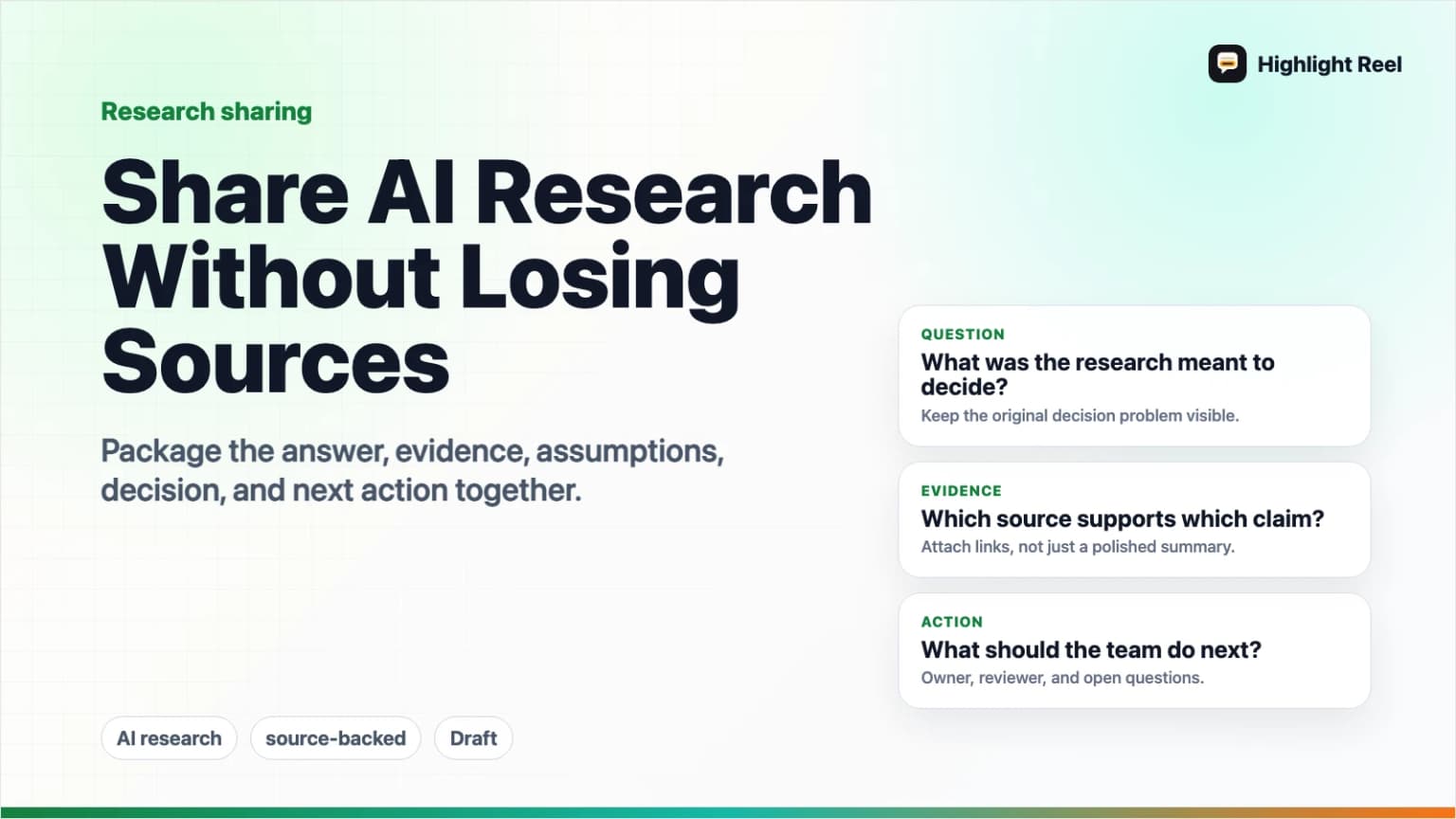
The safest way to share AI-generated research with your team is to share the answer and the evidence together. Keep the source links, the assumptions, the decisions made from the research, and the next actions in the same artifact. If you only paste the AI summary into Slack or a doc, the team loses the trail they need to verify and reuse the work.
Highlight Reel
Save the useful AI research turns
Turn source-backed research conversations into clean Highlight Reel pages or Markdown exports your team can actually review.
Quick Answer
When sharing AI research, send a compact research brief with five parts:
- The research question.
- The short answer.
- The sources used, with links.
- The assumptions and uncertainty.
- The decision or next action.
If the research came from a long AI conversation, do not forward the raw thread as the main artifact. Save the useful turns, preserve source links as real text, and share a clean page or Markdown export that your team can review.
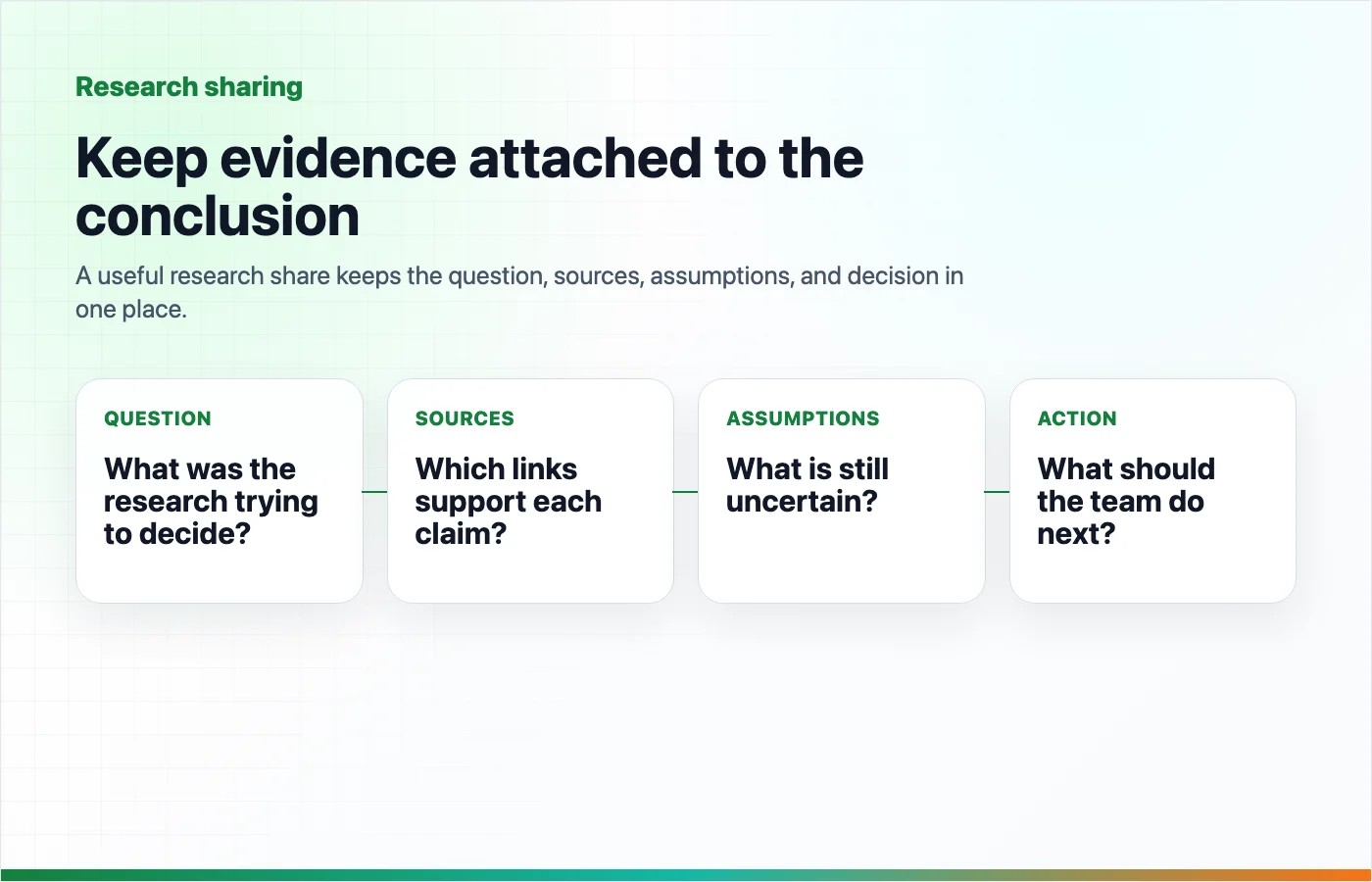
Why AI Research Loses Sources
AI research often starts source-rich and ends source-poor.
The beginning may include web links, uploaded PDFs, internal docs, source lists, citations, and follow-up questions. But by the time the result reaches the team, it may become a short pasted paragraph with no source trail.
That creates a few problems:
- Reviewers cannot check whether the sources support the claim.
- The team cannot tell what was fact, assumption, or model synthesis.
- Decisions get separated from the evidence that shaped them.
- The next person has to repeat the research to trust it.
- Links become screenshots, summaries, or vague references.
OpenAI's ChatGPT deep research documentation says deep research outputs include citations or source links and a sources used section so users can verify information. That is the right idea for any AI research workflow: the answer is useful only if the team can inspect the evidence behind it.
The Source Retention Workflow
Use this workflow whenever an AI conversation produces research your team may act on.
1. Start With A Research Question
Write the question in a way that survives outside the chat.
Weak:
Look into this.Better:
Question: Which sharing format should we use for source-backed AI research handoffs: a Slack summary, a shared doc, a ticket, or a clean transcript link?The clearer the question, the easier it is for a teammate to judge whether the answer is complete.
2. Keep Sources As Links
When the model cites a source, preserve the link in the shared artifact. If the source came from an uploaded file, internal document, or notebook, name it clearly and tell the reader where it lives.
Do not convert source links into screenshots. Do not bury them at the bottom without explaining which claim they support.
3. Separate Findings From Assumptions
AI summaries can make facts, interpretations, and guesses sound equally polished. Split them apart.
Use labels:
- Finding: supported by a named source.
- Assumption: plausible, but not directly proven.
- Inference: the team's interpretation of multiple sources.
- Open question: needs more research or owner review.
- Decision: what the team is doing because of the research.
This gives the team a review path instead of a polished paragraph they have to either trust or reject.
4. Keep Decisions Close To Evidence
If the research influenced a decision, put the decision next to the source-backed reason.
| Decision | Evidence to preserve | Review owner |
|---|---|---|
| Move forward | Sources that directly support the opportunity or constraint. | Decision owner |
| Wait | Evidence of uncertainty, missing access, or conflicting claims. | Research owner |
| Run a test | Source-backed hypothesis and success criteria. | Operator |
| Escalate | Risk, compliance, security, legal, or customer-impact evidence. | Specialist reviewer |
The research is not finished when the summary is written. It is finished when the team knows what to do with it.
5. Share A Clean Research Artifact
The final artifact can be a doc, ticket, email, Slack message, or Highlight Reel page. The format is less important than the information architecture.
Keep the useful research turns readable, searchable, and copyable. If someone needs to inspect the AI conversation, give them a clean page with the useful turns instead of a pasted wall of chat.
What To Preserve
Use this table as a source retention checklist.
| Preserve | Why it matters | Common failure mode |
|---|---|---|
| Research question | Defines what the answer is supposed to solve. | Summary gets shared without the original question. |
| Source links | Lets the team verify claims. | Links disappear in screenshots or copy-paste. |
| Source quality notes | Shows whether the source is official, primary, secondary, or weak. | All sources look equally trustworthy. |
| Assumptions | Makes uncertainty visible. | Model confidence is mistaken for evidence. |
| Conflicting evidence | Prevents one-sided conclusions. | Only the cleanest answer survives. |
| Decision | Connects research to action. | Research becomes interesting but unused. |
| Next actions | Keeps ownership clear. | Everyone reads it; no one acts. |
Reusable AI Research Share Template
Copy this template when sharing source-backed AI research with a team.
# [Research title]

## Quick answer
[One paragraph answering the research question.]

## Research question
[The exact question the research was meant to answer.]

## Key findings
1. [Finding] - Source: [link or document name]
2. [Finding] - Source: [link or document name]
3. [Finding] - Source: [link or document name]

## Source list
| Source | Type | What it supports | Confidence |
| --- | --- | --- | --- |
| [Title + link] | [Official / primary / secondary / internal] | [Claim or section] | [High / medium / low] |

## Assumptions and uncertainty
- Assumption: [What the research assumes]
- Unverified: [What still needs checking]
- Conflict: [Where sources disagree]

## Decision or recommendation
[What the team should do, decide, test, or reject.]

## Next actions
1. [Action] - [Owner] - [Due date or trigger]
2. [Action] - [Owner] - [Due date or trigger]

## Supporting AI conversation
[Clean Highlight Reel page or Markdown export]
This template is intentionally plain. A source-backed research handoff should be easy to paste into a doc, ticket, or email without losing structure.
Where To Share AI Research
Pick the destination based on how the team will use the research.
| Destination | Best for | What to include |
|---|---|---|
| Slack or team chat | Fast awareness and lightweight review. | Quick answer, 2-3 source links, next action, clean research link. |
| Shared doc | Collaborative review and long-term reference. | Full template, source table, comments, decisions. |
| Ticket or issue | Research that becomes tracked execution. | Recommendation, acceptance criteria, risks, supporting link. |
| External or formal handoff. | Polished summary, limited context, source links, explicit ask. | |
| Highlight Reel page | Sharing the useful AI research turns cleanly. | Selected prompts, responses, source links, and Markdown export when needed. |
Google Drive sharing controls are useful when the research needs view, comment, or edit access. Native ChatGPT shared links can be useful when someone needs the original ChatGPT conversation snapshot, but OpenAI's shared links FAQ notes that anyone with the link can view the linked conversation. For team research handoffs, the safer default is a cleaned artifact with only the necessary turns and sources.
Source Quality Rules
Not every source deserves the same weight.
Use this simple hierarchy:
- Official documentation or primary source.
- Original research, standards body, regulator, or vendor documentation.
- Trusted expert analysis that cites primary material.
- News or commentary.
- Anonymous posts, unsourced summaries, or model-only claims.
NIST's AI Risk Management Framework hub points teams toward trustworthy and risk-aware AI practices, including a generative AI profile. For day-to-day team research, that translates into a practical habit: do not share model output as if it is evidence. Share the evidence, the model's synthesis, and the human decision separately.
Pre-Share Checklist
Before sending AI research to your team, check:
- The research question is visible.
- The short answer is at the top.
- Every important claim has a source or is labeled as an assumption.
- Source links are clickable.
- Internal sources are named clearly enough for authorized teammates to find.
- Conflicting evidence is not hidden.
- The recommendation is separated from the evidence.
- The next action has an owner.
- Sensitive or private material has been removed.
If the research cannot pass this checklist, it is not ready for team use yet.
Save The Useful Research Turns In Highlight Reel
Highlight Reel is a good fit when the useful research happened inside an AI conversation and you need to preserve the parts worth reviewing.
Use it to:
- Save the useful research turns.
- Keep source links, tables, and decisions as text.
- Share a clean page instead of a raw chat thread.
- Export Markdown when the research needs to move into a doc, issue, or repository.
The point is not to make AI research look polished. The point is to keep the evidence and decision path intact after the chat ends.
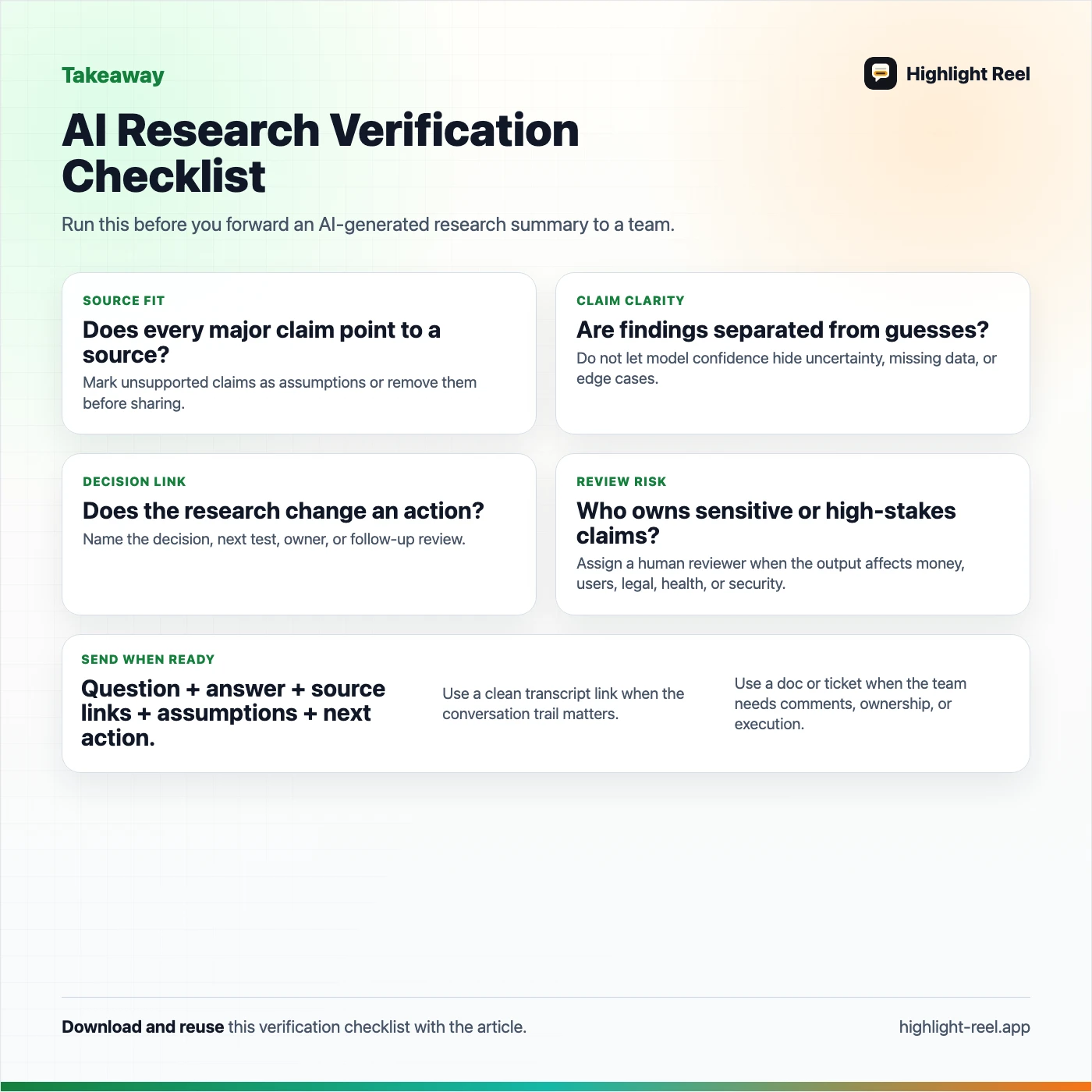
Download the AI research verification checklist
FAQ
Is AI-generated research reliable if it has citations?
Not automatically. Citations make research easier to verify, but they do not prove that the summary is correct. Review whether each source actually supports the claim attached to it.
Should I share the full AI research conversation?
Usually no. Share the useful turns, source links, assumptions, and decisions. Keep the full raw thread only when the process itself needs review.
What if the AI research used uploaded files?
Name the files clearly and explain what each file supports. If the file is internal, share it only through your team's normal permissioned system. Do not paste private file contents into a public artifact.
What should I do with conflicting sources?
Keep the conflict visible. Add a short note explaining which source you trust more and why, or assign someone to resolve the disagreement before the team acts.
Where should the final research live?
Use a shared doc for collaborative review, a ticket for execution, Slack for awareness, email for formal handoff, and Highlight Reel when the team needs a clean version of the useful AI conversation itself.