NotebookLM and Gemini Make Research Faster. Sharing It Still Needs Structure
Gemini notebooks and NotebookLM can organize source-backed research, but teams still need a clean handoff that preserves sources, assumptions, decisions, and next actions.
May 8, 2026
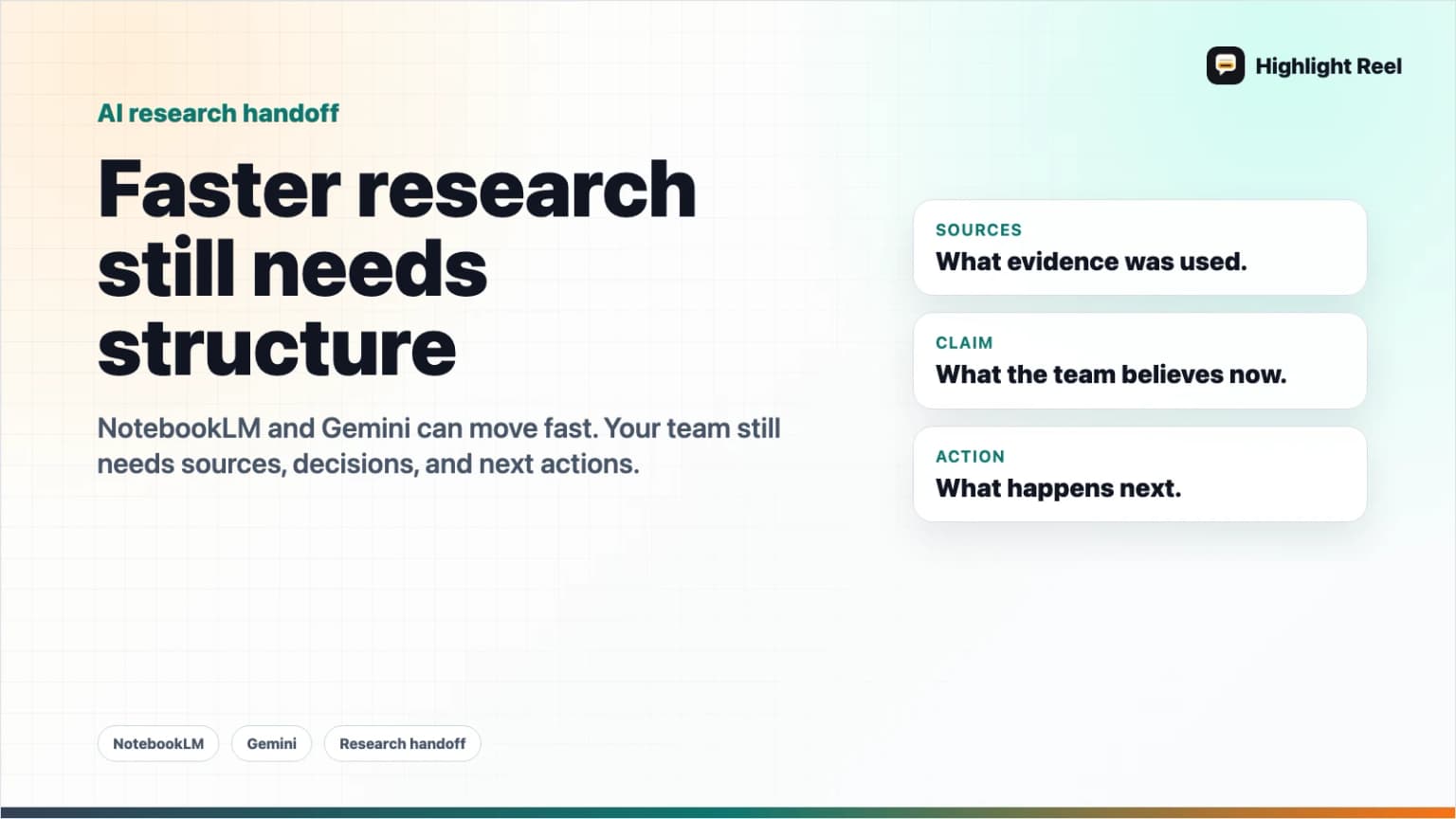
Gemini notebooks and NotebookLM make AI research easier to collect, organize, and continue. ChatGPT deep research can also produce cited reports. That is useful, but it does not solve the whole team problem.
Highlight Reel
Share the research turns your team can trust
Save the useful AI research turns, keep sources attached, and turn the result into a clean team handoff.
A research notebook is not automatically a team handoff.
If you want a teammate to act on AI-generated research, you need to share more than the answer. You need the source, the assumption, the decision, and the next action in one readable artifact.
Quick Answer
When sharing AI research from NotebookLM, Gemini, ChatGPT deep research, or a similar tool, preserve five things:
- The answer: the short conclusion.
- The sources: the documents, links, or citations behind it.
- The assumptions: what the AI or researcher treated as true.
- The decision: what the team should do with the research.
- The next action: who should review, approve, publish, buy, test, or update.
Do not send only a notebook, screenshot, or raw chat link if the reader needs to make a decision. Send a structured handoff.
Why AI Research Gets Lost In Handoffs
AI research tools are good at creating momentum. They help you gather sources, ask follow-up questions, generate summaries, and turn scattered documents into a working view.
The handoff breaks when the output leaves the tool.
Common failure modes:
| Failure | What happens | Better handoff |
|---|---|---|
| Source drift | The summary travels, but source links do not. | Keep source links beside claims. |
| Assumption loss | The team sees a conclusion without the constraint that shaped it. | Label assumptions explicitly. |
| Decision gap | Everyone reads the research, but no one knows what to do next. | Add a decision and owner. |
| Access mismatch | A notebook is shared, but exported files or linked docs do not preserve the same permissions. | Check access separately for every artifact. |
| Chat overload | A raw chat contains useful research plus noise. | Select the useful turns and remove the rest. |
Google's NotebookLM sharing guidance notes that sharing and exported files have their own permission behavior. OpenAI's deep research guidance emphasizes source links and citations so outputs can be verified. Those are important product capabilities, but the final handoff is still a writing and workflow job.
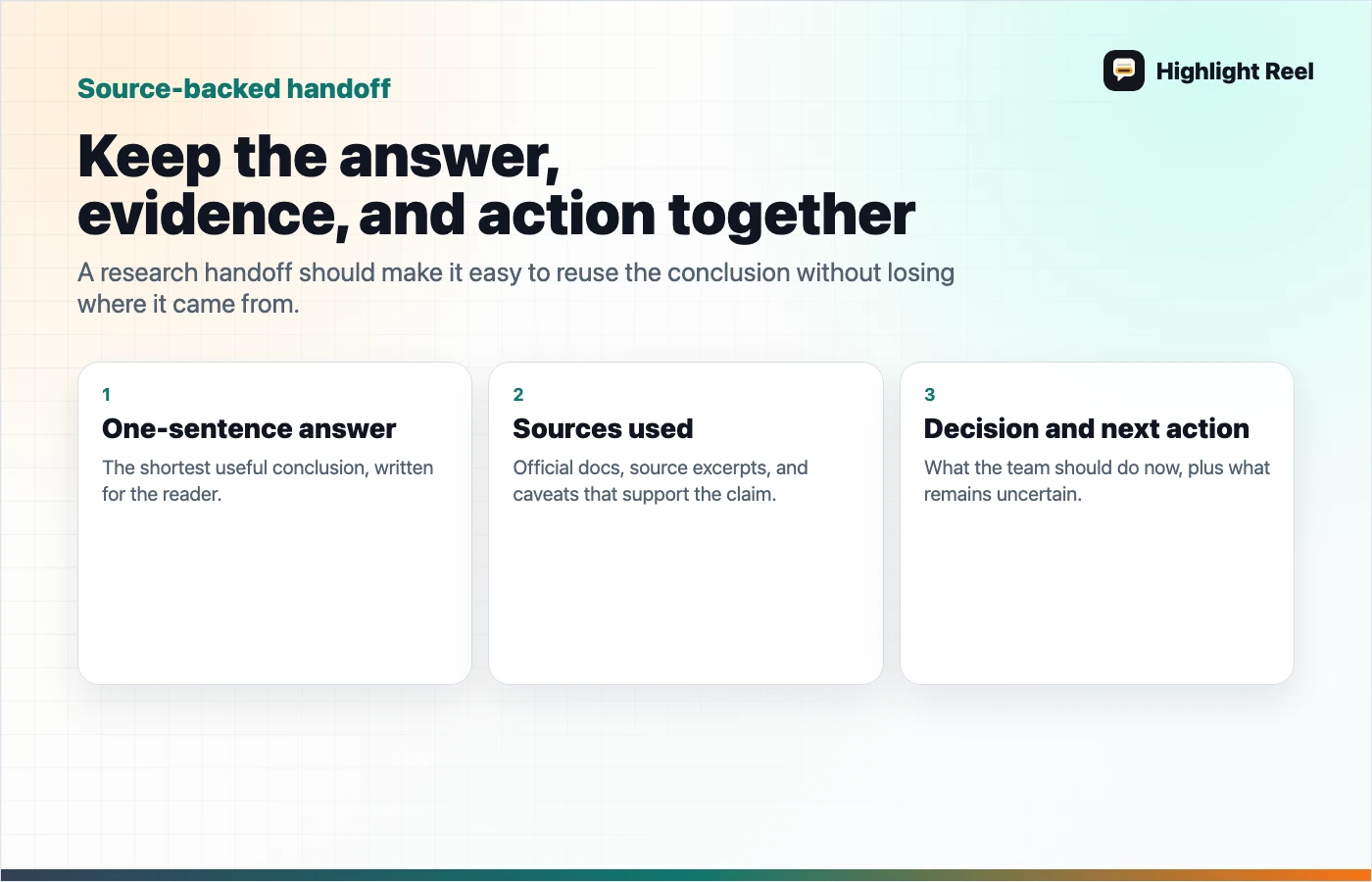
The Source-Backed Handoff
Use this structure whenever AI research needs to move from one person to another.
# Research Handoff

## One-Sentence Answer
<The shortest decision-ready answer.>

## Sources Used
- <Source 1>: what it supports
- <Source 2>: what it supports
- <Source 3>: what it supports

## What We Think Is True
- Claim:
- Evidence:
- Confidence:
- Caveat:

## Decision
Based on this research, we should:

## Next Action
- Owner:
- Deadline:
- Review needed:
This format is intentionally plain. The goal is not to recreate the notebook. The goal is to make the research useful outside the notebook.
What To Keep From Gemini Or NotebookLM
When a notebook contains files, AI summaries, generated artifacts, and follow-up chats, save the parts that answer a reader's likely questions.
| Reader question | Preserve this |
|---|---|
| "Where did that claim come from?" | Source link or document title |
| "How sure are we?" | Confidence and caveat |
| "What changed from the original source?" | AI summary vs human decision |
| "Can I verify it?" | Citation, quote, page, timestamp, or source note |
| "What should I do next?" | Decision, owner, next step |
If a source is not accessible to the reader, say so. If an AI answer is based on a source you have not personally checked, say that too.
What To Keep From ChatGPT Deep Research
ChatGPT deep research can produce research outputs with citations or source links. That helps verification, but a cited report still needs a handoff layer.
Before sending it to a team, separate:
- cited facts
- model synthesis
- your interpretation
- the team's decision
- unresolved questions
For example:
AI output: "Most sources suggest this market is growing."
Handoff: "We should not treat this as enough for a launch decision. The cited sources show category growth, but not willingness to pay for our specific workflow. Next step: interview five operators who already use AI for research handoffs."
The handoff is where judgment appears.
Where Highlight Reel Fits
Highlight Reel is useful when the valuable research is inside a conversation, not just inside a finished report.
You can use it to:
- save the useful AI research turns
- remove exploratory noise
- keep source links visible
- turn the result into a clean share page
- preserve a decision trail for future work
That matters when the research will be reused later. A teammate should not need to reopen the whole AI chat to understand what source supported which claim.
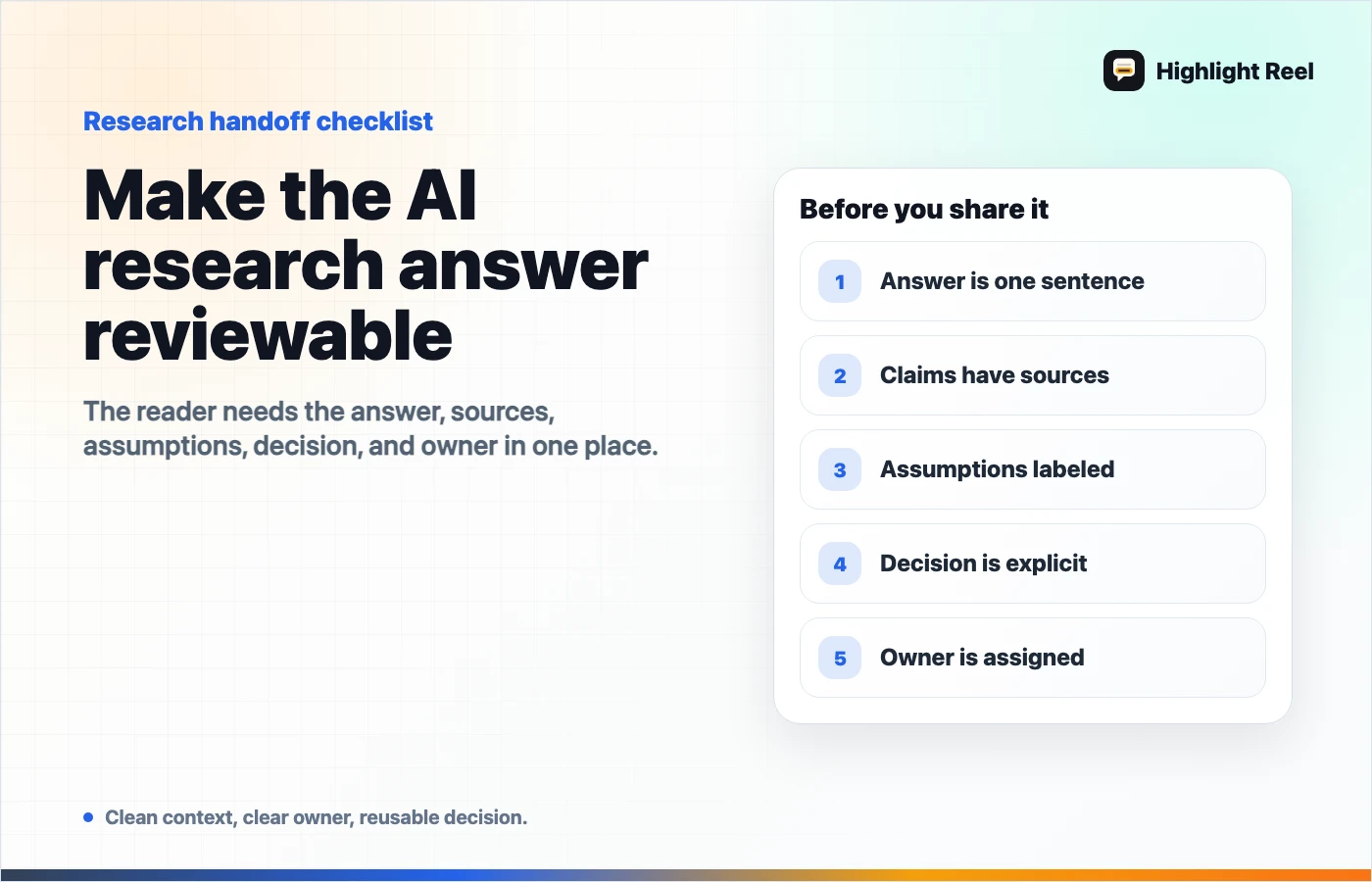
A Practical Review Checklist
Before sharing AI research, ask:
- Does each important claim point to a source?
- Did I separate source facts from AI synthesis?
- Did I label assumptions and uncertainty?
- Can the reader access the source material?
- Did I remove private or irrelevant chat turns?
- Is there a clear decision or next action?
- Can this handoff be reused next month?
If the answer is no, the research is not ready to send. It may be interesting, but it is not yet a team artifact.
FAQ
Is sharing a NotebookLM notebook enough?
Sometimes. If the reader needs to explore the same source set, a shared notebook may be useful. If the reader needs to make a decision, send a structured handoff that includes the answer, source, caveat, decision, and next action.
Should I trust AI research if it has citations?
Citations make verification easier, but they do not remove the need to check whether the source actually supports the claim. Treat citations as a starting point, not proof by themselves.
What if the research source is private?
Do not paste private source material into a public share page. Summarize the claim, describe the source category, and share access through the appropriate internal system.
What is the best format for team research sharing?
Use a short research handoff: one-sentence answer, sources used, claims and caveats, decision, and next action. Keep the full notebook or report as supporting material.