Notion Custom Agents: Write the Context Brief Before You Automate the Task
Notion Custom Agents can read more context, use integrations, and consume credits based on work performed. A short context brief helps teams avoid vague, expensive, or risky agent runs.
May 8, 2026
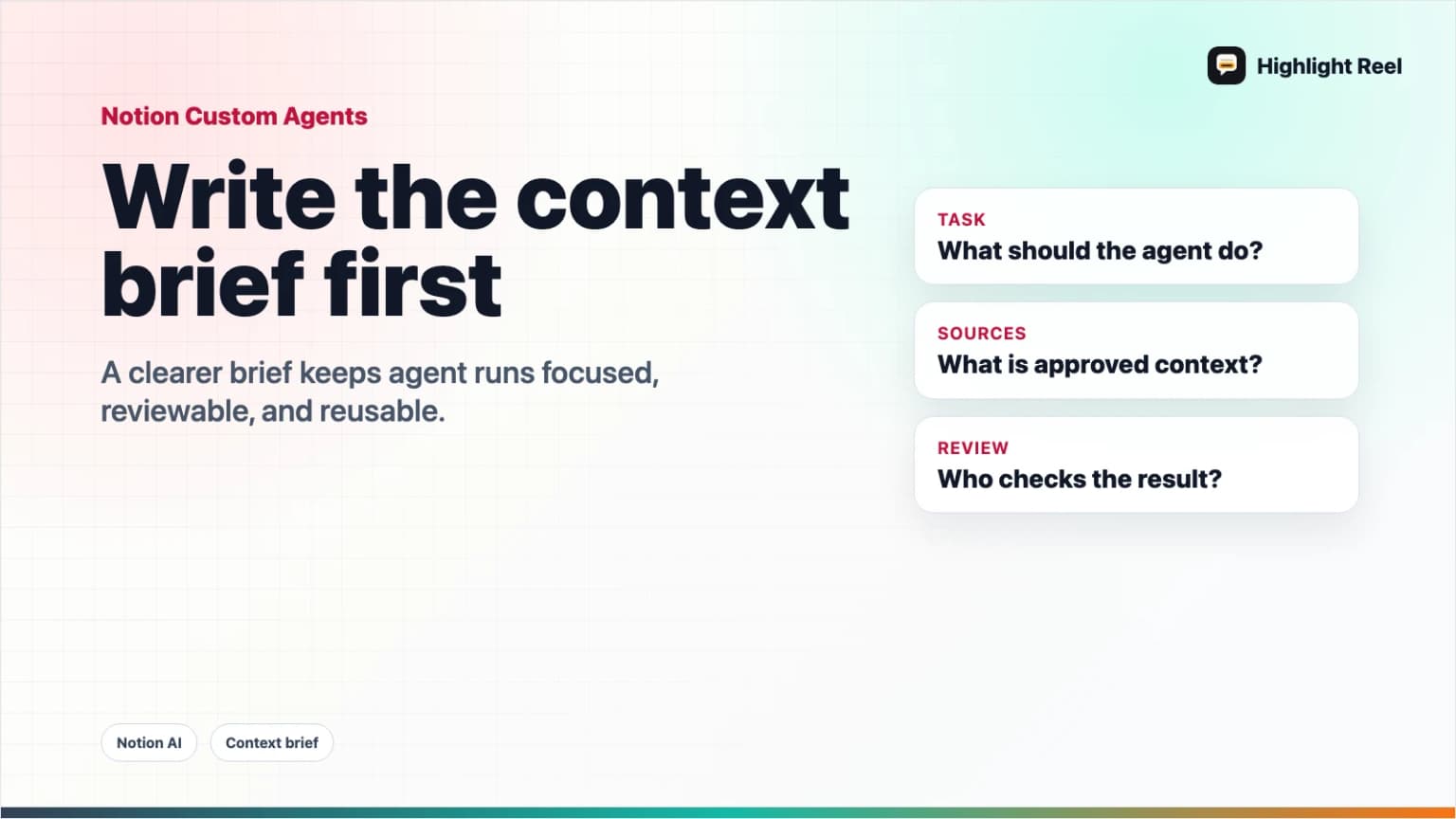
Notion Custom Agents are becoming more capable. Notion says they can use more workspace context, work with integrations, use skills, power AI Autofill, and consume credits based on what they read, how often they run, which model they use, and what actions they take.
Highlight Reel
Save the agent brief your team can reuse
Turn useful AI instructions, source notes, and task decisions into clean reusable context before another agent run.
That makes the prompt less like a chat message and more like a task brief.
Before you automate a task with a Notion Custom Agent, write the context brief first.
Quick Answer
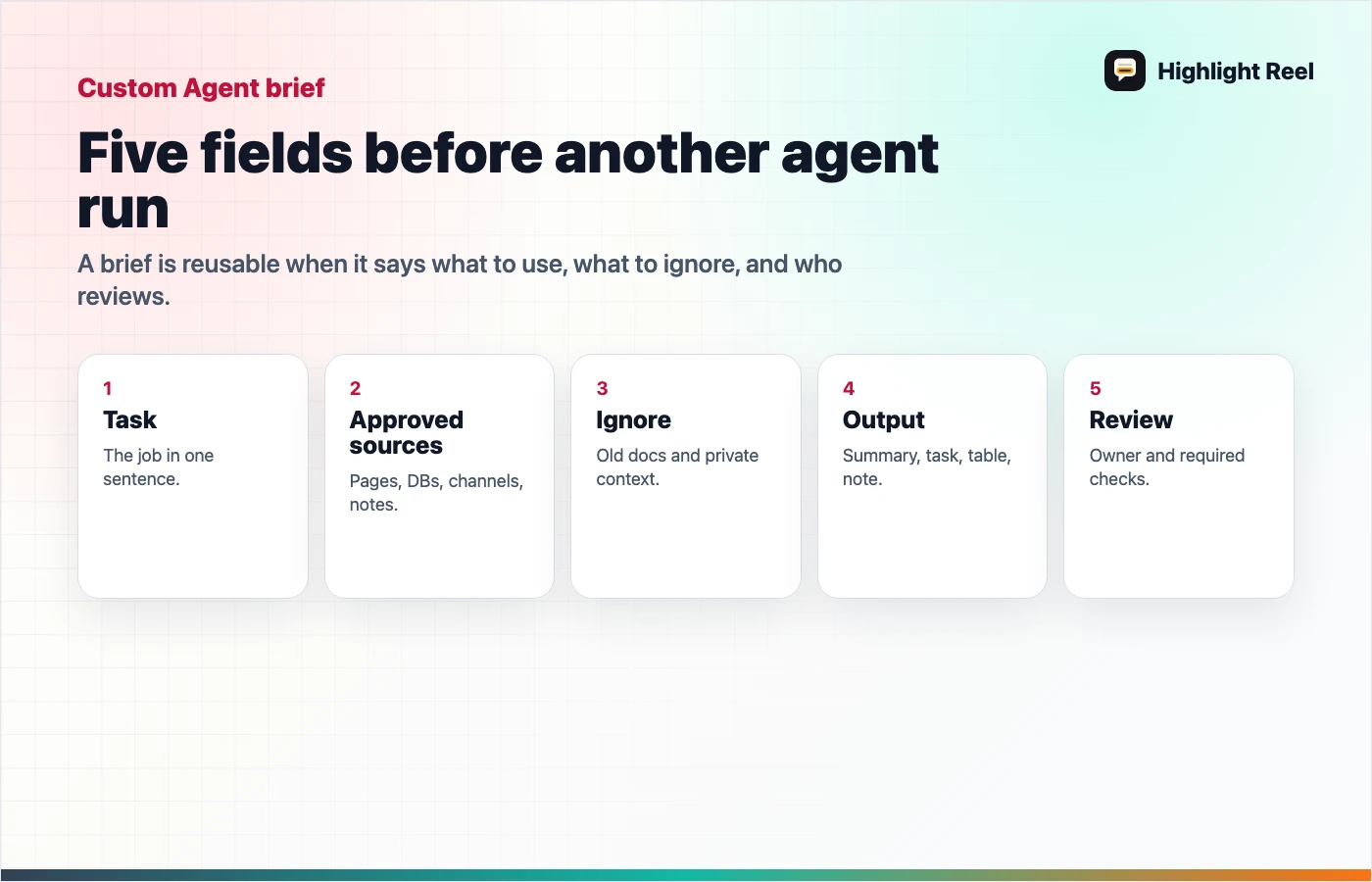
A good Notion Custom Agent brief should answer five questions:
- What should the agent do?
- What source context should it use?
- What should it ignore?
- What output format should it produce?
- What needs human review before the result is trusted?
The goal is not a longer prompt. The goal is a clearer job.
Why Context Cost Matters
Notion's Custom Agent pricing documentation says agents use credits based on the work needed to complete a run. More reading, more searching, more actions, more frequent runs, and more advanced models can increase credit use.
That is an important product detail. It also teaches a broader workflow lesson:
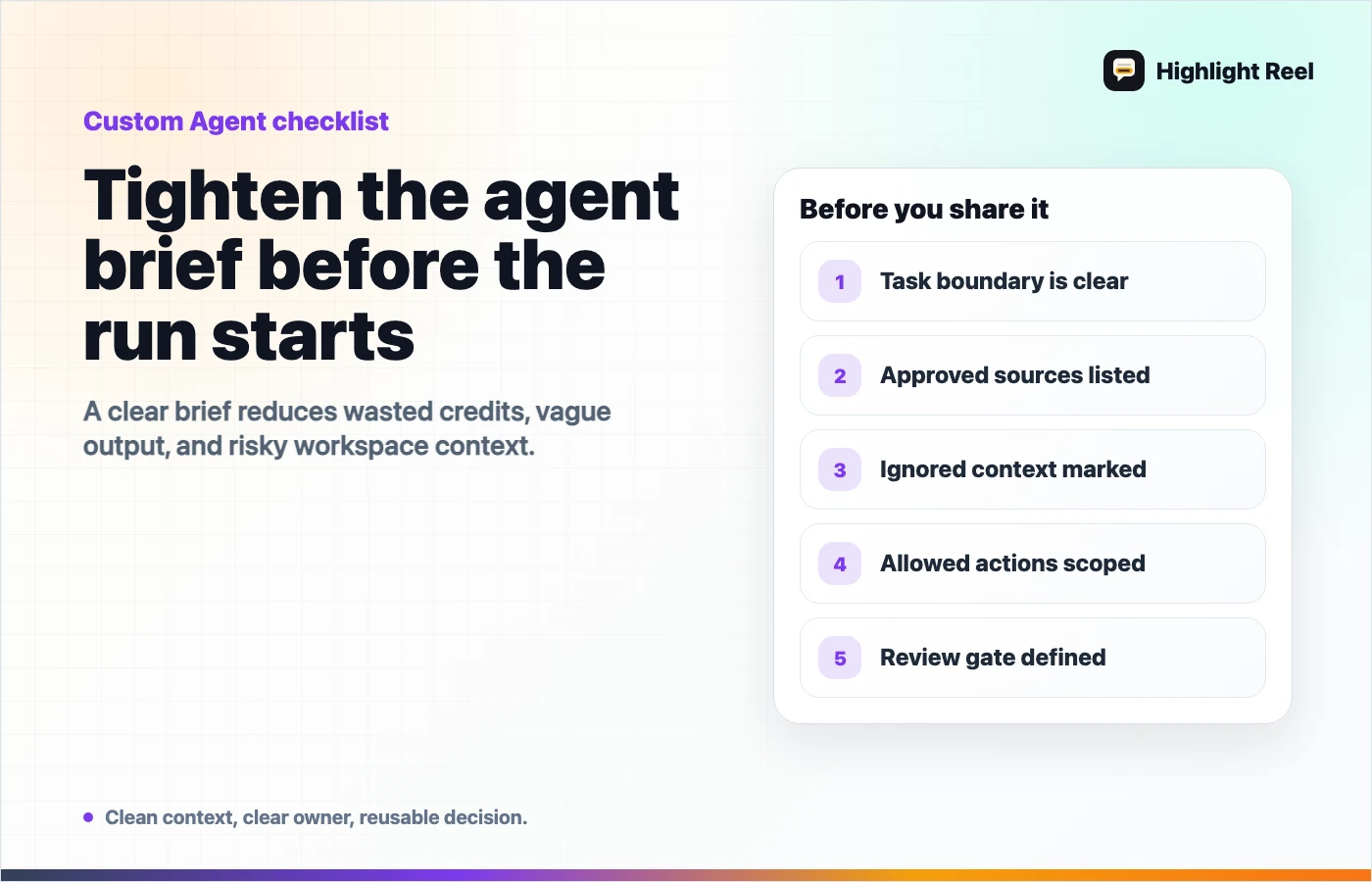
Messy context is not free.If an agent scans too much workspace content, searches the wrong database, or acts on an unclear request, you do not only risk a worse answer. You may also spend credits on work that was never scoped.
The fix is not to starve the agent of context. The fix is to give it the right context.
The Custom Agent Context Brief
Use this before creating or running a Custom Agent.
# Custom Agent Context Brief

## Task
What should the agent do?

## Approved Sources
- Database:
- Page:
- Slack channel:
- Meeting notes:

## Ignore
- Outdated docs:
- Private conversations:
- Drafts not ready for use:

## Output Format
- Summary:
- Table:
- Task:
- Decision note:

## Review Gate
- Who reviews:
- What must be checked:
- What the agent must not publish or change:
This brief can live in Notion, a project doc, or a saved Highlight Reel page. The important part is that it is reusable.
What To Save After The Agent Runs
After a Custom Agent run, save more than the final answer.
| Save this | Why |
|---|---|
| Task | Future teammates need to know what the agent was asked to do. |
| Sources | The result depends on what the agent read. |
| Output | The answer, task, update, or draft. |
| Human edit | The difference between agent output and approved work. |
| Follow-up | The next run should not rediscover the same context. |
If the agent creates tasks, updates pages, fills database rows, or summarizes Slack context, capture the decision trail. Otherwise, the workspace looks updated but the reasoning disappears.
When Not To Run The Agent Yet
Pause if:
- the source database is messy
- old docs contradict current policy
- the output will be customer-facing
- the agent may touch private Slack channels
- no one is assigned to review the result
- the task is too vague to estimate credit use
This is not anti-automation. It is how automation becomes repeatable.
Where Highlight Reel Fits
Highlight Reel is useful when the source context came from AI conversations, meetings, or messy research.
Before the agent runs, save a clean context page:
- decision summary
- source links
- accepted assumptions
- rejected paths
- next action
After the agent runs, save the useful output and human decision:
- what the agent produced
- what was accepted or changed
- what should be reused in the next run
That turns an agent run into a durable workflow artifact, not just another line in workspace activity.
FAQ
Is this only for Notion?
No. Notion is the news hook because Custom Agents make the workflow visible. The same context-brief pattern applies to Slack agents, Microsoft agents, MCP tools, and internal automations.
Should the context brief be inside Notion?
It can be. The brief should live wherever your team naturally reviews work. If the source was an AI conversation, a clean Highlight Reel page can be a better handoff than a raw chat.
Does a better brief reduce Notion credits?
It can help avoid unnecessary work, but actual credit usage depends on the agent's setup, model, actions, frequency, and content volume. Treat the brief as a scoping tool, not a cost guarantee.
What is the smallest useful brief?
Task, approved sources, ignored sources, output format, and review owner.