Microsoft Agent 365: Why AI Agents Need Handoffs, Not Raw Chat Logs
Microsoft Agent 365 shows where enterprise AI agents are going: identity, governance, observability, and control. Teams still need a simple handoff layer for agent work.
May 8, 2026
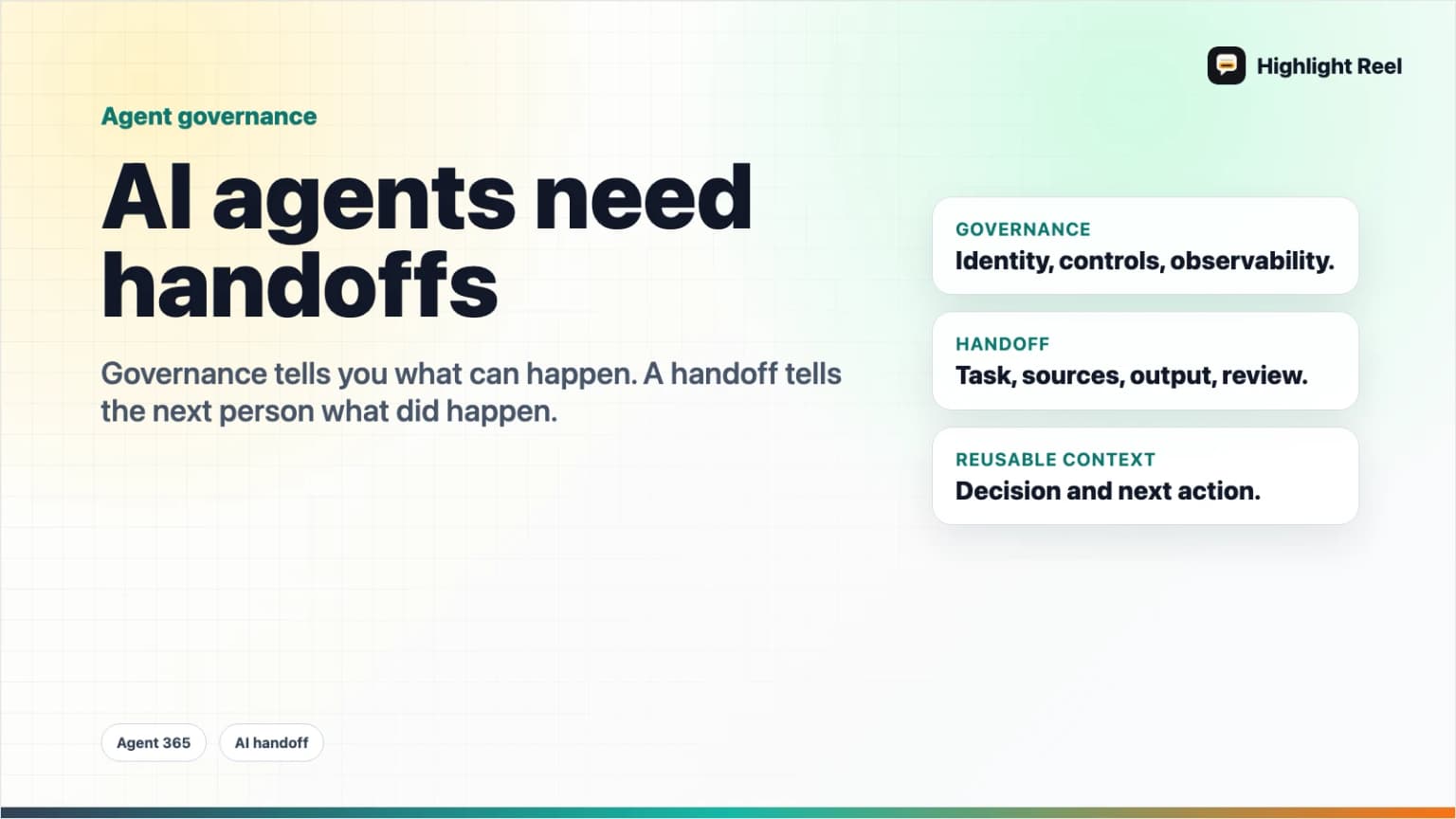
Microsoft Agent 365 is a signal that AI agents are leaving the experiment folder and entering managed work infrastructure. Microsoft describes Agent 365 as a control plane for AI agents: identity, governance, observability, controls, and integrations.
Highlight Reel
Save the agent work worth handing off
Turn useful AI agent conversations, decisions, and source notes into a clean Highlight Reel page your team can actually read.
That is the enterprise layer. Teams still need a human layer.
An agent can have an identity, appear in an admin center, and inherit governance controls. But when its work reaches a teammate, manager, customer, or future AI session, someone still needs a readable handoff: what was asked, what the agent used, what it decided, what changed, and what needs review.
Quick Answer
AI agent governance and AI agent handoffs solve different problems.
| Layer | What it answers | Example |
|---|---|---|
| Governance | Which agents exist, who owns them, what they can access, and how they are monitored | Agent 365, admin controls, identity, alerts |
| Handoff | What useful work happened, what evidence supports it, and what a human should do next | Decision note, source list, review checklist |
If your team is adopting AI agents, do not rely on raw chat logs as the handoff. Create a clean agent work note.
Why Agent Governance Is Becoming A Category
Microsoft says Agent 365 is generally available and expands capabilities and integrations across Microsoft 365 environments. Its documentation describes partner agents that can appear in the Microsoft 365 admin center with governance, observability, and compliance controls. Microsoft's broader Frontier Suite announcement frames Agent 365 as infrastructure for observing, governing, managing, and securing agents across an organization.
This matches the direction of the market. AI agents are no longer only chatbots. They can route work, search documents, update records, draft follow-ups, summarize meetings, triage customer issues, and coordinate across tools.
That creates new questions:
- Who owns this agent?
- What data can it access?
- What tools can it use?
- What did it do?
- Did a human review the result?
- Can another team reuse the decision?
The first four questions are governance. The last two are handoff.
Raw Chat Logs Are A Bad Agent Handoff
Raw logs are useful for debugging. They are not ideal for everyday work.
They often include:
- irrelevant exploration
- private context
- tool-call noise
- incomplete reasoning
- drafts that were rejected
- source links mixed with guesses
- no clear owner or next action
That is too much for a teammate who just needs the useful result.
A clean handoff should be smaller than the full log, but more accountable than a one-line summary.
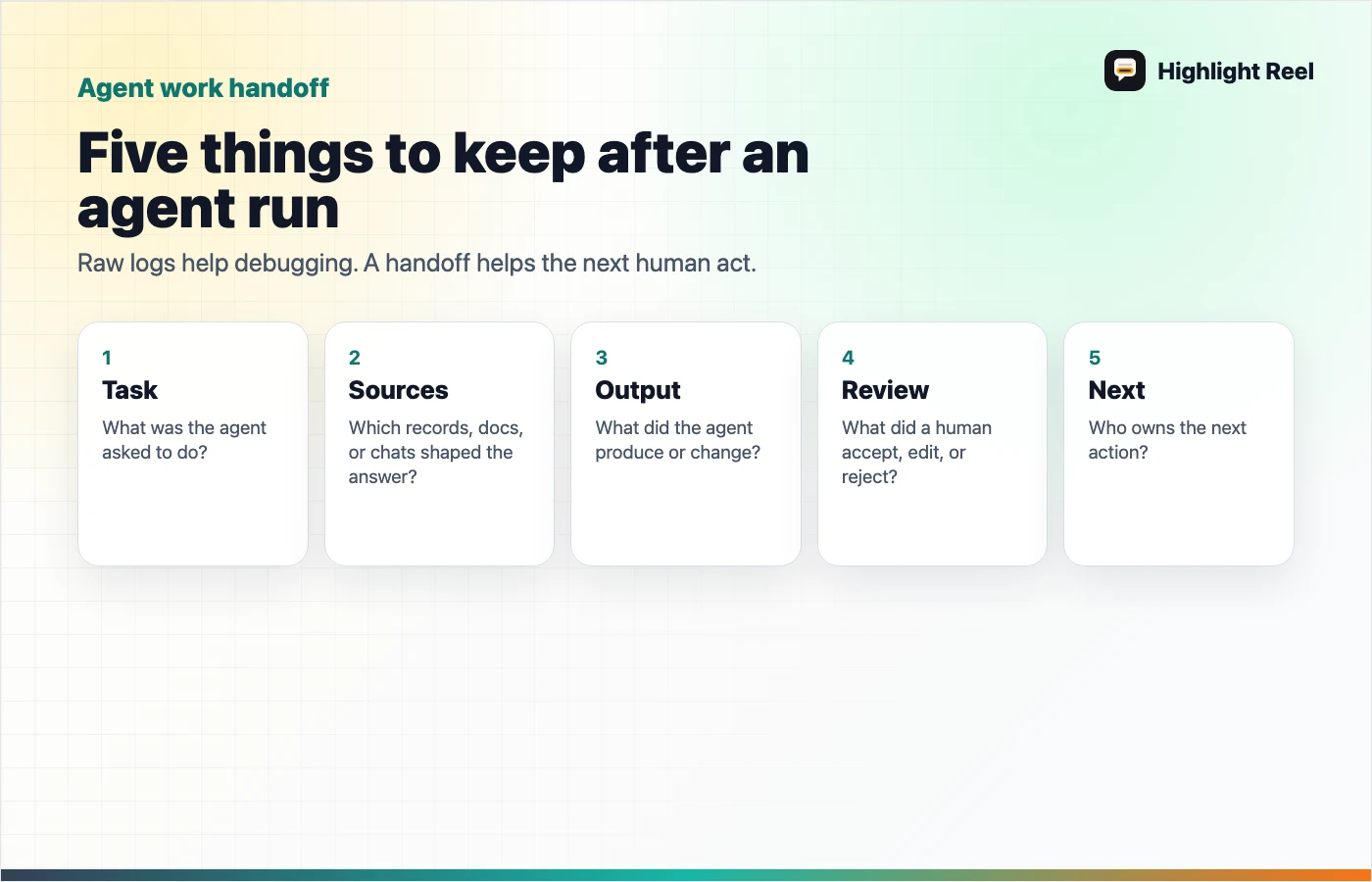
The Agent Work Handoff Template
Use this when an AI agent produces something someone else needs to read or act on.
# AI Agent Work Handoff

## Task
What was the agent asked to do?

## Source Context
- Documents, records, tools, or conversations used:
- Access caveats:

## Output
- What the agent produced:
- What changed, if anything:

## Human Review
- Reviewed by:
- Accepted:
- Rejected:
- Edited:

## Decision
- What the team should do now:
- Why:

## Next Action
- Owner:
- Deadline:
- Follow-up source:
This is not bureaucracy. It is the minimum information needed for someone else to trust and reuse the work.
What To Save From Agent Work
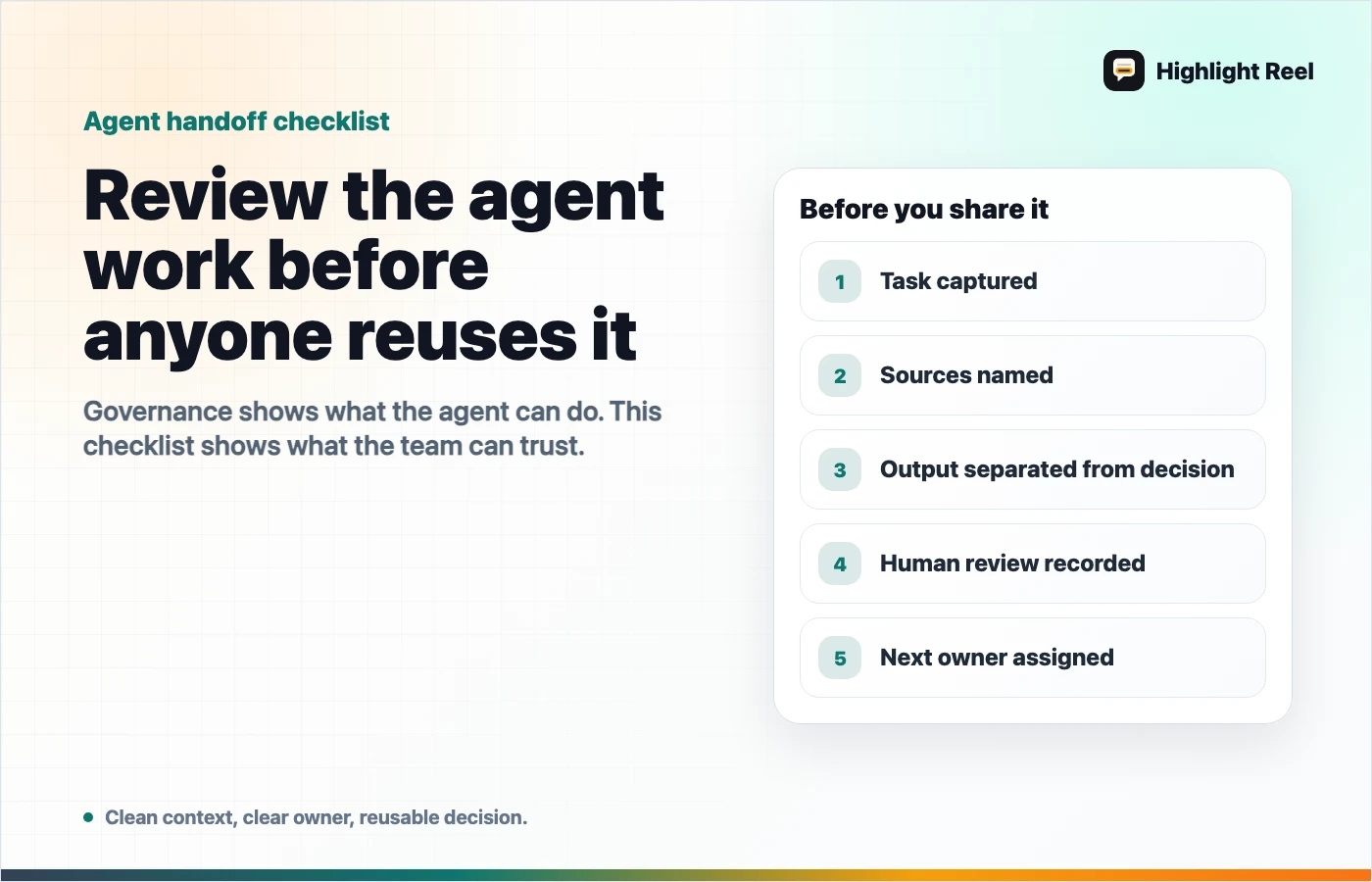
Use this checklist:
- Save the task, not just the answer.
- Save the source context, not just the output.
- Save the human decision, not just the agent recommendation.
- Save caveats, especially missing data or weak evidence.
- Save the next action and owner.
- Remove private or irrelevant context before sharing broadly.
If the agent changed a record, created a document, sent a message, or affected a customer-facing workflow, also save the before/after state.
Where Highlight Reel Fits
Highlight Reel is not an agent governance console. It does not replace Agent 365, admin controls, or security tooling.
It fits in the handoff layer:
- select the useful AI turns
- remove unnecessary context
- preserve the source and decision
- share a clean page with a teammate
- reuse the result as context for the next AI session
As agents become more common, the team will not only ask "Which agent did this?" They will ask "What should I understand from this work?" That answer needs a readable artifact.
FAQ
Is Agent 365 only for Microsoft customers?
Agent 365 is a Microsoft product for organizations using Microsoft infrastructure. The broader lesson applies elsewhere: AI agents need identity, permissions, monitoring, and a readable handoff.
Is a handoff the same as an audit log?
No. An audit log records events. A handoff explains the useful work in human terms: source, output, decision, caveat, and next action.
Should I save every agent run?
No. Save runs that affect a decision, customer-facing output, internal process, source-backed research, or reusable project context.
Can a clean handoff include a link to the raw log?
Yes. Keep the raw log for debugging or compliance when needed, but do not make it the only thing a teammate has to read.