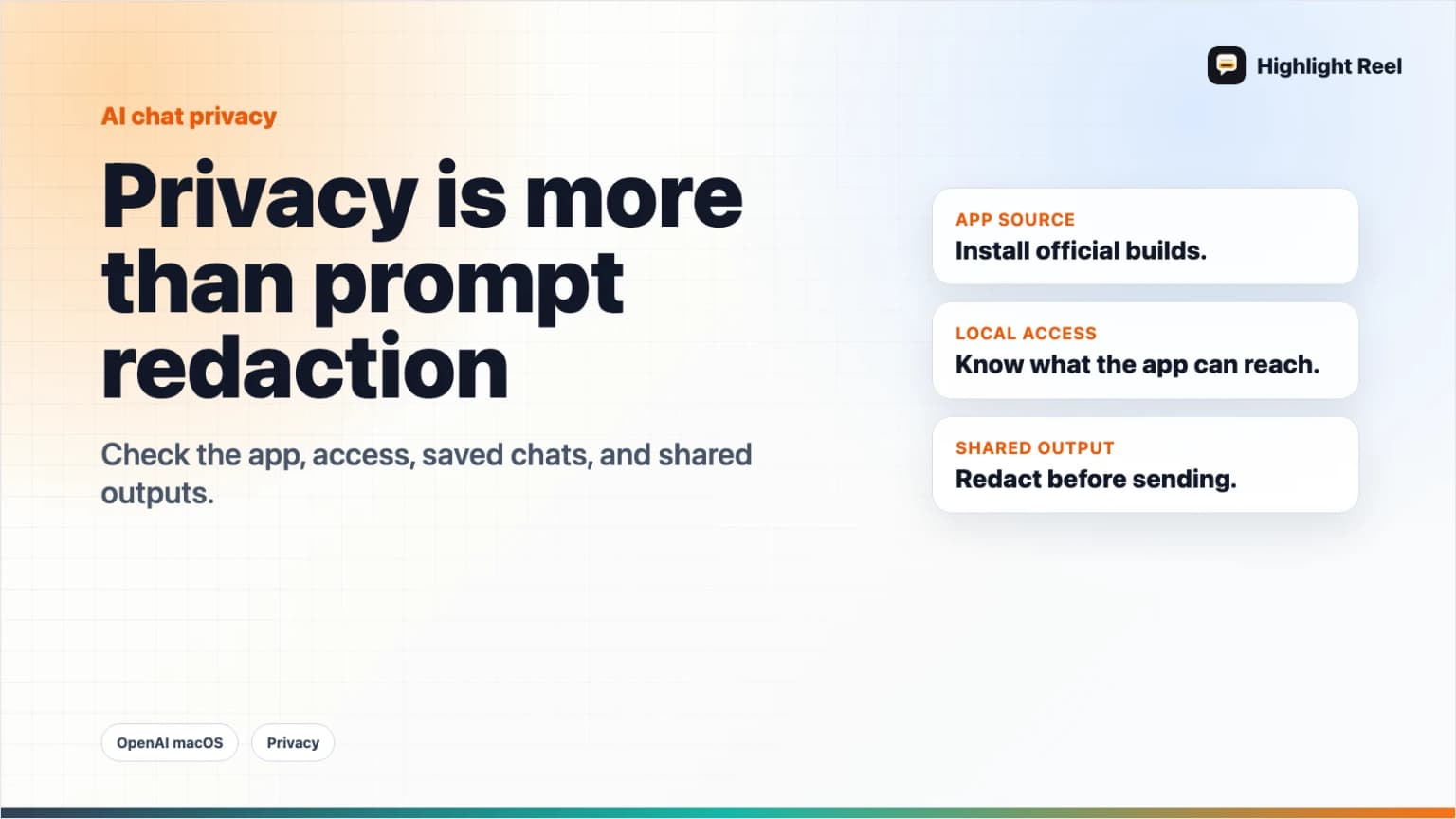
OpenAI's macOS App Update Is a Reminder: AI Chat Privacy Is More Than Prompt Redaction
OpenAI rotated its macOS signing certificate after an Axios supply-chain incident. For users, it is a useful reminder to review app sources, desktop access, saved chats, and shared AI outputs.
May 8, 2026
OpenAI's macOS certificate update is not a reason to panic. OpenAI says it found no evidence that its products or user data were compromised. It did rotate and revoke signing material after an Axios supply-chain incident touched a macOS app-signing workflow, and it told users to update affected macOS apps.
Highlight Reel
Share AI chats after the privacy review
Remove sensitive context, keep the useful answer, and create a clean Highlight Reel link instead of forwarding a raw AI thread.
For everyday AI users, the lesson is broader:
AI chat privacy is not only about what you type into the prompt.
It is also about which app you install, what it can access, what you save, and what you share.
Quick Answer
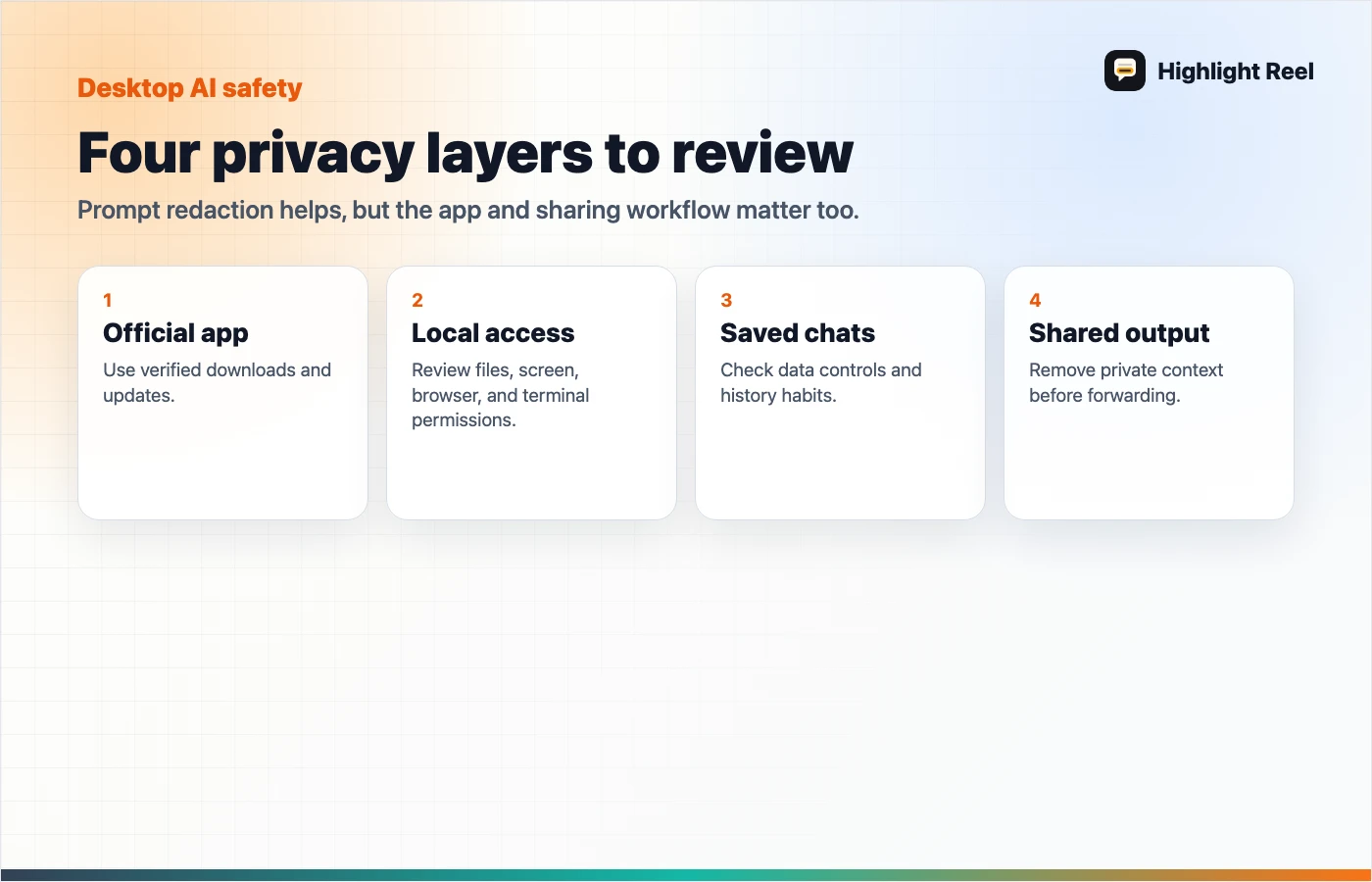
Use the OpenAI macOS update as a reminder to check four layers:
- App source: download AI apps only from official sources or built-in updates.
- Desktop access: know what the app can read, capture, sync, or integrate with.
- Saved chats: review data controls and what conversations should stay in history.
- Shared outputs: redact sensitive context before sending a link, screenshot, or transcript.
Prompt redaction matters, but it is only one layer of AI privacy.
What Happened
OpenAI reported that on March 31, 2026, a GitHub Actions workflow used in its macOS app-signing process downloaded and executed a malicious Axios version as part of a broader software supply-chain attack. The workflow had access to certificate and notarization material used for macOS applications including ChatGPT Desktop, Codex, Codex CLI, and Atlas.
OpenAI says its analysis concluded the signing certificate was likely not successfully exfiltrated, but it treated the material as compromised out of caution. The company rotated the macOS code-signing certificate and published new builds. It also said older versions would stop receiving updates or support and may not function after May 8, 2026.
This article is not an incident deep dive. It is a user workflow checklist.
The Four Privacy Layers
1. App source
Only install AI desktop apps from official websites, app stores, or in-app update flows.
Be careful with:
- email download links
- random "ChatGPT" or "Codex" installers
- ads for unofficial clients
- third-party mirrors
- shared files from coworkers
OpenAI's incident FAQ specifically warns users to download from official pages or in-app updates.
2. Desktop access
Desktop AI tools can be more powerful than browser chats because they may interact with local files, windows, clipboard flows, developer tools, terminals, or browser sessions.
Before granting access, ask:
- Does this app need local file access?
- Does it need screen or window access?
- Does it connect to my browser, editor, or terminal?
- Can I revoke the permission later?
- Is this work account or personal account context?
3. Saved chats
Data controls matter. OpenAI documents settings for chat history, training, temporary chats, and account controls. Other AI tools have their own data settings.
Review saved conversations periodically:
- delete experiments that contain private context
- keep useful work in a cleaner artifact
- avoid storing secrets in chat history
- separate personal and work conversations
- export or save only the parts worth reusing
4. Shared outputs
The final privacy leak often happens after the AI answer is produced.
People share:
- screenshots
- public links
- copied answers
- raw transcripts
- exported files
- meeting summaries
Before sharing, remove:
- customer data
- private links
- API keys or tokens
- internal strategy
- unnecessary prompts
- irrelevant chat turns
This is where a clean transcript is safer than a raw conversation.
A Desktop AI App Safety Checklist
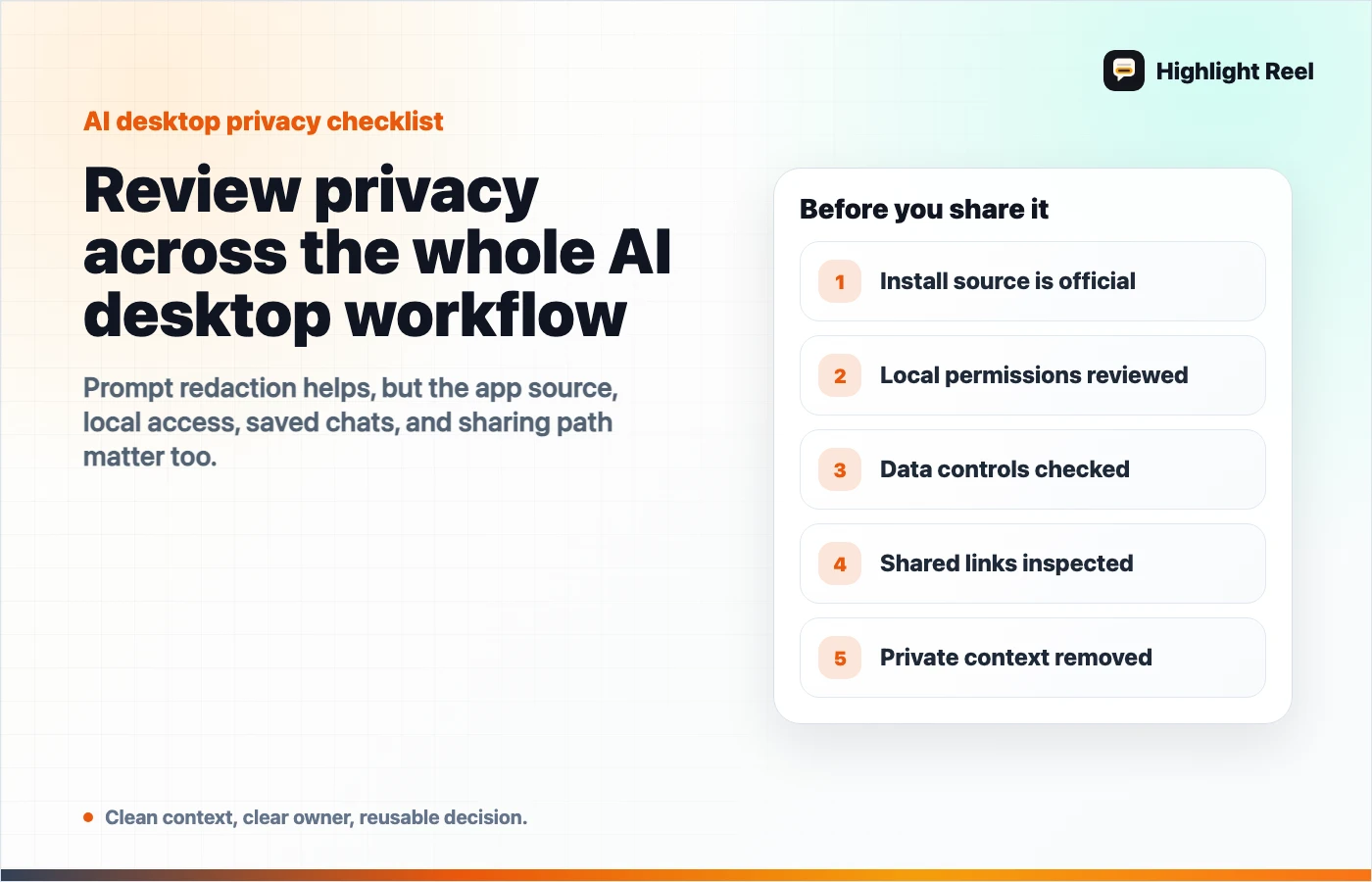
Before installing or updating an AI desktop app:
- Is the source official?
- Is the version current?
- Do I understand the permissions?
- Does this app need access to work files?
- Are auto-updates enabled?
- Do I know where data controls live?
- Can I separate personal and business use?
- Do I have a rule for what not to paste?
- Do I have a rule for what not to share?
Where Highlight Reel Fits
Highlight Reel helps with the last two layers: saved chats and shared outputs.
Instead of keeping a sensitive raw chat forever or forwarding the whole thread, you can:
- select only useful turns
- remove private details
- preserve the answer, source, and decision
- share a clean page
- reuse the result later as safer context
That does not replace app security, official updates, or data controls. It gives you a better habit after the AI conversation produces something worth keeping.
FAQ
Was OpenAI user data compromised in this incident?
OpenAI says it found no evidence that products or user data were compromised or exposed. This article uses the incident as a reminder to review broader AI app and chat-sharing hygiene.
Should I delete all AI desktop apps?
No. Keep official apps updated, review permissions, and understand data controls. Avoid unofficial installers and random download links.
Is prompt redaction enough?
No. You should also check app source, local permissions, saved chat history, and what you share after the answer is generated.
What should I do before sharing an AI chat?
Remove sensitive context, keep only the useful turns, preserve sources or caveats, and share a clean transcript or handoff instead of the raw thread.