How to Build a Reusable AI Project Context Packet
A practical guide to turning scattered AI conversations, project rules, decisions, and source links into reusable context for Claude Code, Cursor, Codex, and other AI tools.
May 2, 2026
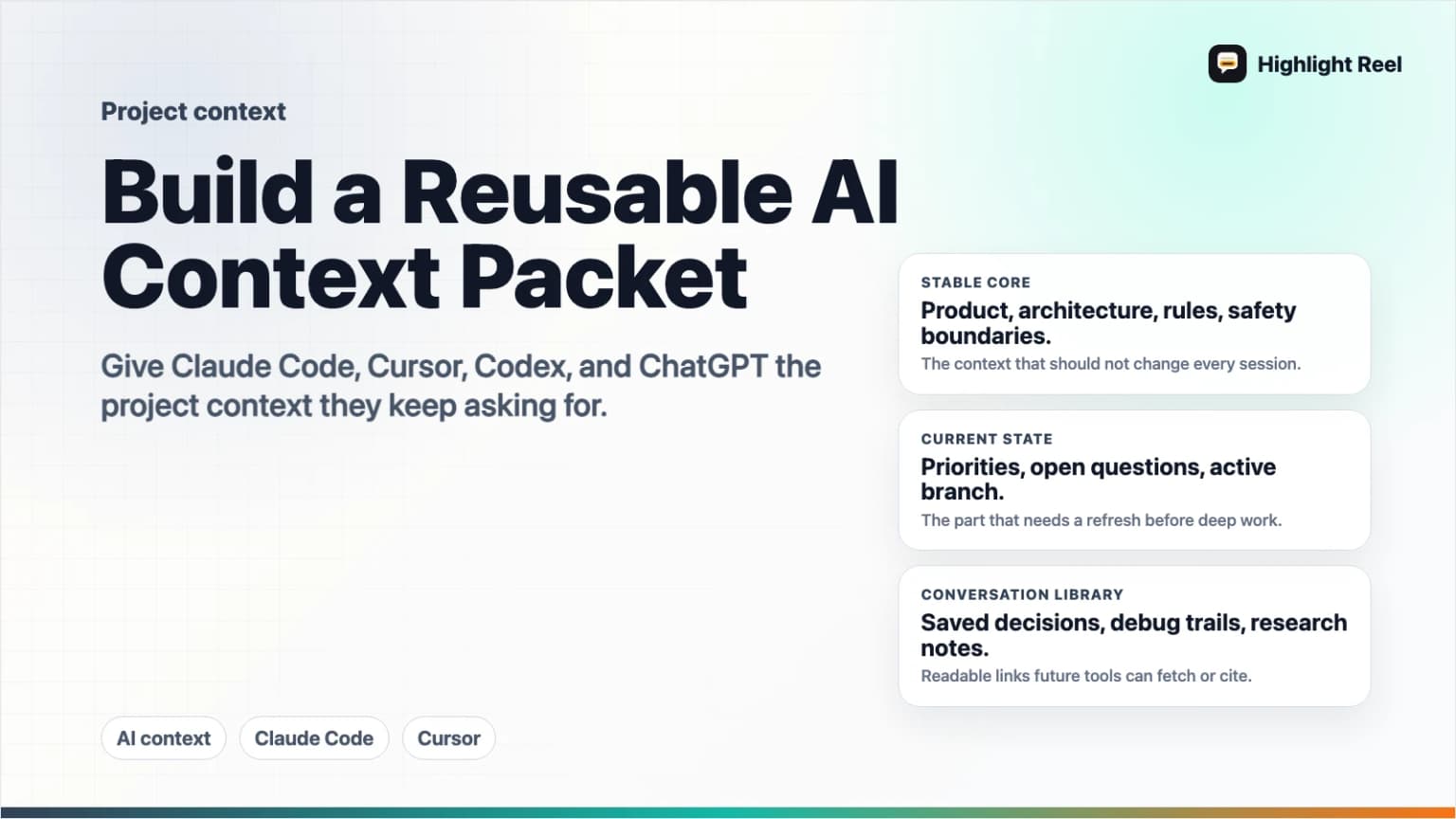
A reusable AI project context packet is a short, maintained bundle of the facts, decisions, conventions, links, and saved conversations an AI tool needs before it can help on a project. It is not a transcript dump. It is the context you would otherwise repeat every time you open Claude Code, Cursor, Codex, ChatGPT, or another assistant.
Highlight Reel
Save the AI context worth reusing
Turn important AI conversations into reusable Highlight Reel context your future tools and teammates can actually read.
The best packet is portable: one human-readable Markdown source, plus small tool-specific entry points like CLAUDE.md, Cursor rules, or AGENTS.md that point the AI to the right material.
Quick Answer
To build a reusable AI project context packet, create a small set of Markdown files that answer five questions:
- What is this project?
- What decisions have already been made?
- What rules or conventions should the AI follow?
- What source links, files, and conversations should the AI read first?
- What should the AI avoid doing?
Then connect that packet to each tool in the format it expects:
- Claude Code:
CLAUDE.md, scoped rules, or memory files - Cursor: project rules in
.cursor/rules, user rules, orAGENTS.md - Codex:
AGENTS.md - Advanced shared context: MCP server resources, tools, or prompts
Highlight Reel fits into the packet as the place to save important AI conversations, decision trails, and cleaned transcripts so future tools can reuse the context without reopening the original chat.
What Is an AI Project Context Packet?
An AI project context packet is a reusable briefing layer for AI tools. It should be concise enough to fit into a model context window, but complete enough to stop the same setup questions from repeating.
Think of it as a project handoff for an AI collaborator:
- Project identity and goals
- Current status
- Important decisions
- Architecture or workflow notes
- Style and safety rules
- Source-of-truth links
- Saved conversations that explain why things are the way they are
The packet should not try to include everything. Its job is to point the AI to the most important context, not become a second codebase or second wiki.
What To Include
Use this table as the default packet structure.
| Section | Include | Keep it reusable by |
|---|---|---|
| Project summary | Product, audience, main workflow, current stage | Writing in stable language, not yesterday's task wording |
| Source of truth | Repos, docs, dashboards, specs, tickets, saved conversations | Linking to canonical pages instead of duplicating everything |
| Decisions | Architecture choices, positioning choices, rejected paths | Capturing the reason, date, and consequence |
| Working rules | Coding style, writing voice, review process, test commands | Making rules specific and observable |
| Tool instructions | Claude Code, Cursor, Codex, or other agent entry files | Keeping tool-specific files thin and pointing to shared packet files |
| Safety boundaries | Secrets, privacy, destructive commands, publish rules | Saying what requires confirmation |
| Useful AI conversations | Cleaned transcripts, research chats, debugging sessions | Saving selected turns with titles and summaries |
| Refresh notes | What goes stale and how often to check it | Separating stable context from current status |
If a detail will change every day, do not bury it in the core packet. Put it in a "current status" section or a separate dated note.
A Reusable Context Packet Template
Copy this into docs/ai-context/project-context.md, context/project-packet.md, or a similar location in your project.
# AI Project Context Packet

Last reviewed: <date>
Owner: <person or team>

## Project Snapshot
- Product:
- Audience:
- Primary workflow:
- Current stage:
- What success looks like:

## Source Of Truth
- Repository:
- Product/spec docs:
- Design files:
- Issue tracker:
- Analytics or dashboards:
- Saved AI conversations:

## Decisions Already Made
| Decision | Why it matters | Source |
| --- | --- | --- |
| <decision> | <reason and consequence> | <link> |

## Working Rules
- Build/test commands:
- Code style:
- Review expectations:
- Writing or product voice:
- Privacy and secret-handling rules:

## Current Status
- Recently finished:
- In progress:
- Blocked:
- Do not touch:

## Reusable AI Context
- <Highlight Reel link or saved transcript title>: <why future AI tools should read it>
- <Research chat>: <what it explains>
- <Debugging chat>: <what it proved>

## Avoid
- Do not assume:
- Do not publish:
- Do not overwrite:
- Ask before:
How This Maps to Claude Code, Cursor, and Codex
Different tools use different context entry points. The packet should stay tool-neutral, then each tool gets a small adapter.
| Tool | Native context pattern | Good packet strategy |
|---|---|---|
| Claude Code | CLAUDE.md, scoped rules, and memory | Put durable project rules in CLAUDE.md; link to the shared packet and source docs |
| Cursor | Project rules in .cursor/rules, user rules, AGENTS.md support | Store reusable project rules in .cursor/rules; keep broad project context in a linked packet |
| Codex | AGENTS.md repo instructions | Use AGENTS.md for repo-specific rules, validation commands, file boundaries, and pointers to the packet |
| ChatGPT or other assistants | Pasted brief, project files, custom connectors, or MCP | Paste the packet for manual sessions or expose saved context through a connected system |
Claude Code's memory documentation says each session starts fresh and uses mechanisms such as CLAUDE.md files and auto memory to carry knowledge across sessions. Cursor's rules documentation describes rules as reusable, scoped instructions that can live in project rules, user rules, or AGENTS.md. OpenAI's Codex documentation describes AGENTS.md as a place for humans to give agents repository instructions such as conventions, organization, and testing guidance.
The shared lesson is simple: do not rely on a long chat history as your only memory layer. Put stable context somewhere explicit.
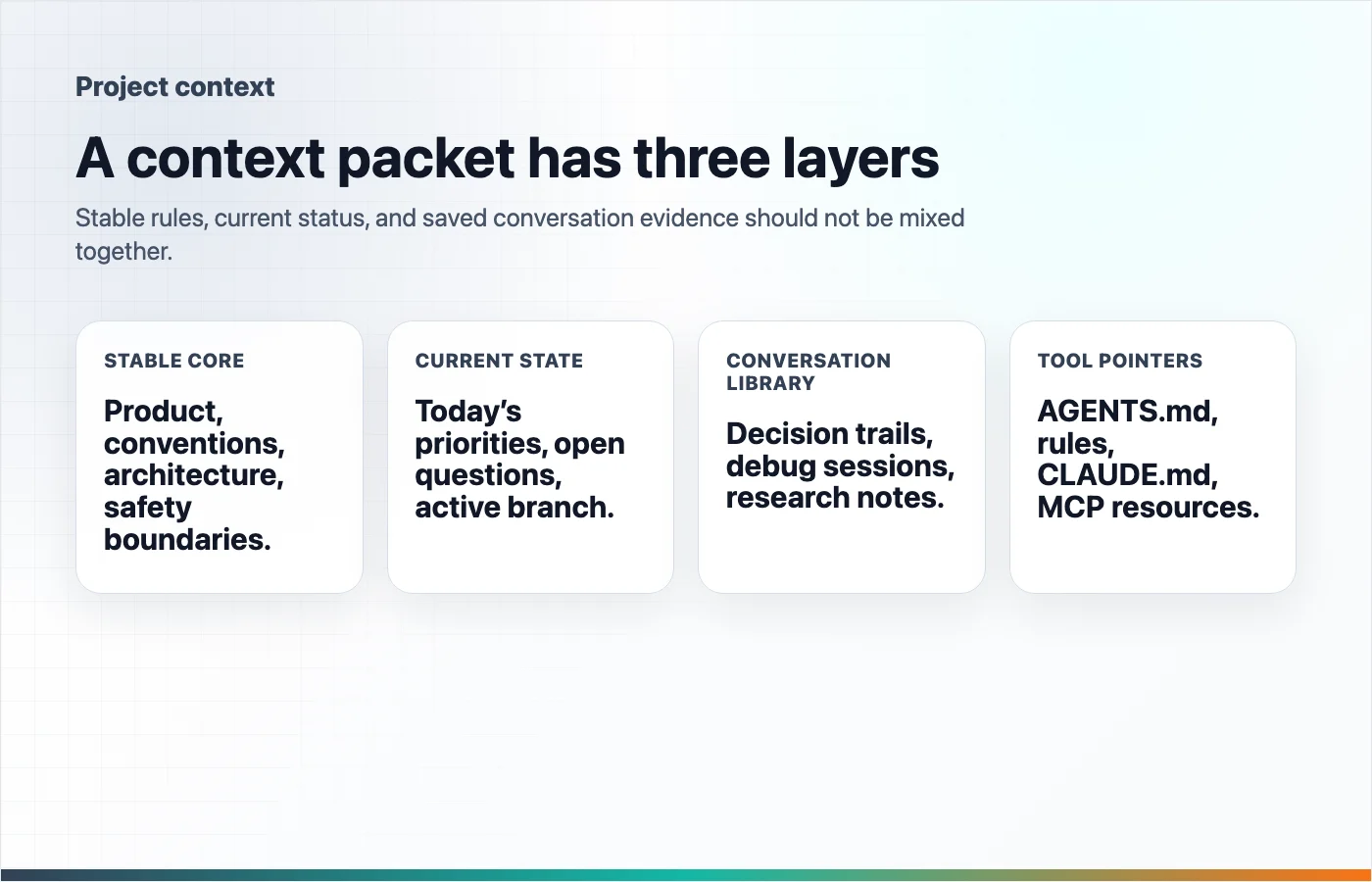
The Three-Layer Packet
A strong packet has three layers.
1. The Stable Core
This is the part that should still be true next month:
- Product purpose
- Architecture overview
- Naming conventions
- Team preferences
- Security rules
- Source-of-truth docs
- Known non-goals
Keep this short. If the stable core gets long, split it into linked files.
2. The Current Working State
This is the part that changes:
- Current branch or milestone
- Recently completed work
- Open blockers
- Files that are actively being edited
- Tests currently failing
- Known deployment gaps
Date this section. Stale current status is worse than no current status because it confidently points the AI in the wrong direction.
3. The Conversation Library
Some AI conversations become useful project artifacts. Save the ones that explain:
- Why a decision was made
- How a bug was diagnosed
- What research sources supported a strategy
- Which options were rejected
- What prompt or workflow worked well
This is where Highlight Reel is useful. Instead of asking a future AI tool to infer context from a huge raw chat, save the useful turns as titled, readable context pages.
How to Make Conversations Reusable
Not every AI chat belongs in the packet. Save conversations that future tools or teammates will actually reuse.
Use this scorecard:
| Question | Save it if the answer is yes |
|---|---|
| Does it explain a decision? | The reasoning will prevent the same debate from restarting |
| Does it contain a reusable checklist, prompt, or workflow? | Someone can apply it again |
| Does it prove or disprove a technical assumption? | Future debugging depends on it |
| Does it cite important sources? | The article, spec, or product choice needs evidence |
| Would a new teammate ask for this context? | The conversation is onboarding material |
When you save a conversation, add a short summary:
Title: Why we chose password-protected share pages before team workspaces

Use this when:
- Explaining the Pro Link positioning
- Revisiting privacy-related product scope
- Writing docs or onboarding material

Key takeaways:
- Password protection solves immediate external sharing risk.
- Team workspaces are larger than the current product scope.
- The CTA should focus on important AI conversations as work assets.
MCP as an Advanced Reuse Path
MCP is not required for a good context packet. A well-maintained Markdown packet already helps.
Use MCP when the context needs to be discoverable across tools or fetched on demand. The MCP documentation describes servers as exposing capabilities such as tools, resources, and prompts. Resources are read-only context sources identified by URIs, while tools let a model call specific actions. That makes MCP a strong fit when saved context lives in an application and AI clients need a standard way to search or fetch it.
For example, a Highlight Reel-style context system could make saved transcripts and highlights available as searchable resources or read tools. Then a supported AI client could fetch the relevant saved conversation instead of asking you to paste it again.
Keep the boundary clear:
- Markdown packet: best for small, explicit, human-reviewed project context
- Tool-specific rules: best for instructions a specific AI tool should always see
- Highlight Reel saved conversations: best for cleaned decision trails and reusable AI work artifacts
- MCP: best for connected, searchable, cross-tool access to saved context
Common Mistakes
The biggest mistake is making the packet too long. A context packet should reduce cognitive load, not become a landfill of old notes.
Other mistakes:
- Mixing stable project facts with stale current status
- Copying entire transcripts instead of linking to selected useful turns
- Writing vague rules like "write good code" instead of testable rules
- Putting secrets, tokens, customer data, or private credentials into context files
- Maintaining separate contradictory instructions for each tool
- Forgetting to date the current-status section
If two tools need the same context, write it once in the shared packet and link to it from the tool-specific file.
Maintenance Checklist
Review the packet whenever the project changes shape.
- Does the project snapshot still describe the product?
- Are the source-of-truth links still correct?
- Did any major decision change?
- Are current status notes dated?
- Are old blockers removed?
- Are saved conversations titled and summarized?
- Are tool-specific rules pointing to the shared packet?
- Are secrets and private data excluded?
Monthly is enough for stable projects. Active product builds may need a quick refresh at the end of every milestone.
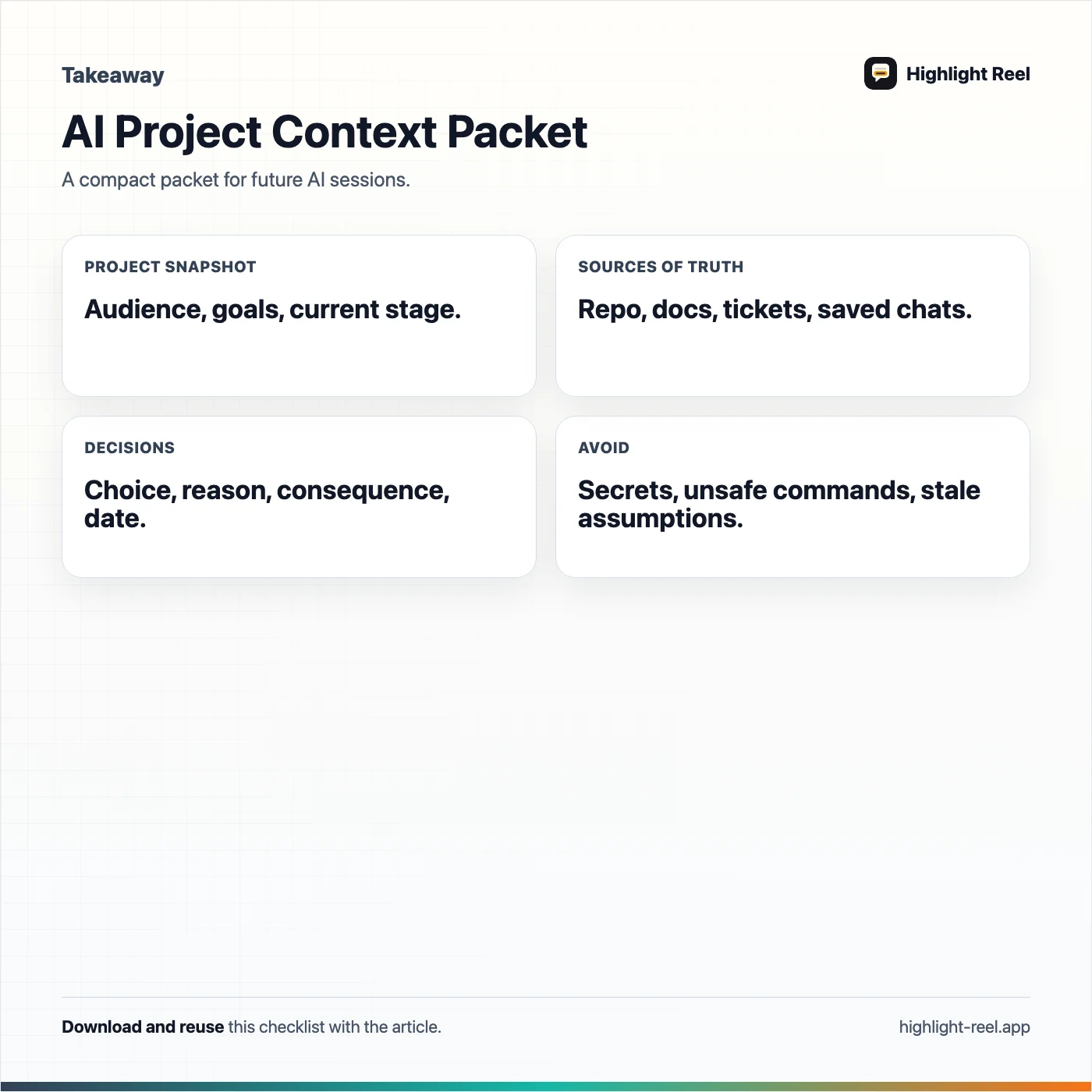
Download the ai project context packet template
FAQ
Is a context packet the same as a prompt?
No. A prompt is usually written for one task. A context packet is a reusable project briefing that many future prompts can reference.
Should I put the whole packet into every AI chat?
No. Put the stable summary and the task-relevant sections into the chat. Link to deeper files or saved conversations when the tool can access them.
Should my packet live in the repo?
For software projects, the stable parts usually should live in the repo so they version with the code. Private preferences, secrets, and personal notes should not be committed.
Can I use the same packet for Claude Code, Cursor, and Codex?
Yes, if you keep the main packet tool-neutral. Use small adapters like CLAUDE.md, .cursor/rules, or AGENTS.md to tell each tool how to use it.
Where does Highlight Reel fit?
Highlight Reel is useful for saving the conversations that explain decisions, research, debugging, or workflow choices. Those saved pages can become links inside the packet today and reusable AI context through connected workflows as the system matures.
The Practical Rule
If you have explained the same project context to an AI tool twice, put it in the packet. If a conversation changed the project, save the useful turns.
The goal is not to create a giant memory system. The goal is to stop rebuilding context from scratch every time a new AI session begins.