Share AI Research With a Teammate Without Sending the Whole Chat or Notebook
A practical use case for turning ChatGPT, Gemini, or NotebookLM research into a clean teammate handoff with sources, assumptions, and next steps.
May 13, 2026

AI research often starts in a messy place: a ChatGPT conversation, a Gemini notebook, a NotebookLM project, a pile of links, or a transcript full of half-formed questions.
Highlight Reel
Turn AI research into a readable handoff
Select the useful turns, preserve sources, remove noise, and share a clean research link.
That is fine while you are thinking. It is not fine when a teammate needs to make a decision.
This use case is for the moment when you need to share AI research with a teammate without sending the whole notebook.
Quick Answer
Send a research handoff when:
- the teammate needs the answer, not the entire workspace
- the source list matters
- assumptions need to be visible
- the AI conversation contains irrelevant turns
- some context should not be public
- the next step belongs to someone else
Send the whole notebook only when the teammate needs to explore the source collection directly.
Do not send the whole notebook when the teammate only needs a decision, when some sources should not travel, when uploaded files include private context, or when the reader will act inside Slack, Notion, Linear, GitHub, or email.
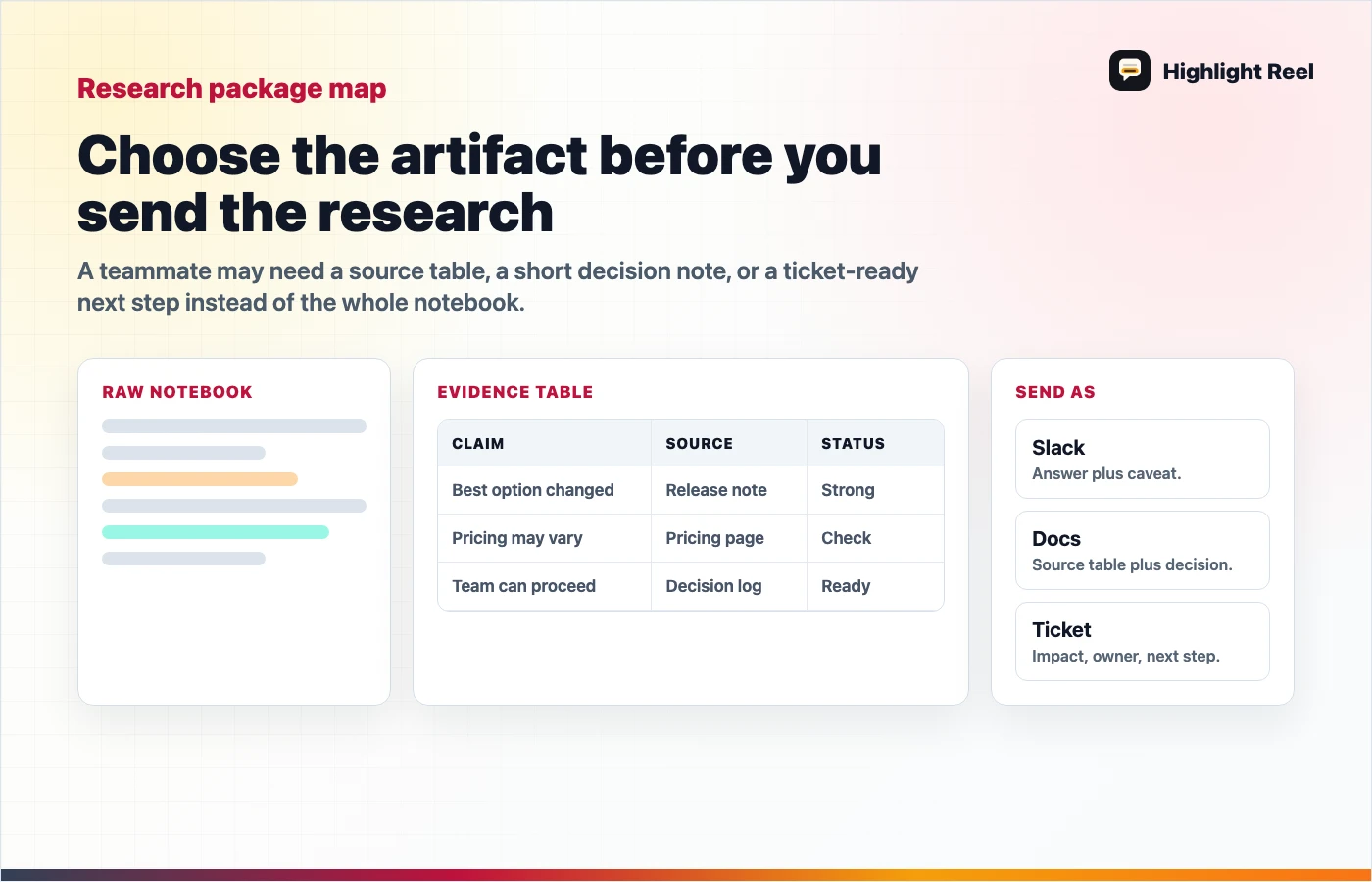
Download the AI research handoff destination map
The Situation
Imagine you used Gemini, NotebookLM, or ChatGPT to research a vendor, product category, technical approach, or market question. The AI helped you gather and compare information. Now you need to send the result to a coworker.
You could send:
- the whole notebook
- a public NotebookLM link
- a Google Doc
- the raw ChatGPT thread
- a screenshot
- a cleaned research handoff
The cleaned handoff is best when the coworker has one job: understand the result and act.
What The Teammate Actually Needs
Most teammates do not need your whole research environment. They need:
- The question you researched.
- The short answer.
- The sources that support the answer.
- The assumptions or uncertainty.
- The decision or recommendation.
- The next action.
If the handoff does not include those, they will either ask follow-up questions or redo the research.
Handoff Shape
Use this structure:
# Research Handoff

## Question
What were we trying to answer?

## Short answer
What should the teammate know first?

## Evidence
| Source | What it supports | Confidence |
| --- | --- | --- |

## What changed my mind
Which findings mattered most?

## Caveats
What could be wrong or outdated?

## Recommendation
What should we do?

## Next action
Who owns the next step?
This shape keeps the AI research useful without forcing the reader through the entire chat.
Source Artifact To Cleanup To Destination
Use this mapping before you send the research:
| Source artifact | Cleanup action | Destination |
|---|---|---|
| NotebookLM public notebook | Confirm sources are safe to expose and add a short "read this first" note | Public notebook link plus summary |
| Gemini notebook | Extract the answer, sources, and project assumptions | Research handoff link |
| Raw ChatGPT or Claude thread | Select useful turns, remove private prompts, and label evidence | Clean transcript or source pack |
| Google Doc or Notion draft | Add source table, caveats, and next action | Edited research memo |
| Screenshot pile | Replace screenshots with text, links, and a decision summary | Slack, Linear, Jira, or email handoff |
This turns "look through my notebook" into "here is what changed, why it matters, and what to do next."
A Practical Workflow
- Start with the AI research workspace: NotebookLM, Gemini, ChatGPT, Claude, or a doc.
- Extract the answer, source links, caveats, and decision.
- Redact private prompts, uploaded files, customer details, and irrelevant notes.
- Put the evidence in a source table.
- Send a destination-specific message.
Destination Variants
| Destination | Send this |
|---|---|
| Slack or Teams | Short answer, top source, caveat, next action, handoff link |
| Notion or Google Docs | Research memo header, source table, assumptions, decision |
| Linear or GitHub | Decision, implementation next action, affected area, source pack link |
| Executive summary, why it matters, what you need from the recipient |
What To Keep From The Notebook
Keep:
- final answer or recommendation
- source links
- source-specific notes
- important quotes or data points, if allowed
- assumptions
- disagreements between sources
- open questions
- next actions
Remove:
- search dead ends
- repeated AI summaries
- private prompts
- irrelevant uploaded files
- personal notes that do not help the teammate
- unsupported claims
How Highlight Reel Fits
Highlight Reel helps when the research was produced inside AI conversations. You can turn selected AI turns into a clean page and add the context your teammate needs: sources, caveats, decisions, and next steps.
That makes the handoff more useful than a screenshot and less overwhelming than a whole notebook.
Example Message
Instead of:
I put everything in this NotebookLM notebook. Can you look?Send:
I cleaned the research into a short handoff:

- Question: which export format should we recommend for AI chat handoffs?
- Short answer: Markdown is better for editable team workflows; PDF is better for fixed records.
- Sources: OpenAI shared links FAQ, export guidance, and platform docs.
- Caveat: product behavior can change, so links need periodic review.
- Next action: pick the default export copy for the onboarding page.

Link: [clean handoff]
That message respects the reader's attention.
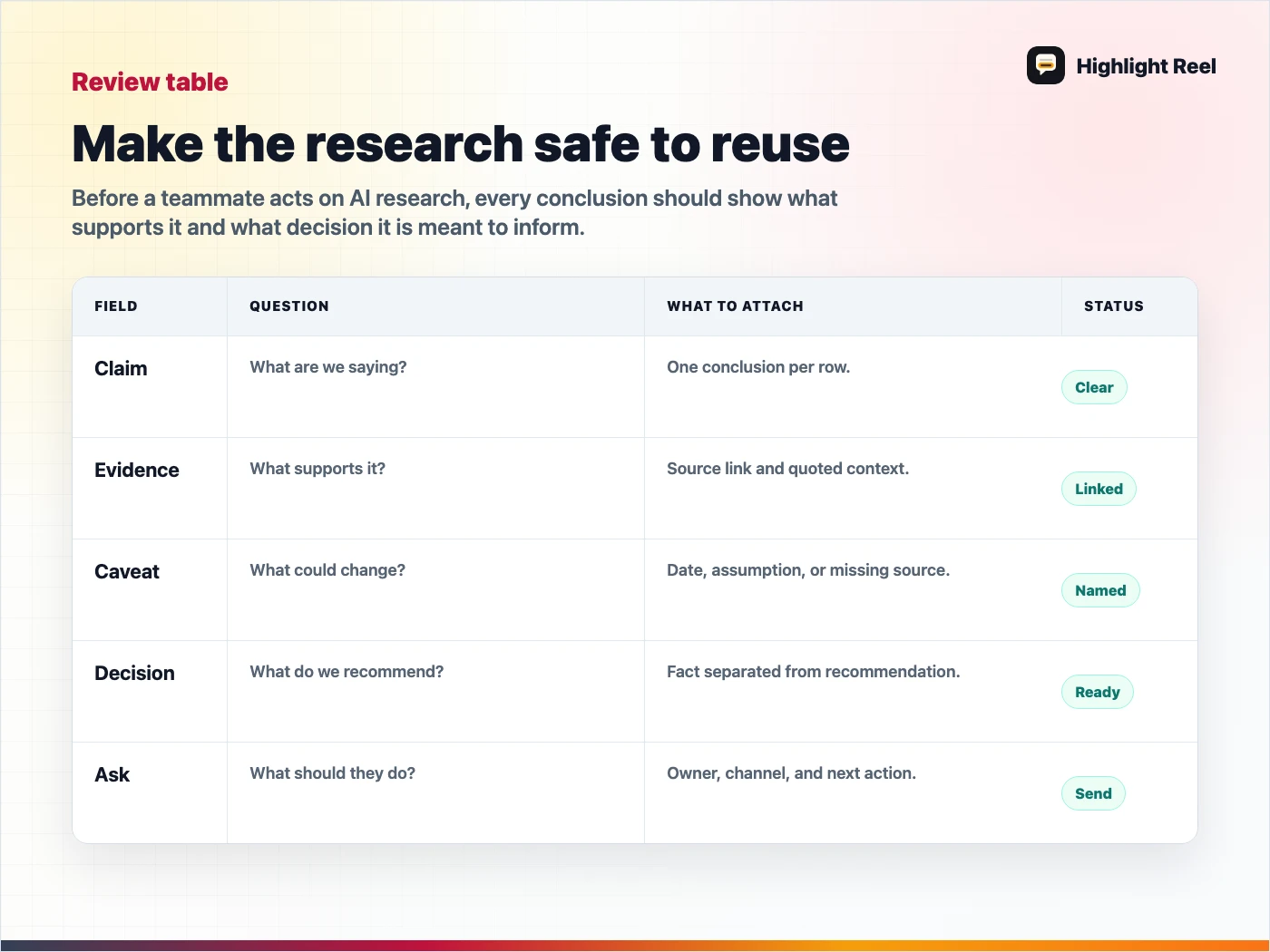
Download the AI research review checklist
FAQ
Is a public NotebookLM link bad?
No. It is useful when the recipient should explore the notebook. It is just not always the best handoff format.
Should I include the AI transcript?
Include selected turns when they help explain the reasoning. Do not include the whole transcript by default.
Can this workflow work for ChatGPT research too?
Yes. The same structure works for ChatGPT, Gemini, Claude, NotebookLM, and other AI research tools.