Screenshots vs Shared Links vs Docs vs Clean Transcripts
A practical decision matrix for choosing the best way to share AI conversations: screenshots, native shared links, docs, or clean transcript links.
April 27, 2026
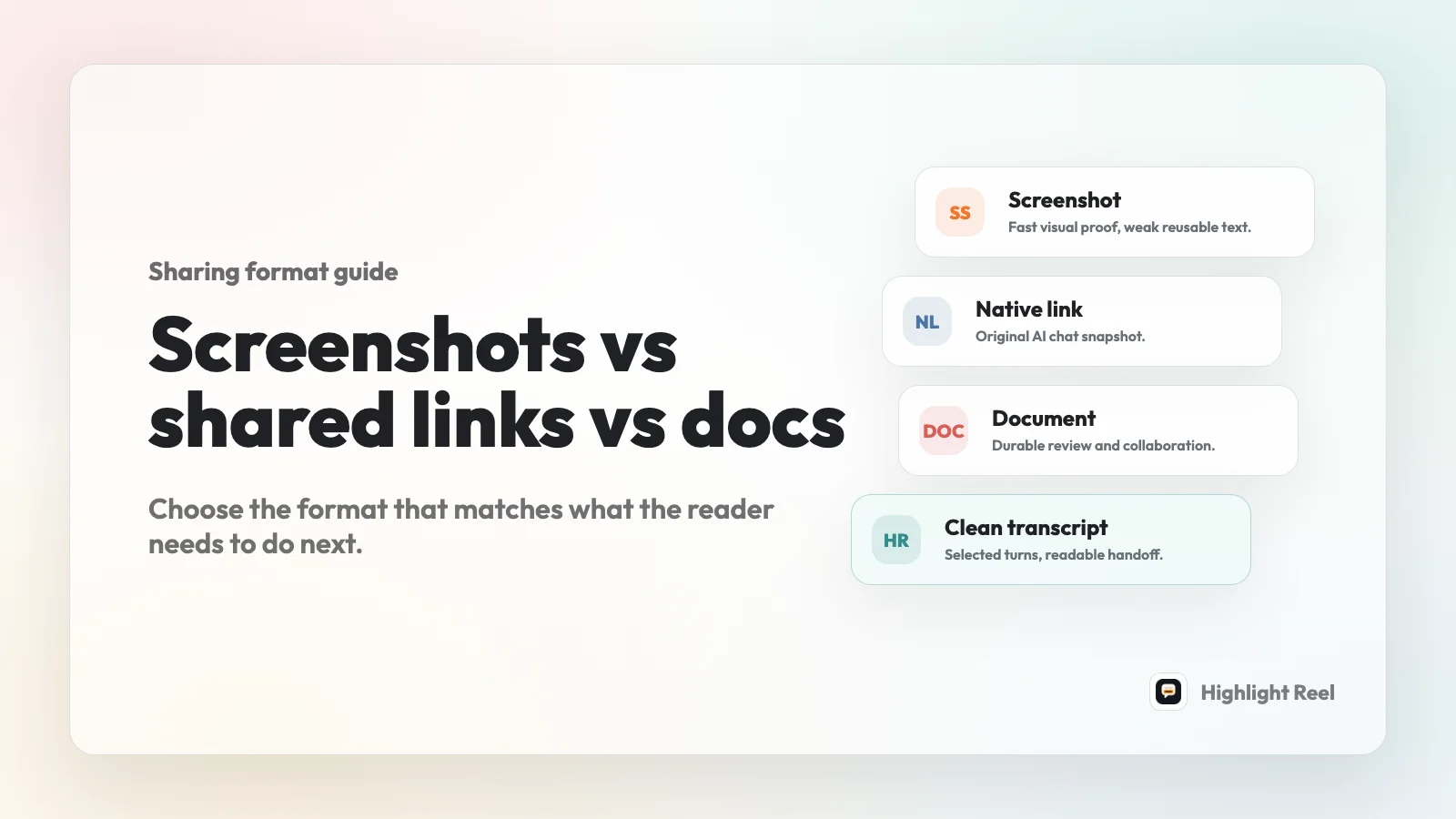
Use screenshots for one visual moment. Use native shared links when the original AI chat snapshot matters. Use docs when the artifact needs collaboration, comments, ownership, and ongoing editing. Use clean transcript links when someone needs the useful parts of an AI conversation in a readable, copyable, redacted format.
Highlight Reel
Turn useful AI turns into a clean link
Paste the parts that matter, keep the context, redact private details, and share a readable page instead of a stack of screenshots.
The mistake is treating these formats as interchangeable. They are different handoff tools. A screenshot is fast but flat. A shared link is faithful but often noisy. A doc is durable but heavier. A clean transcript link sits in the middle: lighter than a document, clearer than a raw chat, and more useful than a stitched image.
Quick Answer
If the reader only needs to see what was on your screen, send a screenshot.
If the reader needs the original AI conversation as the platform captured it, send the native shared link after checking what the link includes.
If the reader needs to revise, comment, approve, or maintain the content over time, move it into a Google Doc, Notion page, or similar document.
If the reader needs to understand, copy, search, cite, or reuse selected AI turns, create a clean transcript link.
The practical default for most work handoffs is:
- start with the reader's job
- keep the smallest useful part of the conversation
- redact private details
- preserve code, tables, links, prompts, and decisions as text
- share the format that requires the least work from the recipient
Decision Matrix
| Format | Best for | Avoid when | Reader experience | Cleanup needed |
|---|---|---|---|---|
| Screenshot | One short visual moment, UI state, error message, or social proof | The value is in code, links, tables, long context, or copyable text | Fast to understand, hard to reuse | Crop carefully and check for private text |
| Native shared link | Showing the original AI platform snapshot from ChatGPT, Claude, Gemini, or another chat tool | The thread includes irrelevant turns, private context, or more history than the reader needs | High fidelity, but platform-specific and often noisy | Check what the platform includes and remove or avoid sensitive content |
| Google Doc / Notion-style doc | Durable documentation, comments, approvals, shared editing, and longer-term ownership | You only need to hand off a cleaned AI exchange quickly | Collaborative and maintainable, but heavier | Set permissions, title the document, organize sections, and manage access |
| Clean transcript link | Selected AI turns, readable handoffs, copyable code, reusable prompts, decision trails, and lightweight references | The exact original platform UI must be inspected or the content needs long-term collaborative editing | Skimmable, searchable, copyable, and easier to share | Trim, redact, preserve structure, and add a short handoff note |
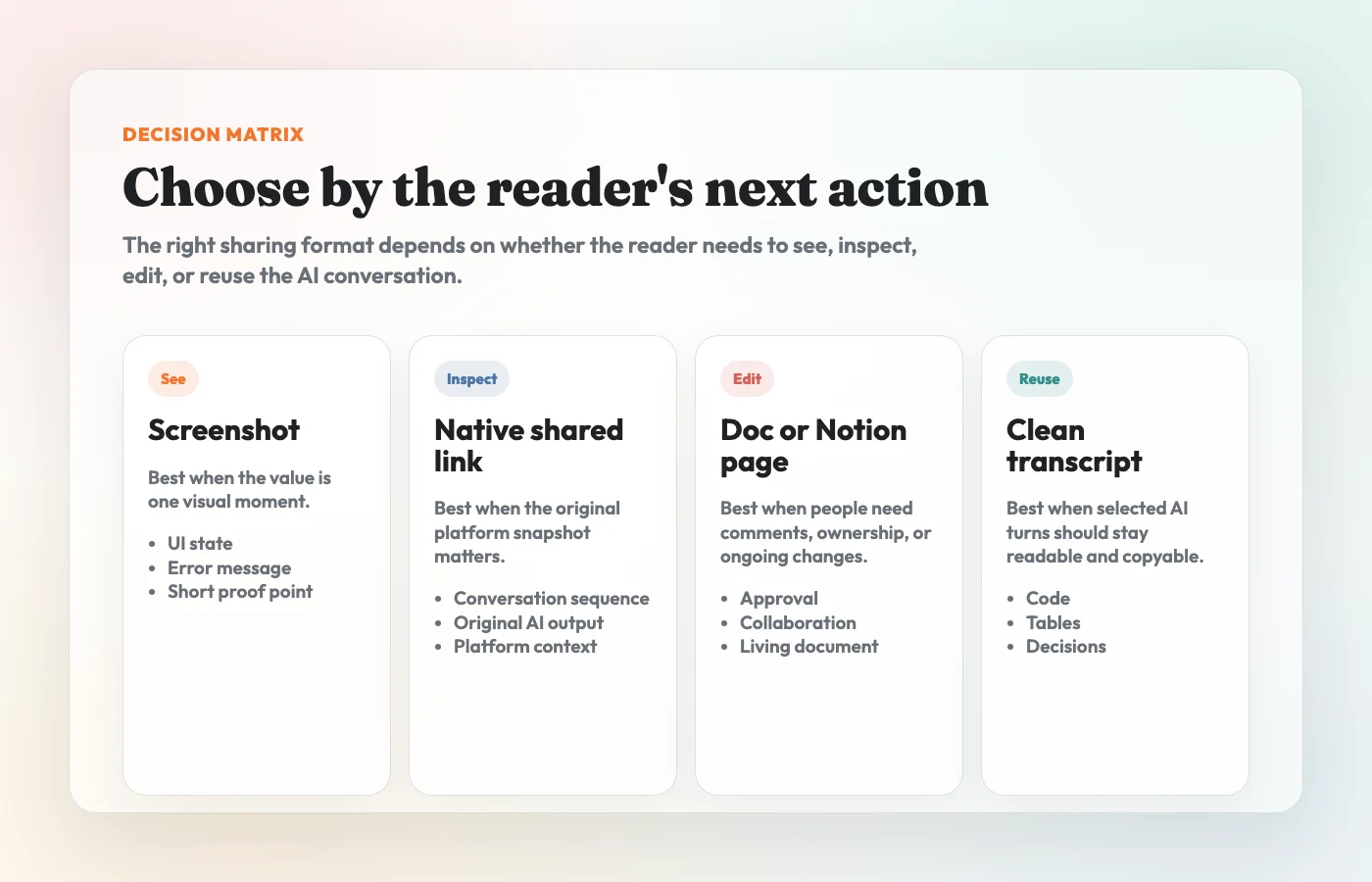
Screenshots
Screenshots are best when the thing you need to share is visual.
Use a screenshot for:
- a short answer that fits on one screen
- a UI state or product bug
- a small before-and-after comparison
- an error message
- a social post or lightweight proof point
Screenshots work because they are immediate. The recipient does not need account access, a special app, or a new document. They just see the thing.
The tradeoff is that screenshots turn text into pixels. A reader cannot easily copy a command, click a source, search for a phrase, reuse a prompt, quote a paragraph, or inspect a table. Screenshots also make redaction harder because private details can hide in a corner of the image.
There is also an accessibility angle. WCAG treats images of text as a real usability problem because users cannot adapt the text as easily to their needs. Even when your goal is not formal accessibility compliance, the same practical lesson applies: if the value is in the words, keep the words as text.
Use screenshots when the image is the artifact. Do not use screenshots when the text is the artifact.
Native Shared Links
Native shared links are useful when the original AI conversation should remain visible as a platform snapshot.
OpenAI's ChatGPT shared links documentation describes shared links as conversation URLs and says a shared link is a snapshot of the conversation up to the point it was shared. Anthropic's Claude help describes shared chats as snapshots that can be shared by direct link. Google's Gemini help describes public chat links and notes that sharing can include the entire conversation.
That makes native shared links useful when:
- the recipient asked for the original AI chat
- the sequence of messages matters
- you want to show the platform's native output
- the thread is short and already clean
- the conversation contains no unnecessary private context
The risk is that native shared links often preserve more than the recipient needs. Depending on the platform and account type, a link may expose the whole shared snapshot to anyone with the link, include earlier prompts, include generated artifacts, or have platform-specific limits. The exact behavior changes by product, so check the current platform help before sharing sensitive work.
Use native shared links for fidelity. Use a cleaned transcript when the reader needs a handoff.
Google Docs And Notion-Style Docs
Docs are best when the AI output is becoming a living work product.
Use a Google Doc, Notion page, or similar document when the artifact needs:
- comments or suggestions
- multiple editors
- long-term ownership
- permissions by role
- sections that will be rewritten over time
- a place inside an existing team workspace
Google Drive's sharing documentation describes roles such as Viewer, Commenter, and Editor, plus public link sharing. Notion's sharing documentation describes general access options, public links, access levels, and link expiration controls. Those controls make docs better for collaboration than screenshots or raw chat links.
The cost is overhead. A doc needs a title, structure, owner, permissions, and maintenance. That is worth it for an evolving memo, client proposal, policy draft, support article, or project spec. It is often too much for "here are the three useful AI turns behind this decision."
Use docs when the content needs to keep changing. Use a clean transcript link when the conversation itself is the reference.
Clean Transcript Links
A clean transcript link is a curated page made from the useful parts of an AI conversation.
It is not a raw export. It is not a screenshot. It is not a doc that everyone is expected to edit. It is a readable handoff that keeps the useful context and removes the parts that make the reader work too hard.
A good clean transcript keeps:
- the original task or prompt
- important constraints
- the correction or follow-up that changed the answer
- the useful AI response
- code blocks, tables, links, checklists, and decisions as real text
- enough context to understand why the output matters
It removes:
- private names, emails, tokens, internal URLs, and customer details
- abandoned branches
- repeated failed attempts
- UI clutter
- anything the recipient does not need
This format is especially useful for Slack, email, GitHub issues, project docs, client handoffs, and "read this before the meeting" notes. It gives the reader the useful conversation without asking them to dig through the entire chat.
Workflow For Choosing A Format
Start with the recipient, not the tool.
1. Ask What The Reader Needs To Do
Use the format that matches the next action:
| Reader needs to... | Send this |
|---|---|
| glance at a visual moment | screenshot |
| inspect the original AI conversation | native shared link |
| comment, revise, approve, or maintain content | doc |
| understand and reuse selected AI turns | clean transcript link |
If there is no clear reader task, do not share the whole conversation by default. Summarize the point first, then attach the artifact that supports it.
2. Check Whether The Value Is Visual Or Textual
If the value is visual, a screenshot may be enough.
If the value is textual, keep it as text. AI conversations often contain code, prompts, tables, sources, decisions, and lists. Those should stay copyable and searchable.
3. Decide Whether Fidelity Or Editing Matters More
Native shared links are for fidelity. They show the original platform snapshot.
Docs are for editing. They are better when the output needs comments, revisions, permissions, and longer-term ownership.
Clean transcript links are for handoff. They preserve the useful conversation without carrying all the platform noise into the next tool.
4. Run A Short Safety And Context Pass
The format does not make a conversation safe by itself. Before sending it, remove details that should not travel and add one sentence that tells the reader what to do next.
For this article, the decision is the main point. If you need a full redaction checklist, use the dedicated redaction guide rather than turning every format decision into a security review.
A Simple Rule For Teams
Use the lightest format that preserves the reader's next action.
If the reader only needs to see it, use a screenshot. If they need the original source, use a native shared link. If they need to work on it, use a doc. If they need to understand and reuse it, use a clean transcript link.
That rule prevents two common failures: sending a pile of screenshots when the reader needed text, and creating a heavyweight document when the reader only needed a clean reference.
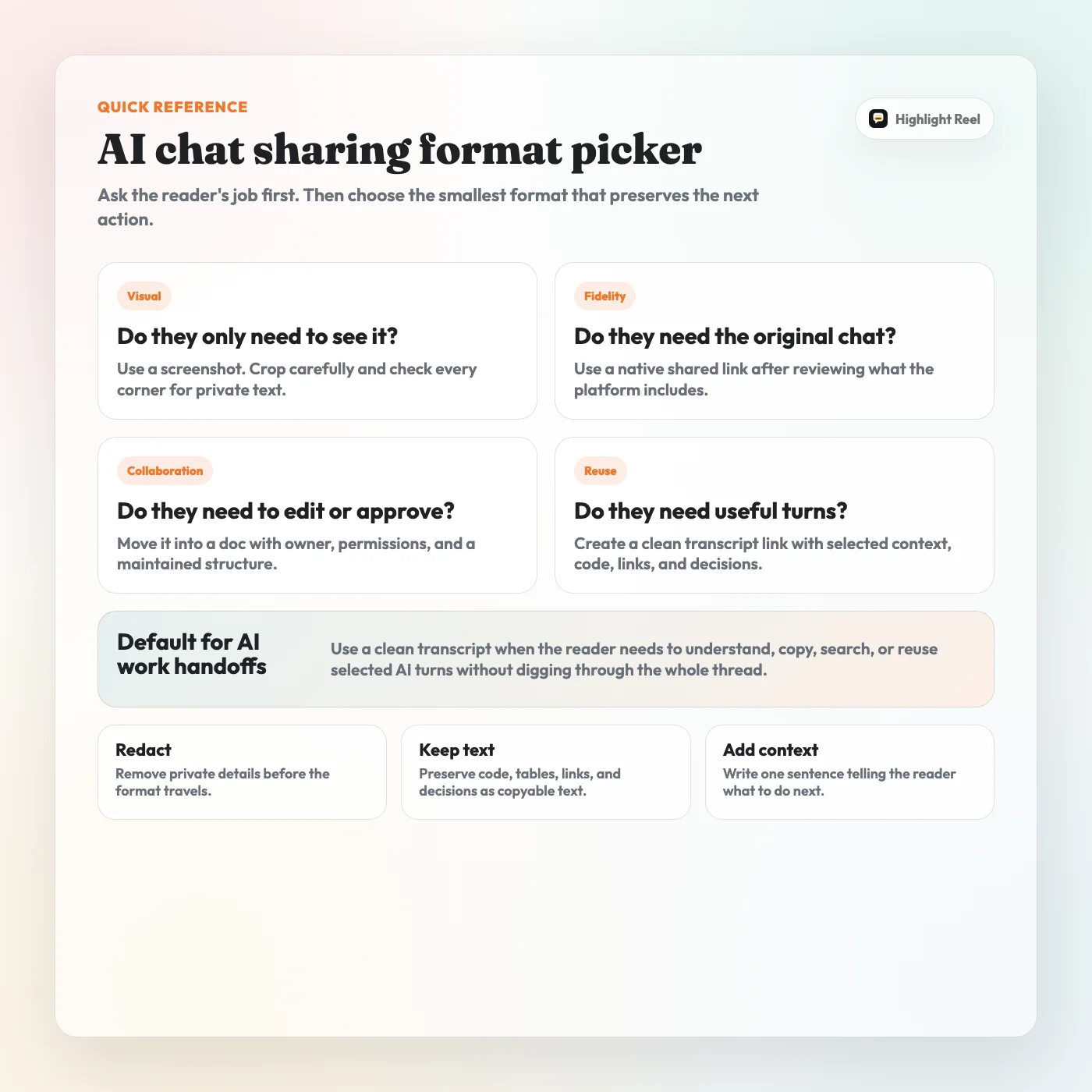
Download the AI chat sharing format picker
When To Use Highlight Reel
Highlight Reel is built for the middle ground: AI conversations that are too useful to leave as screenshots but not heavy enough to become a full document.
Use Highlight Reel when screenshots are too flat but a full document is too heavy:
- select the useful turns from ChatGPT, Claude, or Gemini
- preserve prompts, code, tables, links, and decisions as text
- remove noise before sharing
- create a clean link for a coworker, client, or collaborator
- keep the handoff lighter than a Google Doc or Notion page
It does not replace your company's security policy, access review, or document system. It helps turn a useful AI exchange into a cleaner artifact before you send it.
FAQ
Are screenshots bad for sharing AI conversations?
No. Screenshots are good for short visual moments. They are weak for long AI conversations because text becomes hard to copy, search, quote, redact, or reuse.
Are native shared AI chat links private?
Treat them as shareable links, not private notes. Platform behavior varies. ChatGPT, Claude, and Gemini each document different shared-link rules, but the common caution is the same: check what the link includes before sending sensitive content.
When should I use a Google Doc or Notion page instead?
Use a doc when the artifact needs collaboration: comments, suggestions, edits, ownership, permissions, and ongoing maintenance. If you only need to hand off selected AI turns, a clean transcript link is usually lighter.
Is a clean transcript link safer than a native shared link?
It can be, but only if you actually trim and redact the content. The safety comes from removing unnecessary private context before sharing, not from the link format alone.
Should I share the whole AI conversation?
Usually no. Share the smallest set of turns that preserves the original task, the important constraint, the useful answer, and the decision or next step.
What should I redact from an AI transcript?
Remove secrets, internal URLs, private file paths, customer names, personal data, unreleased plans, and anything copied from private sources. If the reader does not need it, do not include it.